Important Note
Added Royalty and Legacy Silver Screen Style Kit Tea Time Solarium Kit Edit: 03.03.2026 Wonderland Playroom Kit Yard Charm Kit ------------------------------- Either download Single DLCs down below @ Additional Files or grab the AIO DLC Pack via Download Now which contains all DLCs.
About the Game
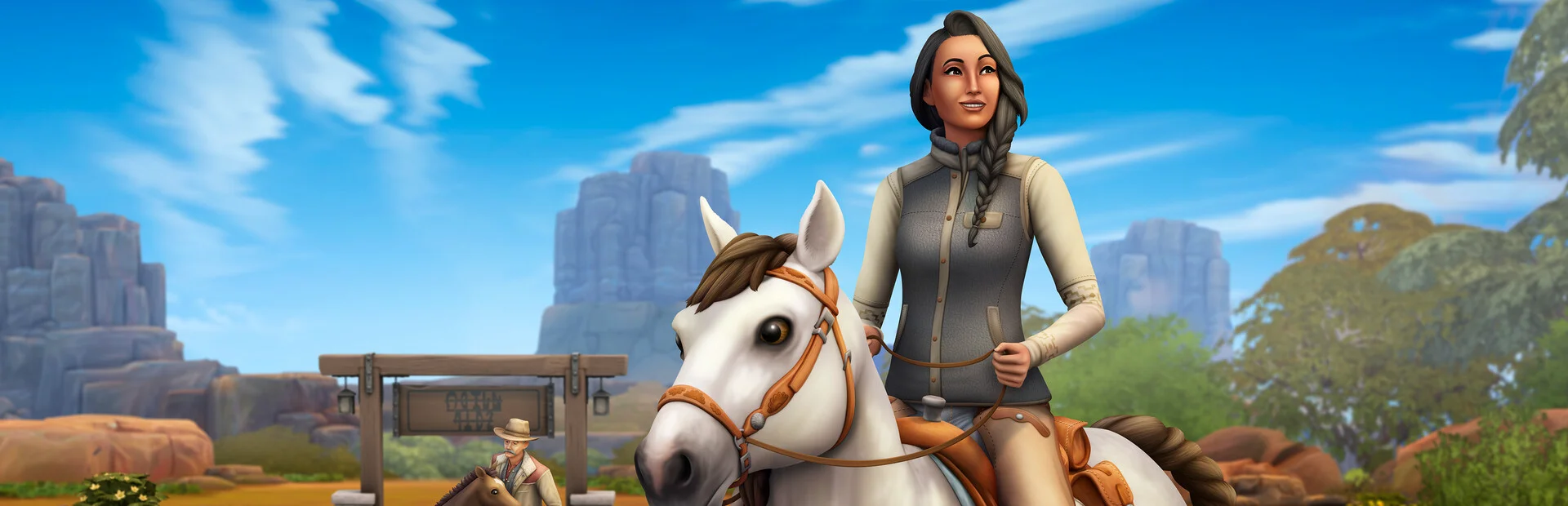
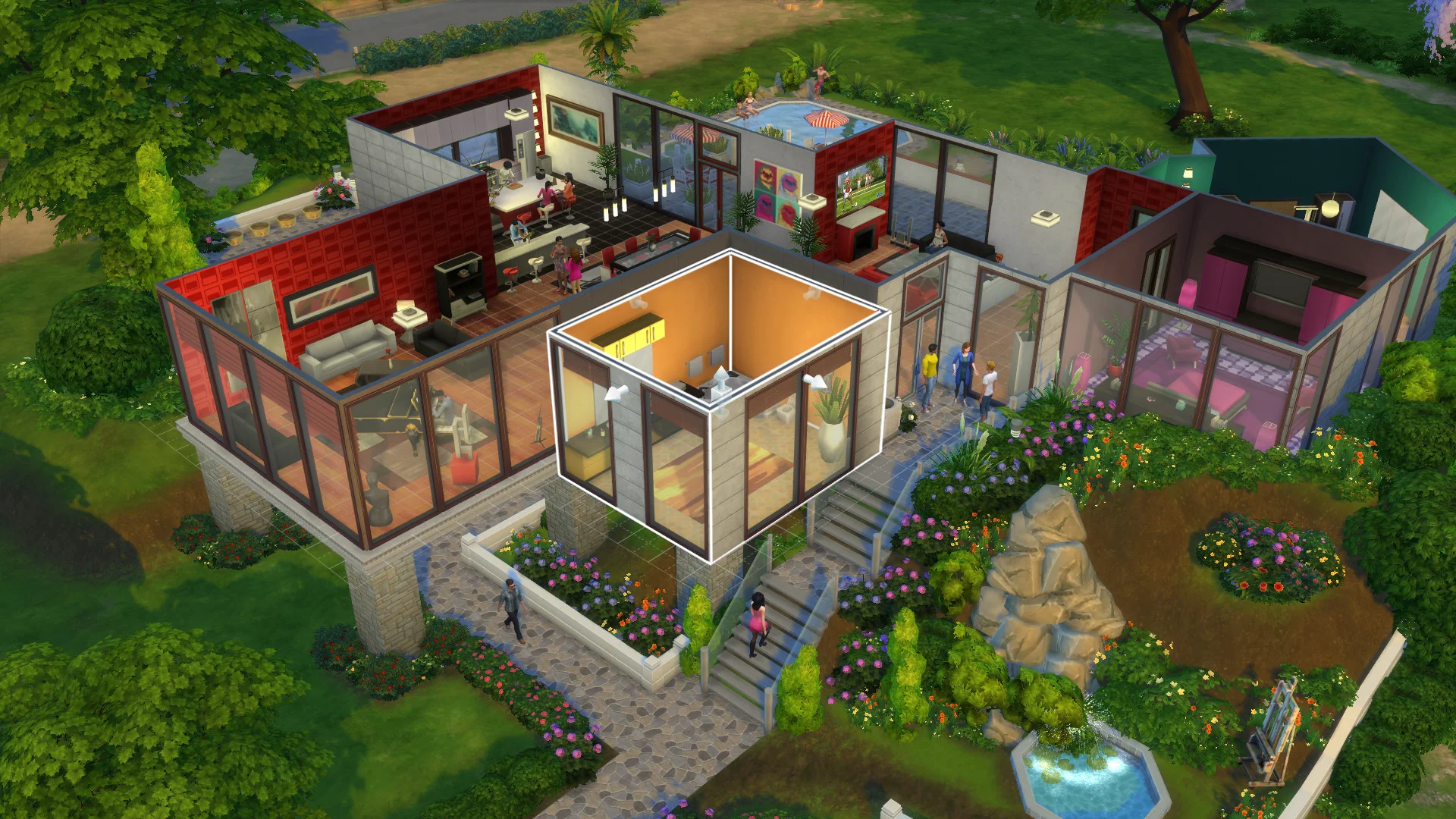
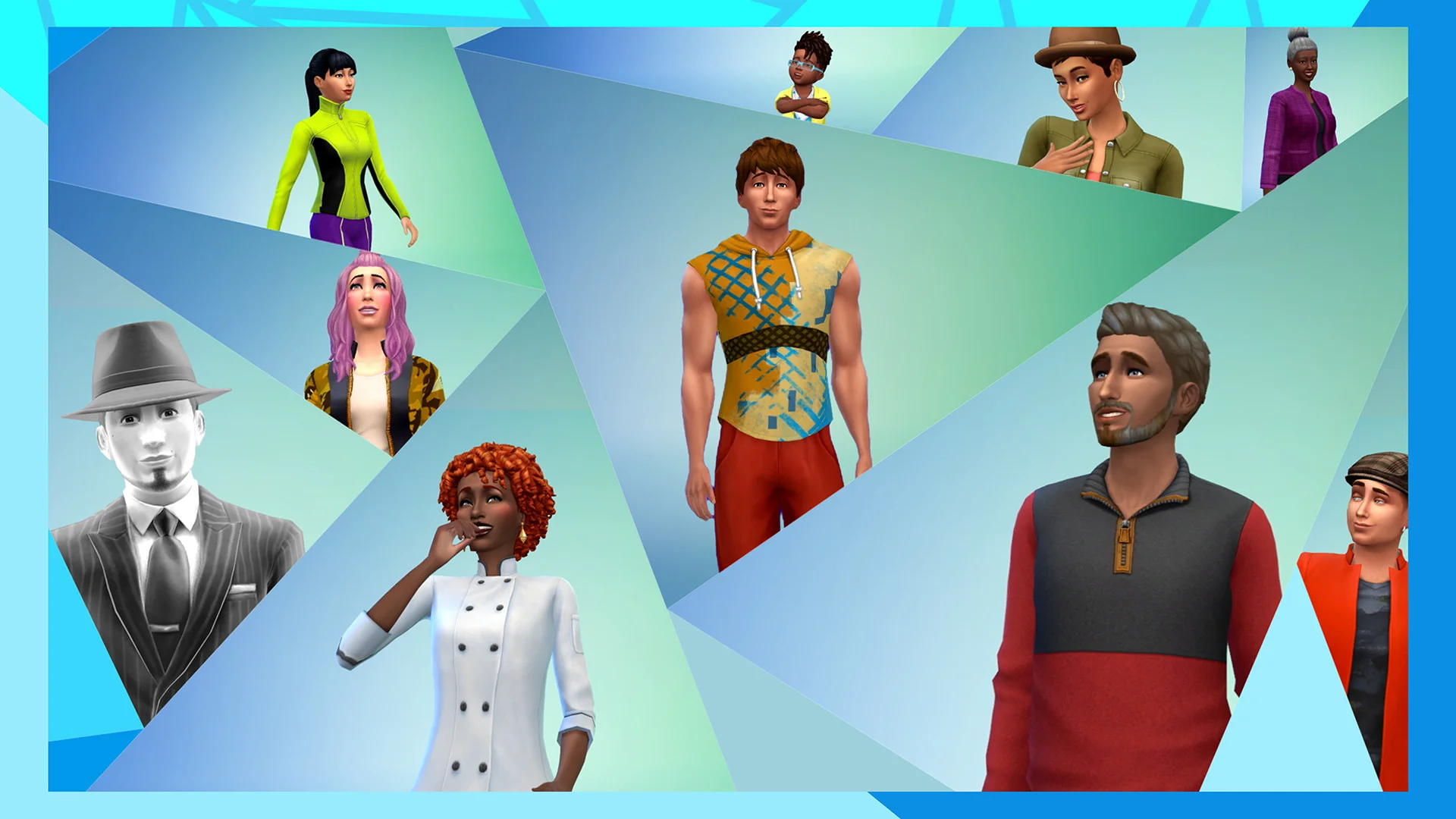
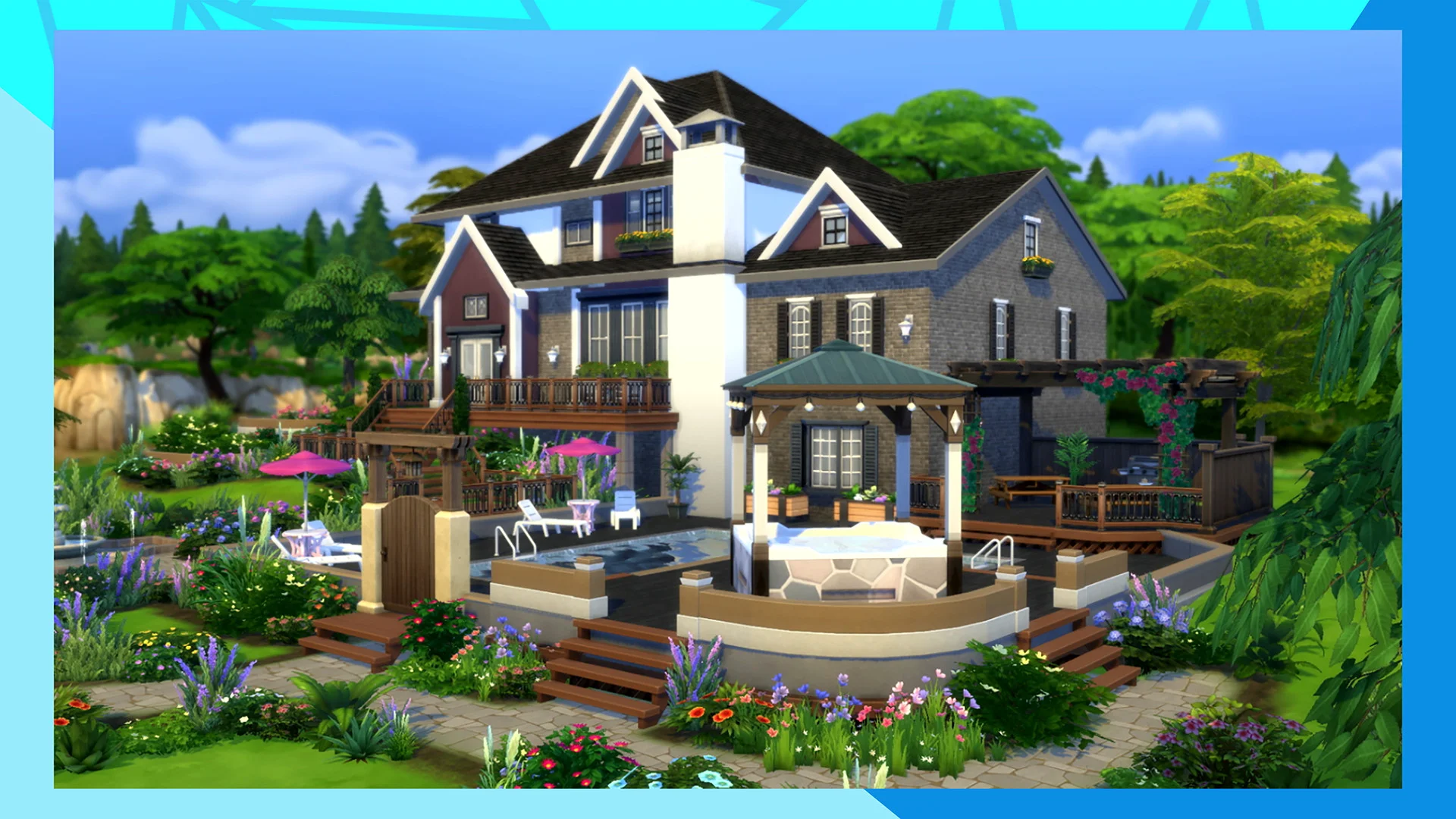
Download for free — The base game of The Sims™ 4 is free to download. Get a plethora of options for building homes, styling Sims, and customizing their personalities. Craft their life stories while exploring vibrant worlds and discovering more ways of being you.
Get more with EA Play — EA Play members can expand their career possibilities with The Sims 4 Get to Work Expansion Pack.
Screenshots
5 images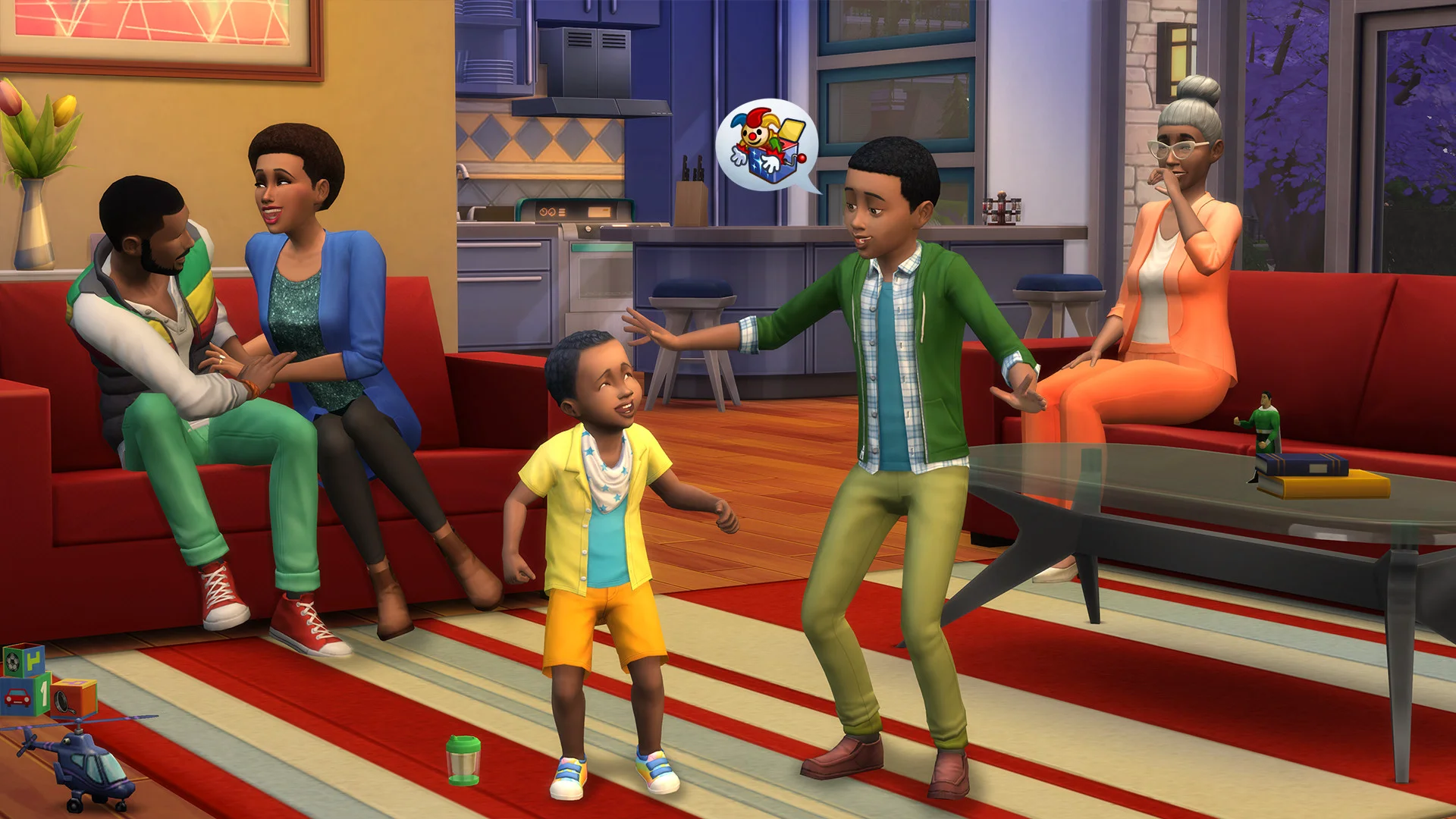

Version Information
Latest on Steam
Build 22443447
Released Mar 23, 2026
Current Release
Not available
Additional Files
DLCs (Legit Owners)
111 files · For legitimate game owners
DLC Unlockers (Legit Owners)
2 files · For legitimate game owners
System Requirements
How to Install
Troubleshooting tips
• Run Redist/_CommonRedist installers if game won't start
• Add folder to Windows Defender exclusions
• Run as administrator
Download
Direct link available
51.8 GB
Game is Free on Steam & EA. Grab the DLC Unlocker + DLC Files and apply them to your legit Game to enjoy free DLCs!
You May Also Like
View All






Download The Sims™ 4 for PC with a direct link or via torrent. Get the full version of The Sims™ 4 for free. The Sims™ 4 is a Adventure released by Maxis.