







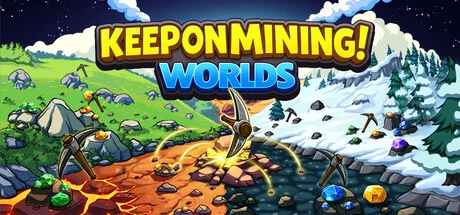
Keep on Mining! - Worlds
by EagleEye Games · 30 Mar, 2026
195 downloads
About the Game

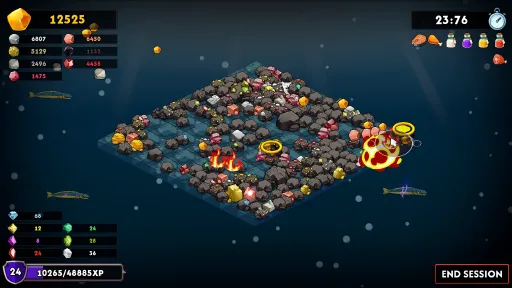
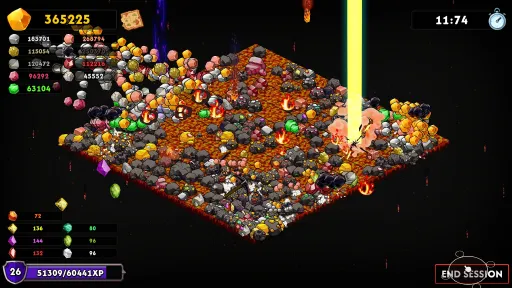
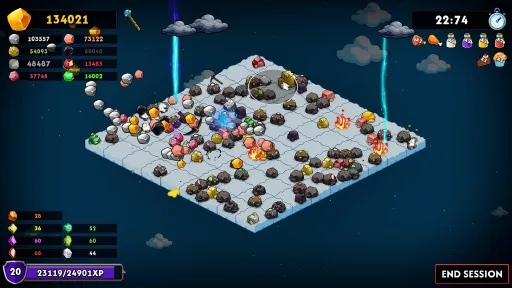
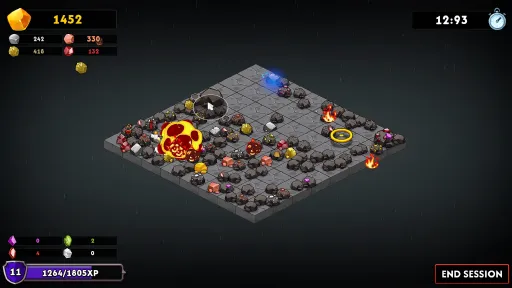
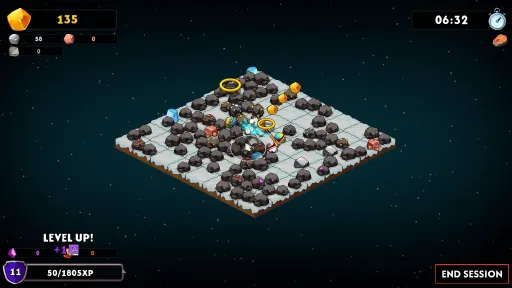
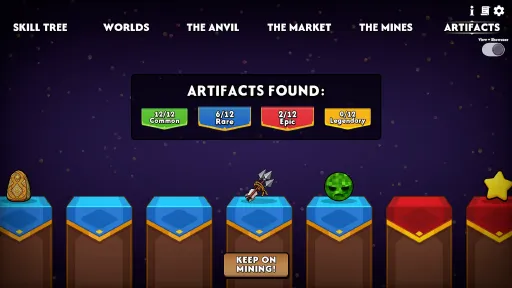
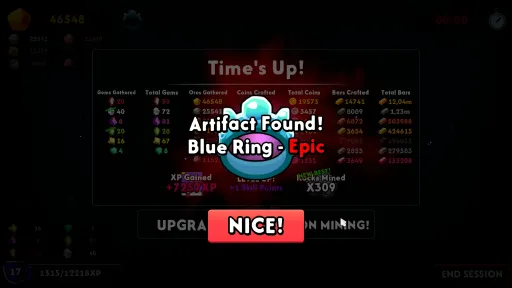
Keep on Mining! - Worlds is a simple incremental mining game about mining rocks. The sequel keeps the core gameplay loop from Keep on Mining! but adds many more worlds, upgrades, artifacts, pickaxes and some cool new stuff!

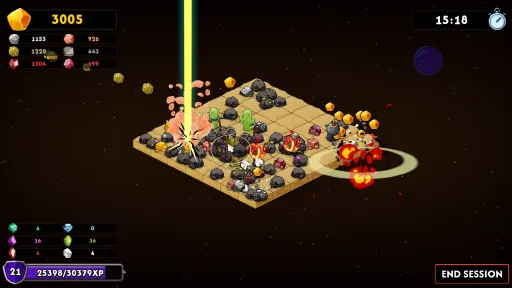
As you progress in KOM - Worlds, your ability to mine rocks reaches chaotic levels of destruction!

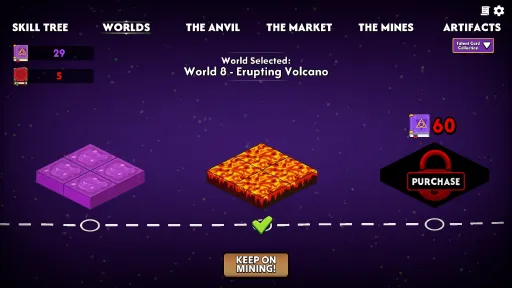
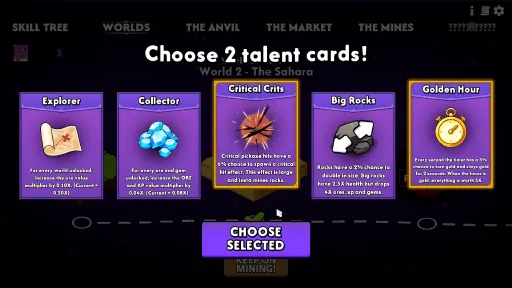
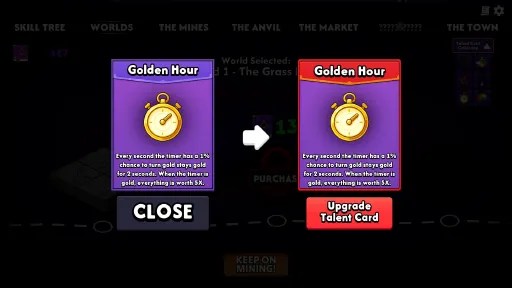
Make progress though the game via unlocking new worlds! Worlds can be purchased using your talent points. Talent point are gathered via leveling up. Every time you purchase a new world, 5 talent cards will appear. Choose 2 to keep!

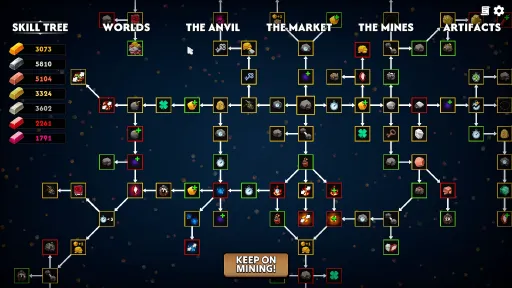
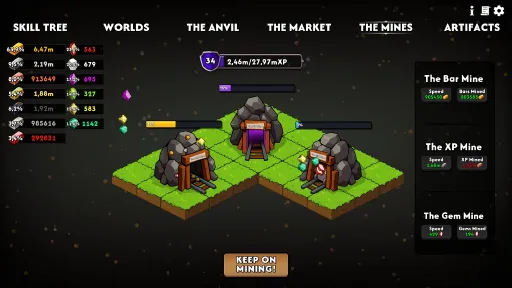
Purchase permanent upgrades inside the Skill Tree! The Skill tree features 200+ upgrades and has a variety of fun upgrades.

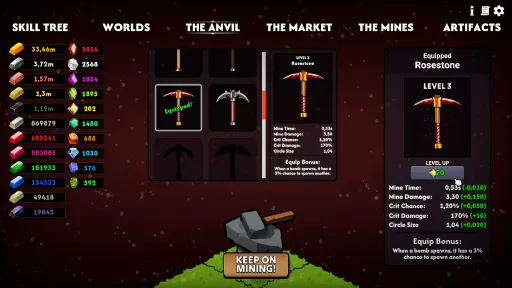
Use your gathered bars to craft new pickaxes. Pickaxes can also be upgraded with your gems! Upgrading your pickaxe will improve every pickaxe stat. Every pickaxe also has a unique Equip Bonus that will only apply to the equipped pickaxe.

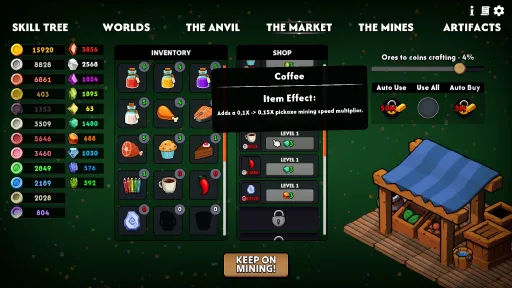
Here you can purchase items in the shop. Items can be used before a mining session and their buffs lasts for 1 entire mining session. Just like the pickaxes, Items can be upgraded with your collected gems.

Screenshots
16 images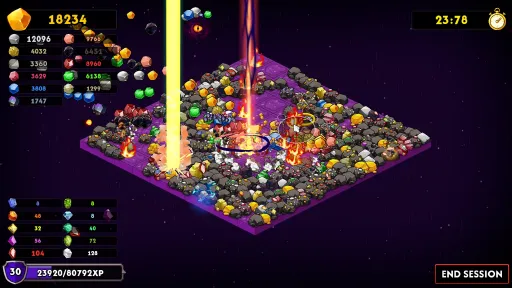
Version Information
Steam Patch Notes
Official update history
-The talent card level text also displays under the talent card name when leveling up talent cards.
-The price increase of items in the shop is now a lot less when the game is completed.
-Added 2 sliders inside the settings. Here you can choose the maximum pop-ups for both ores and gems. This will only effect how many pop-ups are on screen at once, not how many resources you get.
-Fixed an issue where if you play the game without being connected to steam and unlock achievements, this can cause bugs to appear.
-Fixed a bug where the game would crash when unlocking world 11 or 12. This could either be caused by if you play the game without being connected to steam or if you closed out of the game right before the talent cards have reached the Talent Card Collection after choosing 2 cards. If you have 22 talent cards but are at world 10 or 11, then you should now be able to purchase the new world without crashing, but the cards will not appear since you have all of them. If some of you are still experiences crashes when unlocking a world, please let me know.
-Re did the UI for the shop inside The Market. Some players were confused about the difference between purchasing and leveling up items, and since the level up item button was a lot bigger than the purchase button, it was easy to get confused. Now both buttons are the same size and the item level text is placed to the left.
-Fixed a bug that appeared after the last update. This bug would cause the highlighted gem frames to appear when you press the upgrade all button inside The Market.
-Fixed a bug where if you have AUTO USE selected inside The Market, items from the On The House talent card and the Thunderglass 25% item use equip bonus would not work. You would only use the items from AUTO USE. This bug would only happen if you press the Keep on Mining button after a mining session, not if you press the Keep on Mining button in the main menus.
-Bars, gems and coins will now be highlighted in the UI whenever you hover over something that can be purchased. This will also happen when you have a pickaxe selected that you have not crafted. This will make it easier to differentiate between currencies that look similar. This can be toggled off inside the settings. The toggle is on by default.
-Changed the positions of some UI elements inside settings.
-The circle transition that appears when you open the game would lag for a split second. This is fixed.
-The core LEVEL X text would overlap if the game is played in Russian. This is fixed.
-In some languages, when hovering over the LEVEL UP pickaxe button, the right pickaxe stats text would overlap the text to the left. This is fixed.
-The Anvil: Added green outlines that will appear when a pickaxe that is not selected can be crafted.
-Worlds tooltip: Now when you hover over a world that is not unlocked, the icons for the items and ores/gems that will be unlocked once the world is purchased are now not entirely black. They are slightly transparent and dark. Players can now more easily see what you unlock in the next world.
-Changed the Crayons item -7% decrease size to -5%.
Current Release
Build 24714228
Uploaded Aug 21, 2026
Update already requested
Uploaders have been notified
A newer version is available but not yet uploaded
Help keep this updated
Login Required
You need to be logged in to request game updates. Would you like to go to the login page?
Request Update
Request an update for Keep on Mining! - Worlds? This will notify uploaders that this game has an available update.
Request Submitted
Your update request has been submitted successfully! Uploaders will be notified.
Request Failed
Failed to submit update request:
System Requirements
How to Install
Keep on Mining! - Worlds.exe to play
Troubleshooting tips
• Run Redist/_CommonRedist installers if game won't start
• Add folder to Windows Defender exclusions
• Run as administrator
Download
Direct link available
Needed when extracting (WinRAR / 7-Zip) — not a site login.
2A51D4C5
2081afff2f3a096147919f6f50c5d6a8eb12de29b802a254a00da1fac1c22f22
You May Also Like
View All









Download Keep on Mining! - Worlds for PC with a direct link or via torrent. Get the full version of Keep on Mining! - Worlds for free. Keep on Mining! - Worlds is a Casual released by EagleEye Games.