






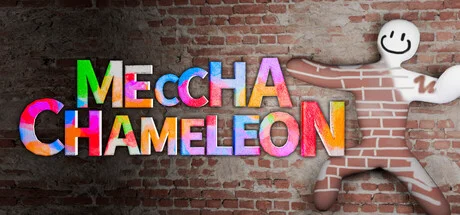

MECCHA CHAMELEON
by lemorion_1224 · 9 Jun, 2026
12,908 downloads
Important Note
Custom Maps:
Drag n Drop everything into MECCHA CHAMELEON\Chameleon\Binaries\Win64 and replace the online-fix.ini
About the Game
Paint your own body! Blend in like a chameleon in this hide-and-seek game!
yeah! Mechcha "Hide and Seek"
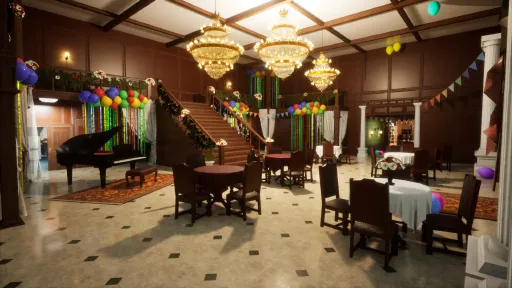
The rules are simple. Split into the Seeker team and the Hider team to play hide-and-seek. The Seekers win if they find everyone within the time limit.
yeah! Mechcha "Paint"
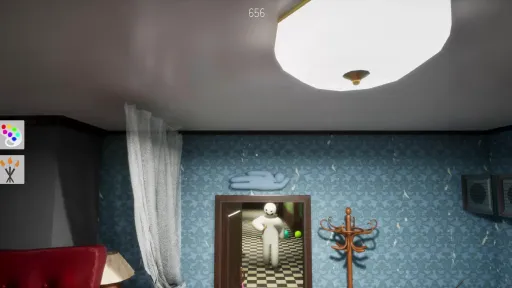
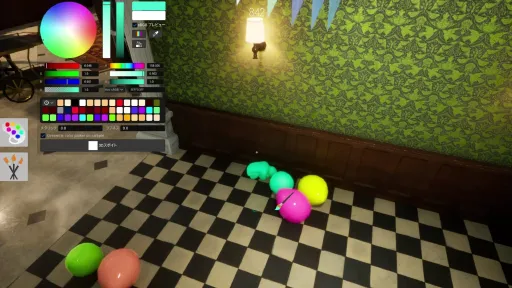
The way you hide is a bit special. Paint your pure white body to blend into the stage. Just like a chameleon. The hiding spot, the pose, and above all, your artistic skills are the key! Deceive the Seekers' eyes with a mimicry that would even surprise a chameleon.
yeah! Mechcha "Matching"
Of course you can play with friends, but you can also play with people you don't know. (If you create a server that is not set to private, anyone can join freely.) Game streamers can easily host viewer participation games. The maximum number of players depends on the host's network environment. (2–10 players recommended. This may increase or decrease based on future playtests.)
[About Videos and Streaming]
Gameplay videos and streaming are welcome. Please check the following two points:
Include the name of this game in the title. (Required)
Include the Steam store page URL in the description. (Optional)
Screenshots
10 images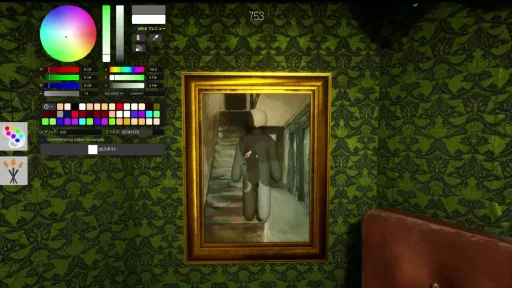
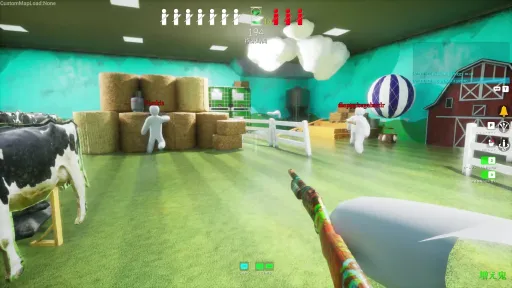
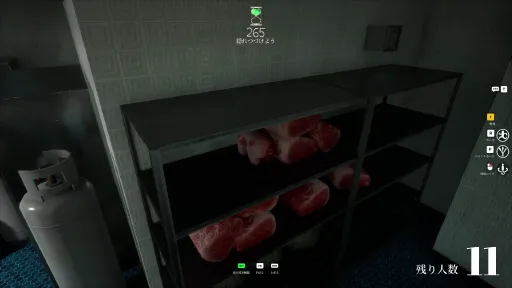
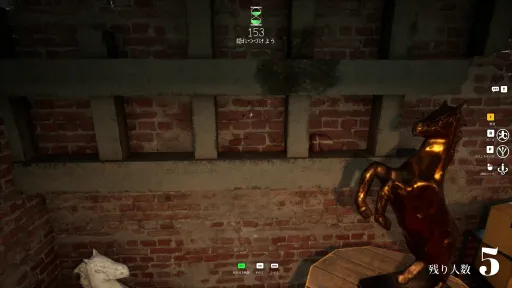
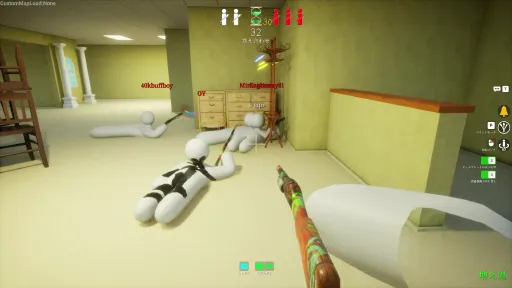
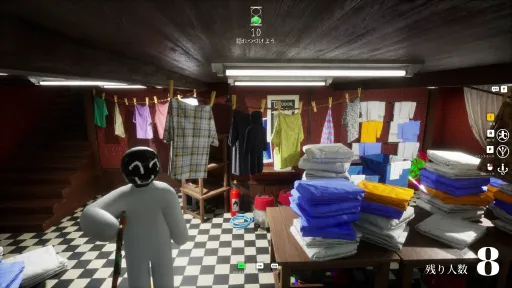
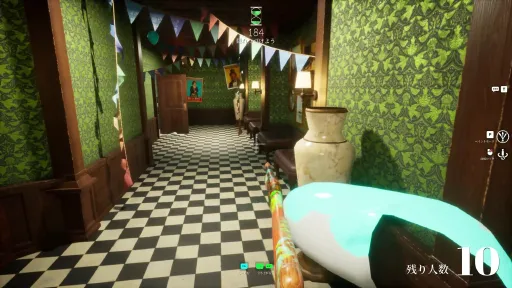
Version Information
Steam Patch Notes
Official update history
- Added an option to disable voice chat.
- Added a microphone icon that appears at the top of the screen when audio input is detected.
- Fixed an issue where the "Right Shoulder" button failed to switch the player being spectated.
- Fixed an issue where the UI would freeze after pressing the refresh button in the user management tab. - Fixed an issue where certain maps were loaded by default.
- Changed the default voice chat setting to mute incoming audio.
- Fixed an issue where the maximum player limit was ignored when a large number of users attempted to join simultaneously.
- Adjusted brush size controls so the cursor returns to its original position after adjustment via the control stick.
- Temporarily reduced the maximum number of players for Switch 2 hosted sessions from 12 to 10.
- Fixed an issue where the cursor would move to an unintended location if controlled via mouse mode when starting Paint Mode.
- Fixed an issue where the cursor would get "dragged" or pulled after performing specific actions.[img src="{STEAM_CLAN_IMAGE}/46123661/418a5601f01a274ad7fb304145145db71526ef44.png"]
・Reworked "Greece" and "Egypt"
・Replaced the legacy server browser with an 5-character alphanumeric join code search
Join codes can also be verified in-game
・In-progress games are now hidden during public searches (can be toggled in options)
This helps direct players toward waiting servers
・Server elapsed time is now displayed on the search screen
・The game now ends if the hunter count reaches 0 while hunters are waiting
・Fixed an issue where server player count displayed as 0
・Added a 1-second cooldown to taunts
・Increased the minimum forced taunt interval from 1 second to 5 seconds
・Reduced network data usage during painting by 40%
・Adjusted the maximum FPS setting limit from 239 fps to 240 fps
・Fixed an issue where ammo settings reset every match
・Fixed an issue that may have caused crashes for some users during gameplay
・A sound effect now plays when toggling voice chat states
・A region tag must now be selected
・Fixed an issue where stick-based paint controls varied in speed depending on the framerate
・Fixed an issue where stick-based paint controls moved slightly faster in the upward direction
・Improved camera controls for hiders
・Mitigated performance drops when expanding the options menu
・Adjusted the display of certain controller operation guides
・We have mitigated the issue where the character's position shifts when switching to free camera mode.
As a result, all mods will be re-downloaded only upon the initial launch.
Can only be used if allowed by the host
・Fixed an issue where players were floating off the ground
・Fixed a rare issue where Hunters could not be eliminated while crouching
・Fixed locations where players could get stuck
・Fixed an issue where a different emote would be selected if no emote was chosen.
・Fixed an issue where a gap would appear when attempting to cling to the ceiling with certain emotes.
・Fixed an issue where voice chat would momentarily turn on
・Added ID display to the Player Management tab
Please use the ID when user information is required for various purposes
The next official map addition will be the last (excluding collaborations)
Can force skip hiding time and answer reveal time by a unanimous vote.
・Added new feature "BAN"
The BAN list resets when the server is restarted.
・Fixed an issue where hidden objects still had collision detection.
・Fixed an issue where the camera moved abruptly when getting close to a wall while hiding.
・Fixed an issue where players would become invisible during the answer reveal under certain conditions.
・Fixed an issue where the player's jump height was too high.
・Fixed an issue where hunters in TPS mode faced further upward than the direction they were actually looking.
・The mic icon now lights up green when speaking in voice chat.
・Fixed an issue where controller UI navigation was difficult in the User Management tab.
・Fixed an issue where pressing the numeric quick button allowed setting a value below the minimum limit.
・Fixed an issue where player names/displays were glitching out.
・Fixed an issue where X-axis movement was faster than Y-axis movement when painting with a controller.
・Added movement speed settings for controller painting.
・Fixed an issue where players could exit the “Deep Sea” map.
・Fixed an issue where the game would end even though a Hunter was still present under certain conditions.
Current Release
Build 25293176
Uploaded Sep 16, 2026
Additional Files
Workshop
1 file · Steam Workshop content
System Requirements
How to Install
PenguinHotel.exe to play
Troubleshooting tips
• Run Redist/_CommonRedist installers if game won't start
• Add folder to Windows Defender exclusions
• Run as administrator
Download
Direct link available
Needed when extracting (WinRAR / 7-Zip) — not a site login.
You May Also Like
View All





Download MECCHA CHAMELEON for PC with a direct link or via torrent. Get the full version of MECCHA CHAMELEON for free. MECCHA CHAMELEON is a Casual released by lemorion_1224.