







Sunkenland
by Vector3 Studio · 25 Aug, 2023
287 downloads
About the Game
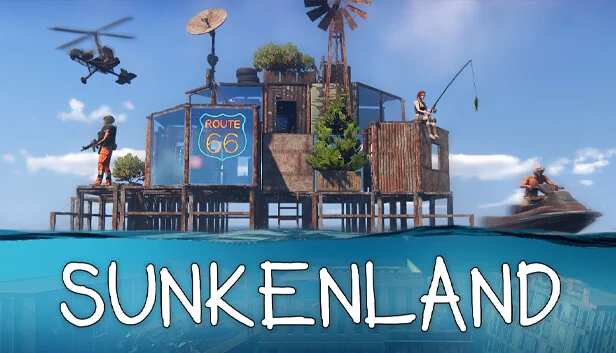
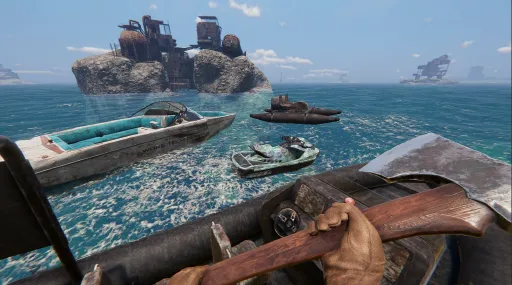
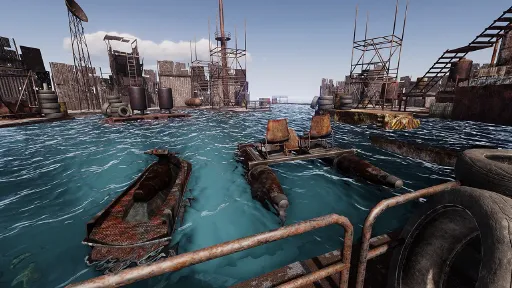
Sunkenland is an exciting post-apocalyptic survival and exploration game set in the near future when water covered most of the Earth. Explore sunken cities, scavenge resources and valuable technologies, build your base, trade, fight and survive.
Features
Diving
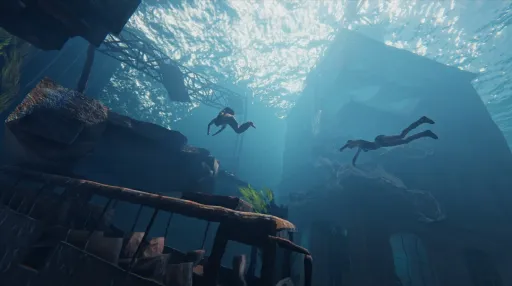
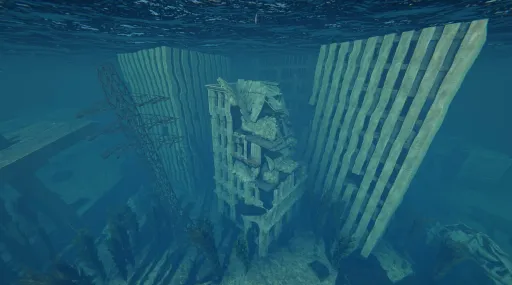
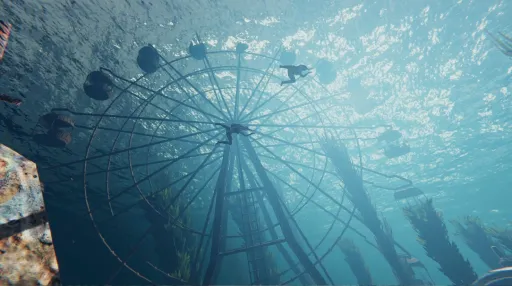
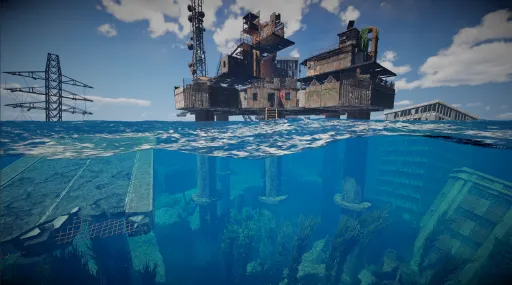
Explore the sunken skyscrapers, nuclear powerplants and subway tunnel. Gather resources, seek out lost technologies, and collect rare pre-apocalypse items. Build diving devices to assist your underwater journey. And be wary of the unknown danger awaiting you in the depths of this planet.
Base Building
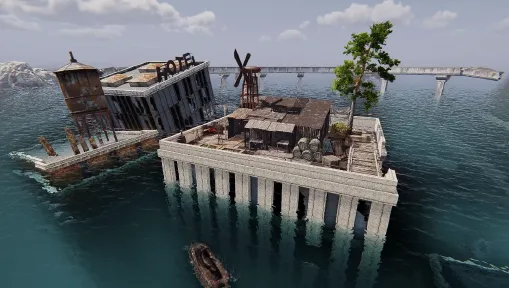
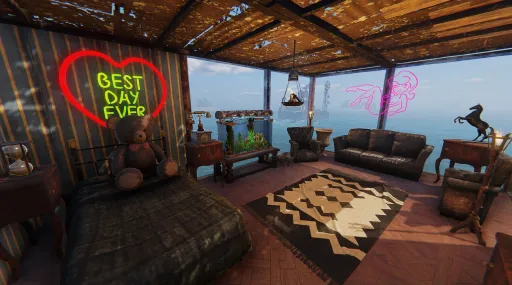
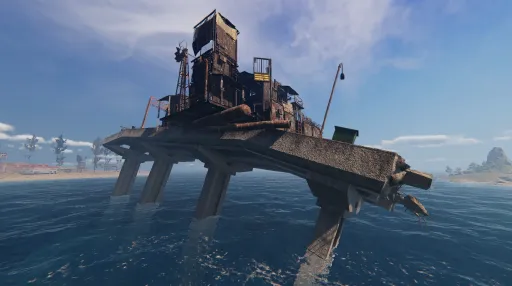
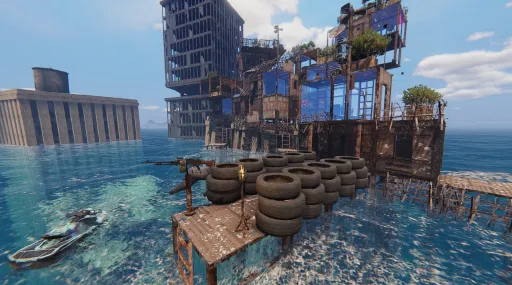
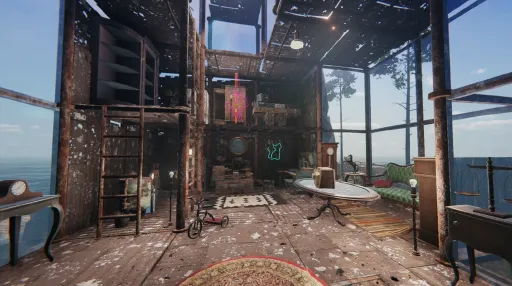
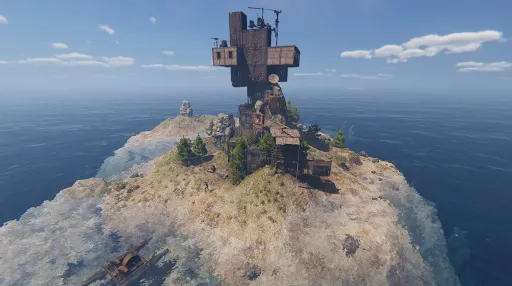
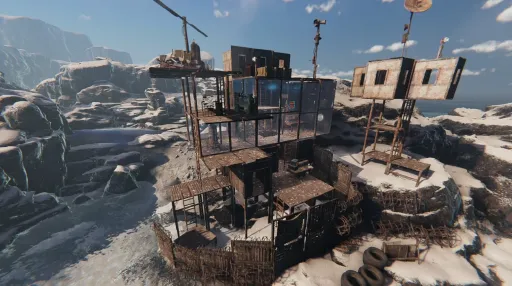
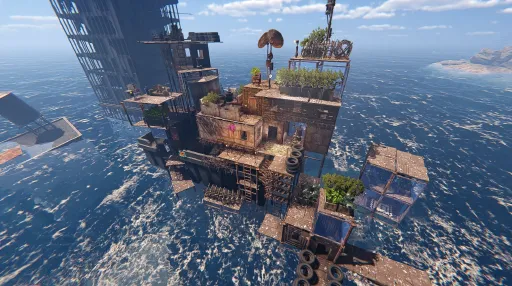
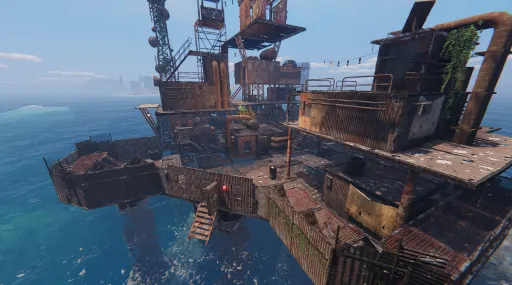
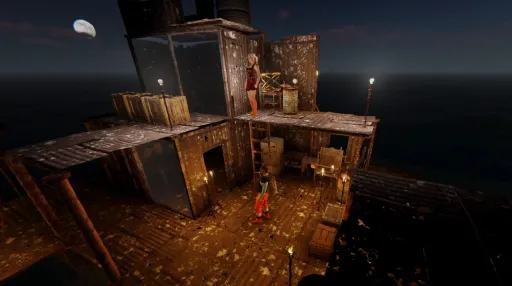
Build your base anywhere you want. Will it be a water stronghold, an abandoned ship base or an island penthouse? You need it to keep yourself refreshed, craft items, farm, store items, and stay protected. With the modular building system, you can create your ideal enclave and stylize it with decorations found throughout your journey.
Base Defense
Defend your base against clans of pirates and mutants. Build high walls, barbed wire, traps, surveillance system, and artillery to keep the enemies out of your territory!
Crafting
Build everything you need, tools, weapons, a jetski, and even a helicopter. You will need different workstations and blueprints in order to craft complex items.
Survival
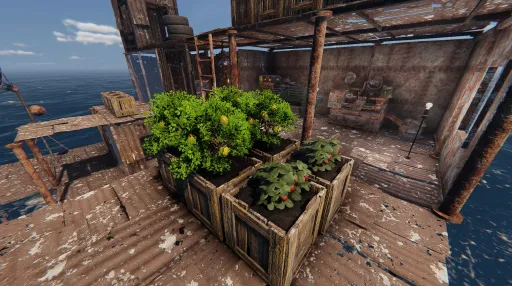
Gather food, hunt sharks, grow plants, and manage supplies. Make your base sustainable as resources are scarce in Sunkenland.
Vehicles
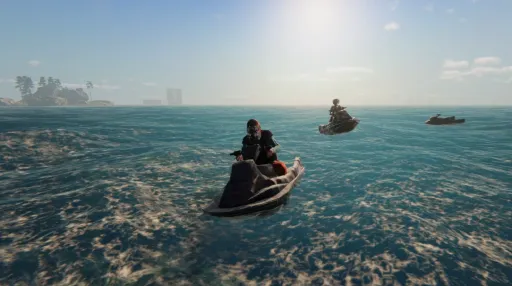
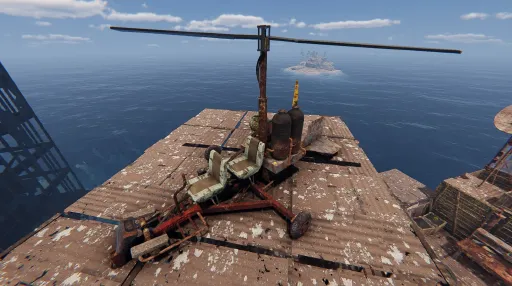
Build and upgrade many types of vehicles including sailboat, jetski and gyrocopters. They will make your exploration much more convenient.
Fighting
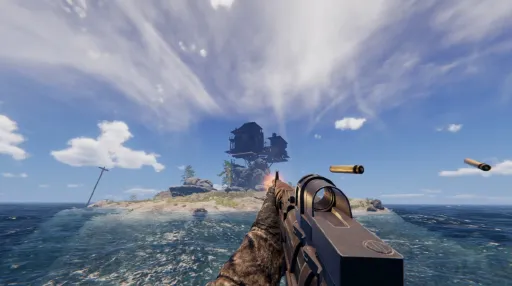
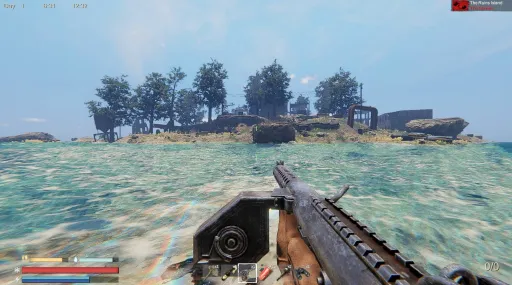
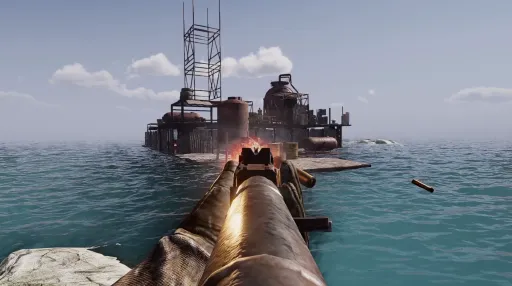
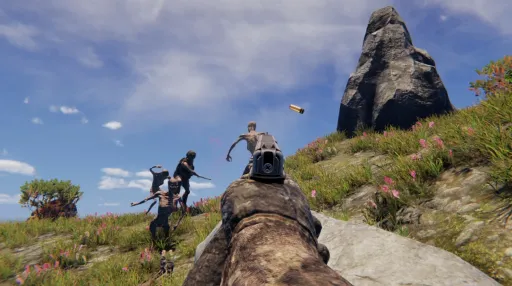
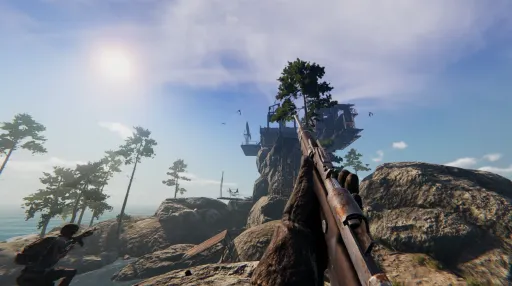
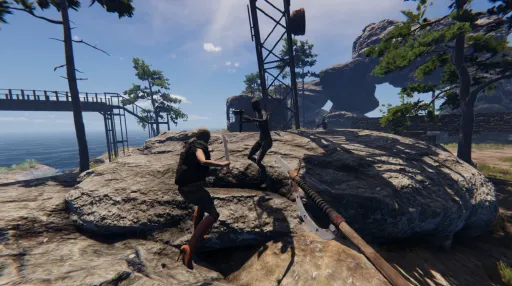
Fight mutants and pirates. Raid enemy atolls and steal their resources. Use melee weapons, firearms and explosives. Fight on ocean and land. Operate mounted heavy weapons to destroy enemy boats.
Trading
Trade with friendly atolls for supplies, weapons, armor and rare items. There is no universal currency, only item for item.
Co-op
Cooperate with friends and survive this oceanic apocalypse as a group. Build bases, dive, explore and fight pirates together!
Screenshots
28 images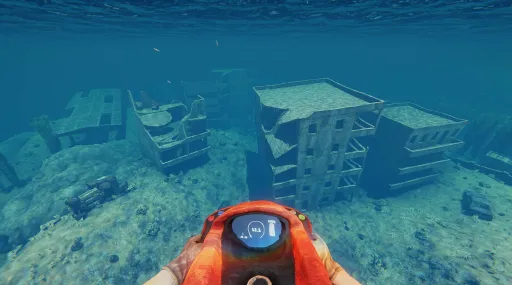
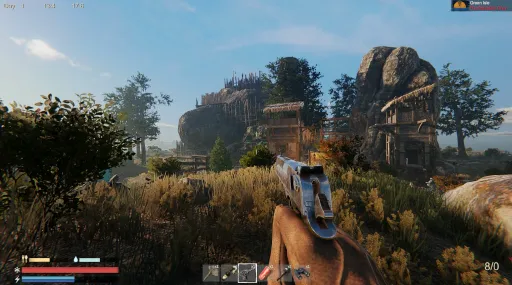
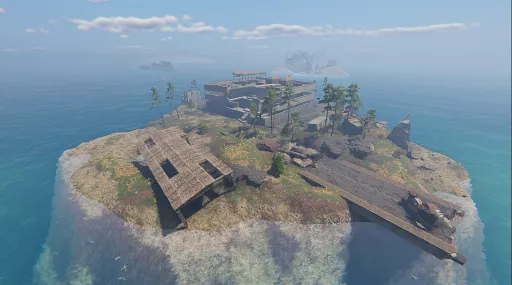
Version Information
Steam Patch Notes
Official update history
New Feature: Companion System
Three new companions have arrived in Sunkenland, located at Big Bucket Fortress, Radio Island, and Zion Atoll!
- Rescue and recruit them to join your adventures and help with various tasks. Send your companions out to scavenge, chop wood, mine resources, and repair your base. You can also assign them to base defense or bring them aboard your boat as you set sail for battle.
- Equip your companions with armor, weapons, and clothing to make them even more effective in combat.
And there's even more to discover as you explore the new Companion System in-game!
Bug Fixes
- Fixed an issue where certain gatherable objects would not explode after being fully harvested.
- Fixed an issue where sharks could occasionally get stuck when spawning.
- Fixed an issue where player names were not displayed correctly.
How to Join the Public Test Branch
1. Open Steam and go to your Library.
2. Right-click Sunkenland and select Properties.
3. Navigate to the Betas tab.
4. Under Beta Participation, select from the dropdown menu.
5. Wait for Steam to download and install the update.
6. Once the update is complete, launch Sunkenland and enjoy the new content!
Bug Fixes
- Fixed an issue where the name of a ship-mounted Sleeping Bag was not saved correctly.
- Fixed an issue where player names could sometimes display incorrectly in multiplayer.
- Fixed an issue where sharks did not attack players.
- Fixed an issue where the yellow toolbox at Rolling Stone Fortress was embedded in the terrain.
- Fixed an incorrect grouping display for wind power harvestables at Level 6 locations.
- Fixed collision issues with the Floating Refuge.
Bug Fixes
- Fixed an issue where players could not jump out of the water.
- Fixed network lag on Dedicated Servers caused by ship-mounted weapons.
- Fixed an issue where underwater effects, such as bubbles, were not displayed correctly.
Improvements and Optimizations
- Optimized Chainsaw and Booster logic to significantly reduce stuttering.
- Optimized bullet hole generation to reduce frame rate fluctuations during combat.
- Optimized camera movement to provide a smoother experience while moving and rotating the camera.
Bug Fixes
- Fixed severe frame drops when equipping the Ore Detector.
- Fixed severe frame drops when equipping the Repair Hammer, Drill, or Welding Tool.
- Fixed an issue where terrain trees could disappear.
- Fixed an issue where coastal defense weapons could deal damage to enemies.
- Fixed an issue where rotating the camera while moving could cause camera stuttering.
Improvements and Optimizations
- Optimized combat performance to reduce stuttering and improve frame rates.
Bug Fixes
- Fixed a collision issue with the house awarded as a quest reward on Eden Island.
- Removed the button that allowed players to reset all Steam achievements.
- Fixed incorrect description text for the Turbocharger.
- Fixed an issue where the "Assistant Allowed" button could incorrectly appear in the current backpack interface.
- Fixed an issue where crafting multiple items at a Stove would produce only one piece of Charcoal.
- Fixed an issue where consecutive survival achievements could sometimes not be completed.
- Fixed an issue where Defensive Iron Doors could not be built in certain locations where building should be allowed.
Improvements and Optimizations
- Optimized network transmission by reducing unnecessary network data.
- Optimized enemy attack logic and Auto Turret logic to reduce stuttering during enemy attacks.
Bug Fixes
- Fixed an issue where the "Check Radio Antenna" prompt could remain in the top-right corner after all quests had been completed.
- Fixed an issue where the Deep Dive 4 achievement could not be completed under certain circumstances.
- Fixed several issues related to the Settings interface.
- Fixed an issue where clients could not see enemies on boats.
- Fixed an issue where clients could briefly see LOD models of nearby locations when joining a game.
- Fixed an issue where collisions between boats and fish could cause abnormal boat physics.
- Fixed an issue where players could sometimes become stuck inside a boat when disembarking.
- Fixed an issue where teammates could not complete explosive barrel-related achievements.
- Fixed missing collision in certain areas of The Bridge, Loner Base, and Blackcliff Hold.
- Fixed missing sail materials on sailboats.
- Fixed an issue where boat lights could appear too dim.
- Fixed an issue where adding fish to an Aquarium in bulk could cause fish exceeding the capacity limit to disappear.
- Fixed an issue where Aquariums could display differently for clients and the host.
Improvements and Optimizations
- Optimized the scene management system to reduce memory usage during gameplay, improved the UI, and increased overall frame rates.
- Fixed stuttering when loading saves in bases with a large number of wire connections.
- Improved the visual presentation of ornamental fish.
- Reduced shark respawn times, making shark-related achievements easier to complete.
Bug Fixes
- Fixed an issue where clients could not complete the Chain Explosion achievement in multiplayer.
- Fixed an issue where Molotov Cocktails could sometimes display incorrectly after being thrown on the ground.
- Fixed an issue where the UI could not be opened after fishing.
- Fixed an issue where pressing F1 or similar keys while on a boat could sometimes fail to quickly switch between operating positions.
- Fixed an issue where residual geometry from the central bridge section of the aquarium could remain visible when a client joined the game.
Improvements and Optimizations
- Optimized network connections and scene loading to reduce timeout issues between hosts and clients.
- Improved ship AI behavior.
- Enhanced ship-mounted weapon systems with new targeting mechanics, including distance weighting, nighttime weighting, focus-fire weighting, and a target-loss rule when targets are submerged beyond 8 meters, giving players greater tactical control.
Bug Fixes
- Fixed an issue where, after crafting multiple types of items for the first time at a Stove or Ammunition Bench, saving and reloading could result in only the first item type being available to collect once crafting was complete.
- Fixed an issue where weapon-crafting achievement progress only counted for the host in multiplayer.
- Fixed an issue where Fish Traps, Shipyards, and other structures could not be built on the water within the Military Port after it had been captured.
- Fixed an issue where buildings could occasionally lose health unexpectedly.
- Fixed several issues with the Character Save Recovery interface.
- Fixed an issue where players could become stuck inside buildings in certain areas of Radio Island.
Bug Fixes
- Fixed an issue where Objective 2 and Objective 3 could sometimes fail to appear during the Pirate Cargo Ship quest, preventing quest progression.
- Fixed an issue where interaction button prompts could display incorrectly.
- Fixed an issue in The Tunnel quest where the treasure chest could respawn after reloading a save after it had already been collected.
- Fixed an issue where players could not climb past the top of certain ladders in the central area of the Nuclear Power Plant, and corrected collision issues with several objects.
Balance Adjustments
Adjusted the health of the final boss turret. Base health has been reduced from 28,000 to 14,000.
Difficulty multipliers remain unchanged:
- Easy: 0.4
- Normal: 0.6
- Hard: 0.8
- Insane: 1.0
Bug Fixes
- Fixed an issue on Dedicated Servers where loading quest data could cause blueprints and other saved data to load incorrectly.
- Fixed an issue where worlds created in the official version could display inconsistent quest progress when run on a Dedicated Server.
- Fixed an issue where forcibly exiting NPC dialogue using ESC or similar methods could prevent further dialogue and subsequent quests from unlocking.
- Fixed an issue where some players' actual number of rescued slaves did not match the number required for quest progression, preventing the quest from being completed.
- Fixed an issue where installing the High-Power Boat Boiler could cause the boat to automatically shift into neutral when traveling at high speeds.
- Fixed an issue where Auto Turrets could occasionally continue firing at targets outside their line of sight.
- Fixed an issue where Suppressors did not take effect after being installed.
- Fixed an issue where the ship-mounted Auto Machine Gun Turret at the Nuclear Power Plant did not disappear after being harvested.
- Fixed an issue where non-renewable resources on the five final islands, including the Military Port, were displayed under incorrect categories.
Optimizations
- Improved performance and reduced severe frame drops when interacting with selectable objects such as grills, planters, and furnaces.
Revisions and Improvements
- Changed consecutive survival achievements to cumulative achievements. Progress will no longer reset after saving or loading the game.
Bug Fixes
- Fixed an issue where the Storm Outpost could disappear from the map.
- Fixed an issue where the door to the Gunsmith's room in the Bridge area remained closed even after all enemies had been cleared.
Current Release
Build 25385032
Uploaded Sep 21, 2026
Update already requested
Uploaders have been notified
A newer version is available but not yet uploaded
Help keep this updated
Login Required
You need to be logged in to request game updates. Would you like to go to the login page?
Request Update
Request an update for Sunkenland? This will notify uploaders that this game has an available update.
Request Submitted
Your update request has been submitted successfully! Uploaders will be notified.
Request Failed
Failed to submit update request:
System Requirements
How to Install
Sunkenland.exe to play
Troubleshooting tips
• Run Redist/_CommonRedist installers if game won't start
• Add folder to Windows Defender exclusions
• Run as administrator
Download
Direct link available
Needed when extracting (WinRAR / 7-Zip) — not a site login.
C87AE213
42201c10471c57f8537a36461d01ecc2d10bf77c92235a6d68a0e179922b4875
You May Also Like
View All








Download Sunkenland for PC with a direct link or via torrent. Get the full version of Sunkenland for free. Sunkenland is a Action released by Vector3 Studio.