







The Walking Trade
by Microwave Games · 5 Mar, 2026
232 downloads
About the Game
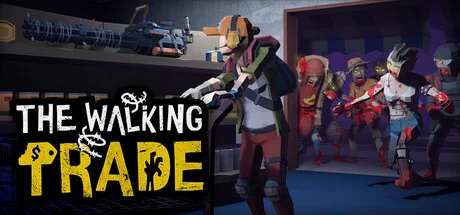
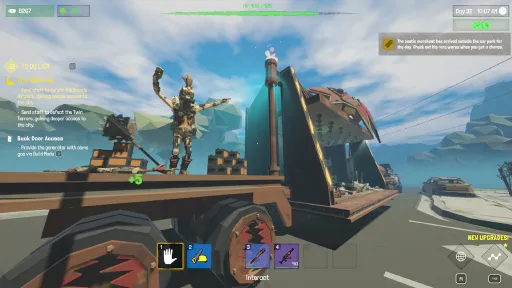
The Walking Trade is a quirky, action-packed zombie apocalypse store management game where chaos and commerce collide!

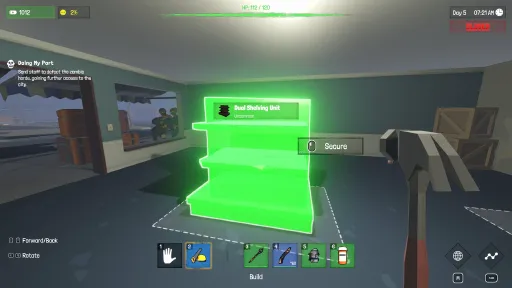
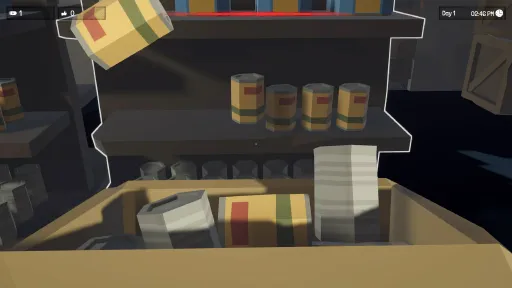
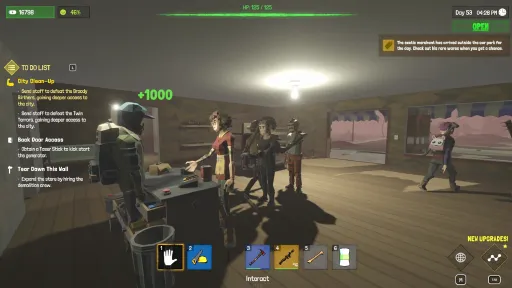
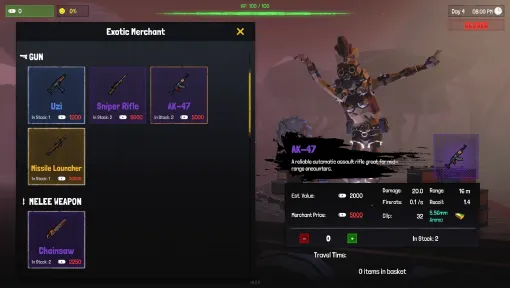
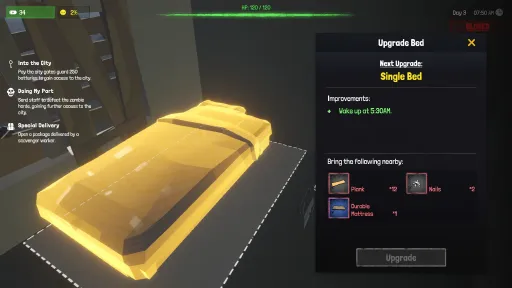
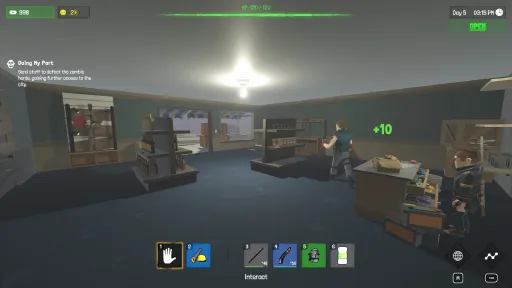
Design your shop, balancing space, aesthetics, and functionality. Organize shelves, set prices, and ensure customers leave happy - or at least alive.

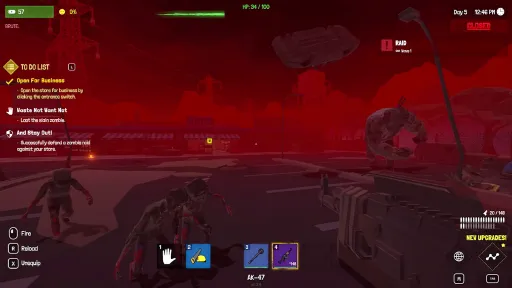
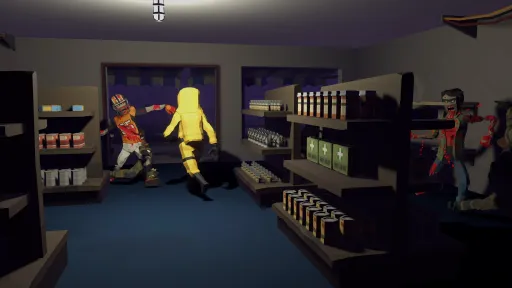
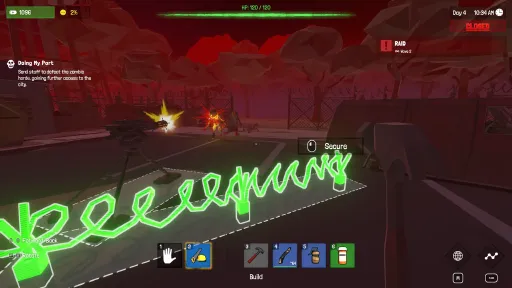
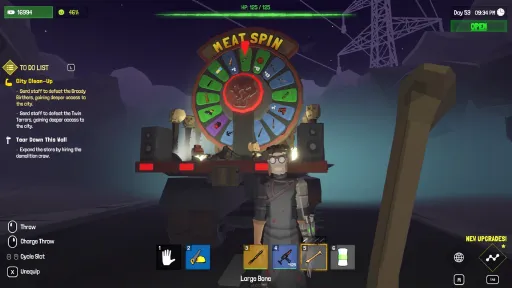
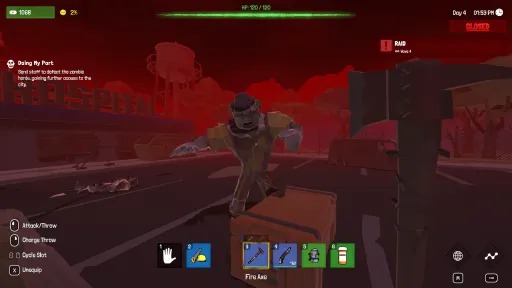
Customers aren’t your only problem - zombies invade! Wield melee weapons, firearms, or whatever you can find to defend your shop during raids and hordes.

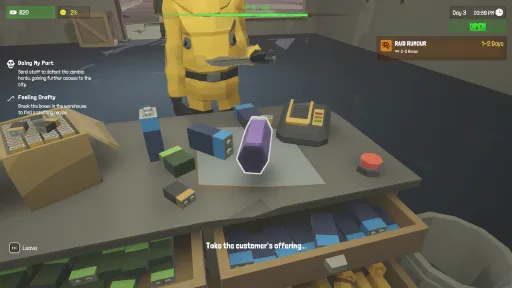
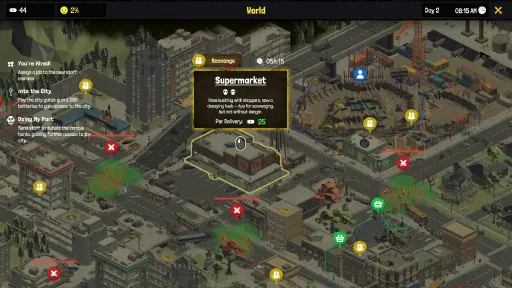
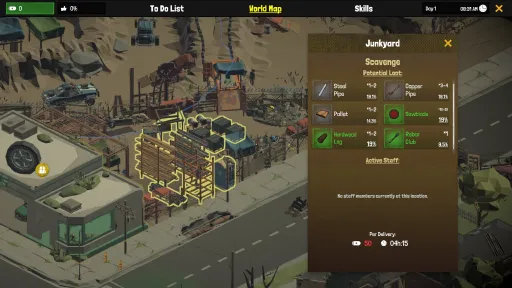
Hire survivors to scavenge supplies, serve customers, or guard the shop. Keep them equipped and motivated to reap the rewards.

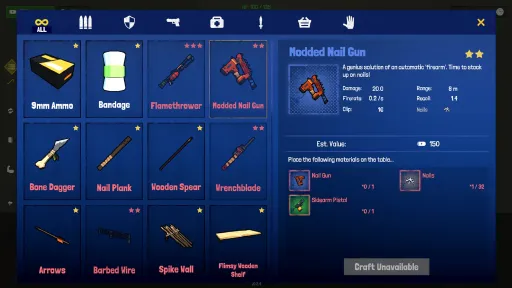
Unlock crafting stations to create weapons, tools, and shop upgrades. Build barricades, storage units, and even makeshift traps to keep zombies at bay.

Be a benevolent shopkeeper or an opportunistic overlord. Help the community, price gouge, or even sabotage settlements for profit. Your reputation determines who comes knocking.
In The Walking Trade, every decision shapes your survival. Build, fight, and thrive in the apocalypse—your way!
Screenshots
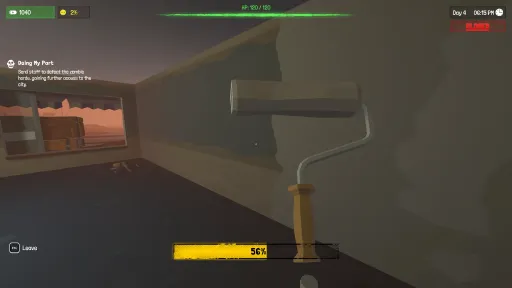
19 images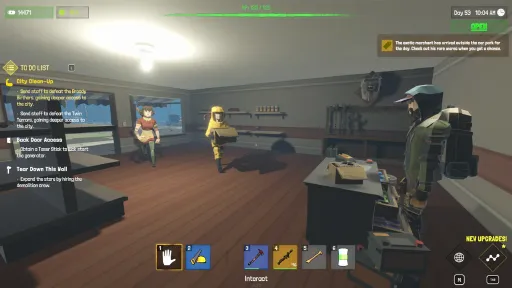
Version Information
Steam Patch Notes
Official update history
Just a quick hotfix patch to catch a couple of issues mentioned from yesterday's patch. Overall it seems the changes are a huge step in the right direction so I’m happy with that!
Localization
Ukrainian localization has been added.
Changes
Pallets' “Keep In Warehouse” configuration toggle has now been inverted and renamed “Restock From Here” to make it clearer for players to decide if a Pallet is for personal crafting use or for shop floor restocking.
Bug Fixes
Shelves, pallets and storage objects recently looted will now be considered usable by cleaner staff immediately, not requiring a restart.
Service staff set to serve customers with no active checkout available will no longer get stuck.
The “Holds X until it is empty” note on pallets only shows when the pallets' dedication comes purely from what it currently holds.
Really helpful and fast feedback as always guys.
Thanks again,
Adam
[dynamiclink href="https://store.steampowered.com/app/3398110/The_Walking_Trade/"][dynamiclink href="https://store.steampowered.com/app/4843910/The_Walking_Trade_2/"]
Bug Fixes
Cleaners will no longer get into a decision loop when trying to place items on shelves inside the first and second room extension.
Thanks again,
Adam
[dynamiclink href="https://store.steampowered.com/app/3398110/The_Walking_Trade/"]
Improvements
Items fallen out of the map or exploded very far away should now return to the front of the store.
Items clipped into rooms before they are unlocked should now return to the front of the store.
Improved item stuck prevention when upgrading objects and crafting items. This works well during basic tests but may not work with more complicated shop designs. Please let me know if you are having issues with this feature.
You can now choose Male or Female player voice in the Language settings. This affects the player’s yawn and death sounds.
Bug Fixes
Multi-crafting should now work again with requirement materials on pallets.
Gunshots and explosions’ volume should now correctly be tuned in line with the audio settings.
Thank you all for sending in your feedback this week, and make sure to keep it coming, particularly with new issues that may have arisen due to the recent fixes. I know Cleaners still need a lot of work once stores and warehouses become much more complex in the mid-late game. I intend to do another big improvement patch purely dedicated to them in the future.
Thanks again,
Adam
[dynamiclink href="https://store.steampowered.com/app/3398110/The_Walking_Trade/"]
Improvements
Upgraded the base engine version to hopefully fix memory leaks causing crashes after a long play session.
Drastically improved rendering and physics for items packed onto pallets.
Minigun, Flamethrower and Rocket Launchers can now stack onto pallets.
Items packed on to pallets’ colliders no longer overhang the pallet, causing NPCs to get stuck on them less.
Bug Fixes
The Pitchfork can no longer be equipped to become a Hoe.
Fixed more issues that may have caused a crash after a longer play session. This is an ongoing issue. If you do experience a crash following this patch please follow the instructions on this post to help me track it down: https://steamcommunity.com/app/3398110/discussions/0/591816934841947881/
Changes
Deprioritised the Hoe planter quest to prevent confusion.
Thank you all for sending in your crash reports, they have helped massively. Since this version features an engine upgrade and some severe overhauls to pallets I may have caused some unforeseen issues. I have tested that customers and staff both seem to interact with pallets the same as before. If you have any new issues or if any of the issues listed above are still present then please let me know!
Thanks again,
Adam
[dynamiclink href="https://store.steampowered.com/app/3398110/The_Walking_Trade/"]
Thank you all for playing. It’s great to see so many new players enjoying the game, bugs and crashes aside. I've had a lot of players reporting severe crashing and annoyingly these never seem to appear during my tests. That said, I've been hard at work trying to track and fix them.
Bug Fixes
Fixed an issue preventing Hemp from being able to be given to staff for a morale boost.
Fixed several issues that may have caused a crash after a longer play session. This is an ongoing issue. If you do experience a crash following this patch please follow the instructions on this post to help me track it down:
https://steamcommunity.com/app/3398110/discussions/0/591816934841947881/
Changes
Mouse Sensitivity can now be set to 1%.
Changed the Beetroot item description to better match its use case.
As I've made some fairly deep changes to try fix the root of some of these crashes fast we may see some additional bugs (hopefully not!), but I didn't see any during my routine test before pushing. Again, if you do experience a crash please head to the post below and follow the instructions:
https://steamcommunity.com/app/3398110/discussions/0/591816934841947881/
Thanks again,
Adam
[dynamiclink href="https://store.steampowered.com/app/3398110/The_Walking_Trade/"]
The Walking Trade - Hotfix Patch v1.2.4
Bug Fixes
The Grenade Launcher can now be crafted as expected.
Fixed an issue causing staff members’ sent to scavenge the new farm to not be able to be reassigned using Assign Last Job.
Changes
All crops’ base death chances have been reduced by 25%.
Crow attacks have been made slightly less common.
Base watered crop time increased from 12 hours to 18 hours.
Thanks again,
Adam ❤️
[dynamiclink href="https://store.steampowered.com/app/3398110/The_Walking_Trade/"]
The Walking Trade - Patch v1.2.3
Bug Fixes
The camping chair on the container will no longer have an arrow when it is not able to be sat on.
During the celebration party the quests will correctly appear and track.
The Crossbow can now be crafted as expected.
Thanks again,
Adam
[dynamiclink href="https://store.steampowered.com/app/3398110/The_Walking_Trade/"]
The Walking Trade - Hotfix Patch v1.2.1
Bug Fixes
Timberwood Logs now correctly produce Timberwood Planks when shredded.
The world landmark completion quest will no longer require two unreachable landmarks.
The final tribe hunger tier can now be reached.
Thanks again,
Adam
[dynamiclink href="https://store.steampowered.com/app/3398110/The_Walking_Trade/"]
Bug Fixes
Fixed a major issue causing the player to slide around when doing an action that removes movement.
Improvements
Corpses will no longer collide with the player during the looting animation.
Super busy day! As always, if you still have this issue or new issues introduced please let me know asap. Most notably, if you find a situation where your player is still sliding around uncontrollably, get in touch as I have not had chance to run a full play through test.
Thanks again,
Adam
[dynamiclink href="https://store.steampowered.com/app/3398110/The_Walking_Trade/"]
Another quick hotfix patch to address some issues found in the physics improvements patch.
Bug Fixes
Fixed an issue preventing shelved items 'physics-lock' state from persisting between game sessions.
Reduced the amount of times staff and customers will get stuck on walls, shelves etc. Note: this is an ongoing issue and will continue to improve over time.
If you still have this issue or new issues introduced please let me know asap!
Thanks again,
Adam
[dynamiclink href="https://store.steampowered.com/app/3398110/The_Walking_Trade/"]
Quick hotfix just to address a major issue found in this morning’s patch.
Bug Fixes
Fixed an issue causing items on Pallets to be affected by nearby explosions.
If you still have this issue or new issues introduced please let me know asap!
Thanks again,
Adam
[dynamiclink href="https://store.steampowered.com/app/3398110/The_Walking_Trade/"]
The Walking Trade - Hotfix v1.1.7
Bug Fixes
Fixed an issue preventing players from replacing previously set keybindings.
If you still have this issue or new issues introduced please let me know asap!
Thanks again,
Adam
[dynamiclink href="https://store.steampowered.com/app/3398110/The_Walking_Trade/"]
Current Release
Build 25678332
Uploaded Oct 06, 2026
Update already requested
Uploaders have been notified
A newer version is available but not yet uploaded
Help keep this updated
Login Required
You need to be logged in to request game updates. Would you like to go to the login page?
Request Update
Request an update for The Walking Trade? This will notify uploaders that this game has an available update.
Request Submitted
Your update request has been submitted successfully! Uploaders will be notified.
Request Failed
Failed to submit update request:
System Requirements
How to Install
The Walking Trade.exe to play
Troubleshooting tips
• Run Redist/_CommonRedist installers if game won't start
• Add folder to Windows Defender exclusions
• Run as administrator
Download
Direct link available
Needed when extracting (WinRAR / 7-Zip) — not a site login.
5442FFFB
f51cd15d0530bc56edb25127506731a0f0269a45cf083080e4f39af877e53079
You May Also Like
View All










Download The Walking Trade for PC with a direct link or via torrent. Get the full version of The Walking Trade for free. The Walking Trade is a Indie released by Microwave Games.