








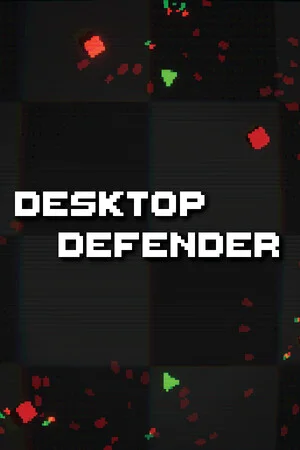
About the Game
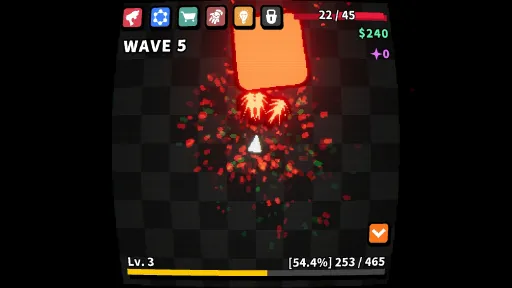
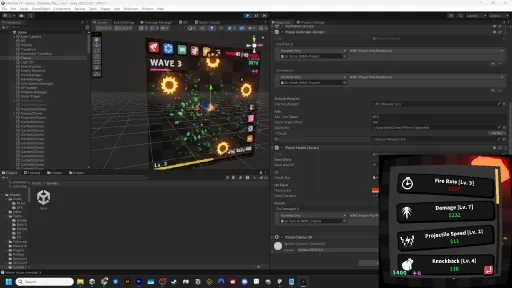
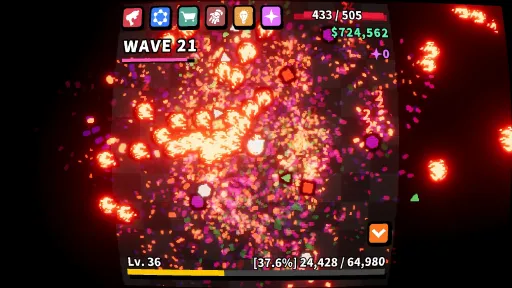
Defend your desktop in this idle auto-battler that sits quietly in the corner of your screen.
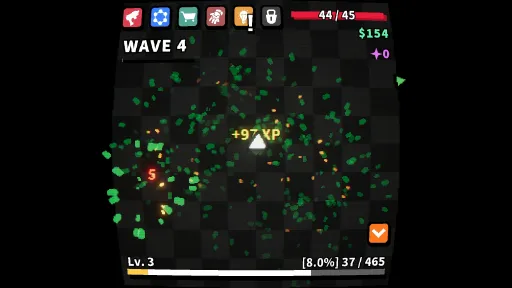
Fend off endless waves of enemies, upgrade your lone tower, and grow stronger across ascensions while you go about your day.
Level up and unlock
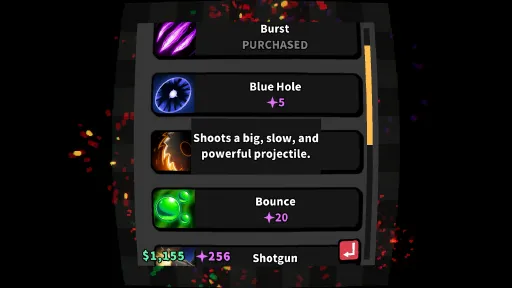
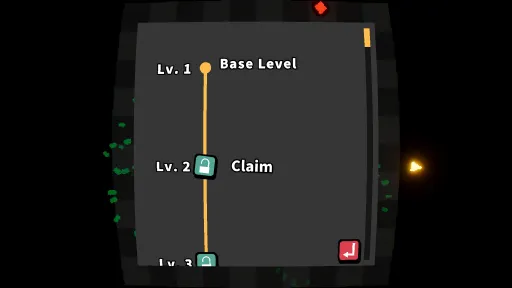
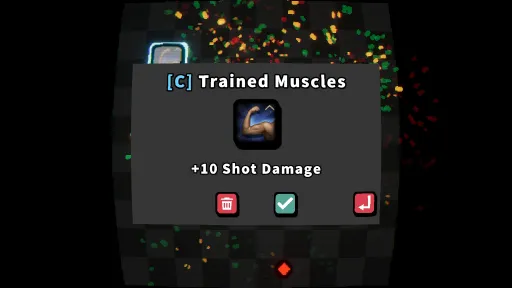
Gain XP, level up, and earn rewards such as permanent upgrades, powerful loot, or new weapons.
Hunt for loot
Enemies drop rare gear with huge bonuses. Equip the best and create broken builds.
Ascend and grow stronger
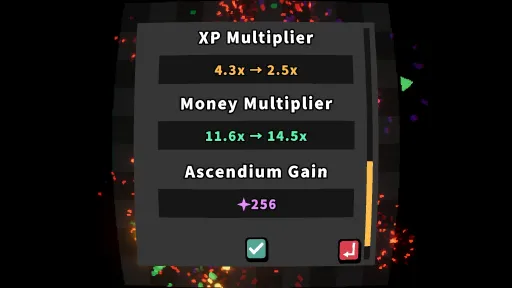
Reset your run to earn Ascendium, unlocking cross-ascension upgrades that boost your progress.
Always on, never in the way
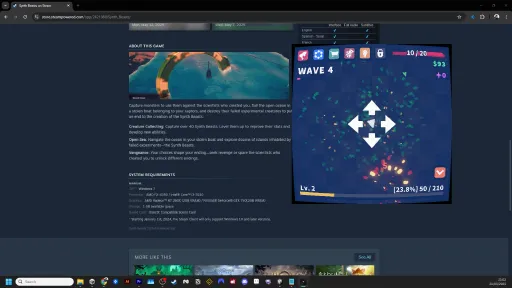
Runs in a small corner of your screen so you can work, browse, or game while defending.
Customize your play
Adjust size and position to fit your setup. Stay passive or play actively. It's up to you!
Screenshots
10 images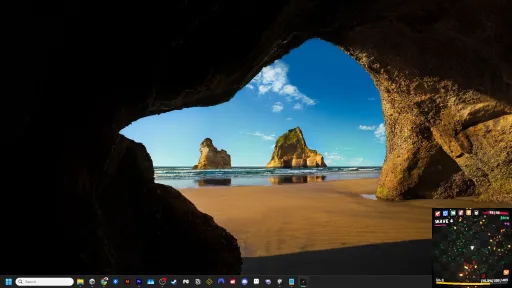
Version Information
Steam Patch Notes
Official update history
Hi everyone!
Yesterday we released the Rebalanced update and it looks like you're all really enjoying it! If you haven't read the update covering what it contains, read it below.
[dynamiclink href="https://store.steampowered.com/news/app/3772810/view/540007781835473175?l=english"]We've adjusted some small things to make the balance even better, read the patch notes below.
Changed the loot stat contribution text to always show "previous stat -> new stat", even in the equipped view, whereas before it was "new stat -> previous stat".
Fixed a bug where the stat values for the Firm Grip and Shadow Strike loot were mixed up.
Wizardry loot % Damage Reduction: -70% -> -40%.
Dragonborn loot % Damage Reduction: -55% -> -40%.
Added the "Precise Collisions" setting. In the previous update, we made projectiles interpolate to have greater accuracy, but this came at the cost of worsened performance on lower-end devices. By default this setting is off, but if you turn it on your high-speed projectiles will no longer skip over enemies.
Fixed a bug that caused loot with higher than 100% stat effects to display incorrectly in the loot view.
Fixed a bug that caused the achievement for unlocking all weapons to not take into account the 2 newly added weapons in the Critical Update.
Fixed a bug where the mastery achievements for the 2 newly added weapons in the Critical Update didn't display their text properly in some languages.
[dynamiclink href="https://store.steampowered.com/bundle/67188/Desktop_Defender__Card_Corner/"]As always, if you're enjoying the game, I would REALLY appreciate it if you reviewed it. It's the best thing you can do to support the game if you're enjoying it!
Thanks again, and keep on enjoying Desktop Defender!
- Conrad, Lead Developer
Hi everyone!
Just did a little hotfix, below are the changes:
Fixed a bug that made it such that screenshake still happened while in menus
Fixed bug that made it such that loot you had at over the 9th slot didn't function properly
Fixed a bug that caused pricing to sometimes be incorrect
Fixed bug that allowed you to do negative damage if you had certain loot
Current Release
Build 23387280
Uploaded Oct 11, 2026
Requests are paused right now
PC Games requests are paused for now while we work through the backlog. Other areas and voting stay open.
Login Required
You need to be logged in to request game updates. Would you like to go to the login page?
Request Update
Request an update for Desktop Defender? This will notify uploaders that this game has an available update.
Request Submitted
Your update request has been submitted successfully! Uploaders will be notified.
Request Failed
Failed to submit update request:
System Requirements
How to Install
Desktop Defender.exe to play
Troubleshooting tips
• Run Redist/_CommonRedist installers if game won't start
• Add folder to Windows Defender exclusions
• Run as administrator
Download
Direct link available
Needed when extracting (WinRAR / 7-Zip) — not a site login.
721E0AEB
780f40476a91675faedae6327b172c3561cebec4c8fca92a238a724c5e52090e
You May Also Like
View All








Download Desktop Defender for PC with a direct link or via torrent. Get the full version of Desktop Defender for free. Desktop Defender is a Casual released by Conradical Games.