







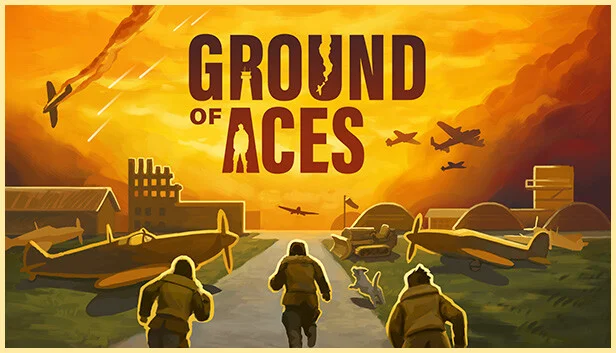
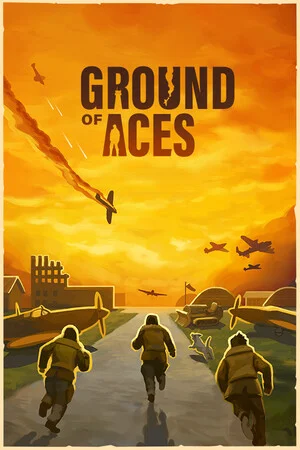
Ground of Aces
by Blindflug Studios AG · 10 Jul, 2025
87 downloads
About the Game
Welcome to GROUND OF ACES
It is the dawn of World War II, and you take command of a remote military air base.
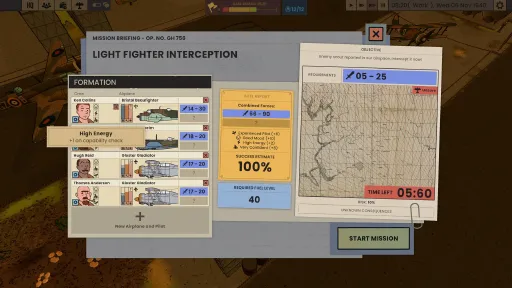
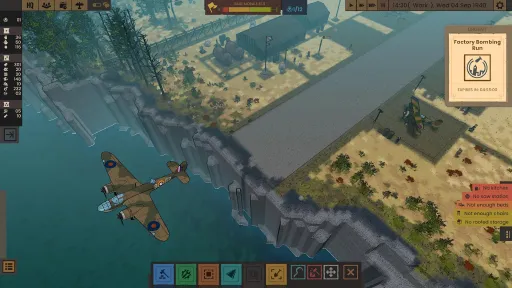
Prepare for missions, send out pilots and fend off attacks
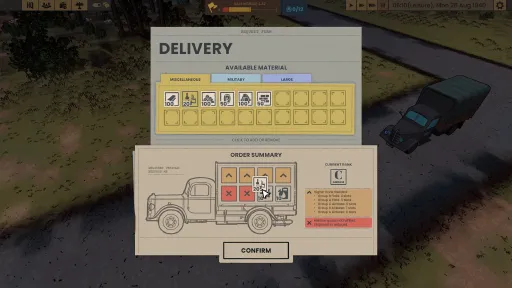
Engulf yourself in the Second World War and experience its battles from the perspective of your air base crew. It is your responsibility to make sure everybody is physically and mentally prepared to fulfil their duties.
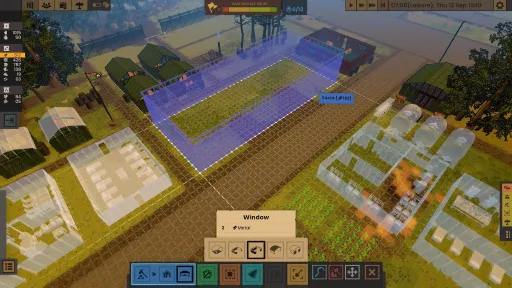
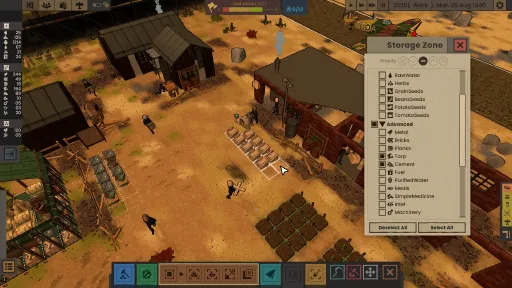
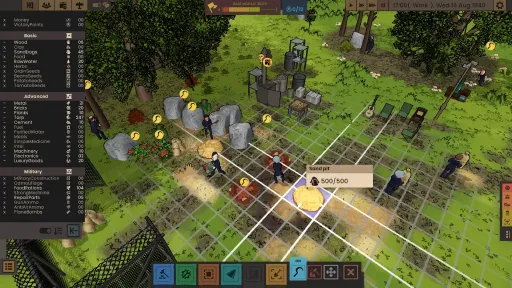
Plan, build and shape your very own air base
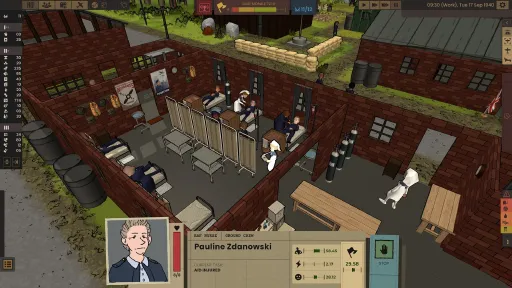
Build up and manage a World War II air base. Your personal home for your planes and your crew members. Complete freedom of how you want to build. You will plan and place every wall.
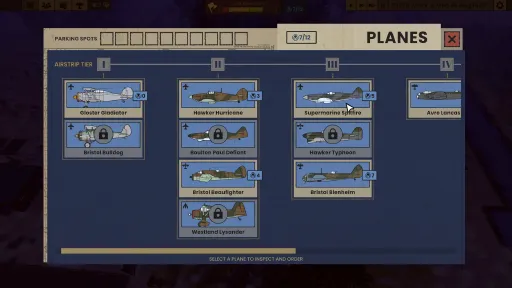
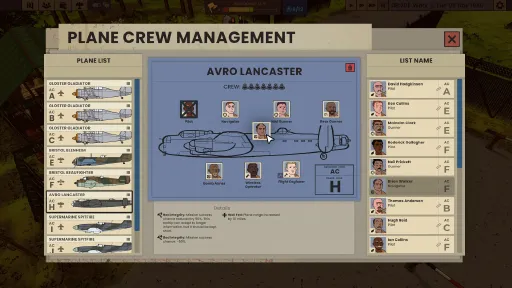
Manage iconic World War II aircraft
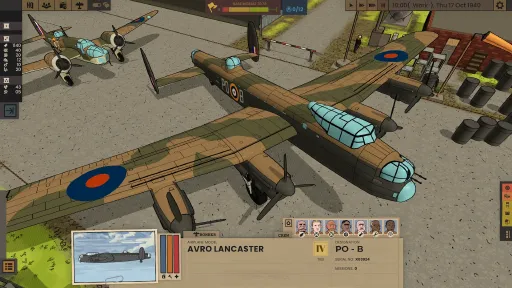
Enjoy a variety of accurate fighter airplanes. A joy for aviation aficionados who know the difference between a Hurricane and a Spitfire. But consider: bigger airplanes will need bigger infrastructure. So make sure you can house some of WW2's most impressive airplanes.
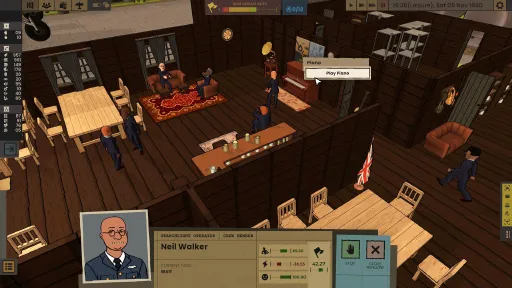
Take care of your pilots and crew
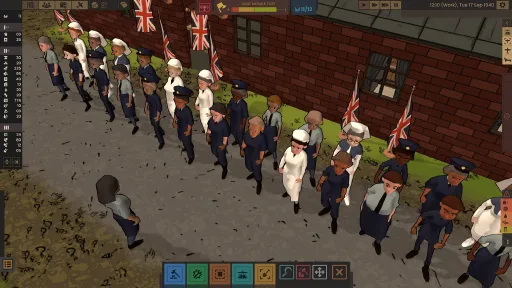
Experience personal stories of your air base crew members. On your base every person matters and has their own personality. The game takes huge inspiration from the everyday life of airplane bases in remote locations and how it felt to live there, in good and bad times.
In the style of Franco-Belgian bande dessinée
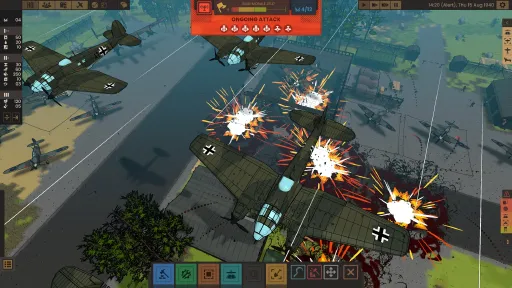
The game is built from the ground up to look like a living and breathing comic book, bringing the style of these timeless art pieces to life. From Bergèse to Hergé, the attention to detail and love for planes of the old masters is what we strive for.
Screenshots
14 images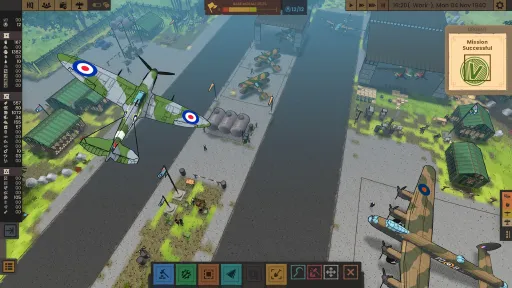
Version Information
Steam Patch Notes
Official update history
We are pushing out a small hotfix update to adjust the following:
added burning vfx for walls
fixed minor air control graphical bugs
fixed animation bug with injured crew members executing other tasks
fixed minor issue with crew members task assignment
Thank you so much for playing and sending back your reports and feedback!
Thank you to anyone who sent us their latest reports!
Our programmers just pushed out a hotfix to address these two issues:
fixed issue with air attack sometimes being blocked by a timer bug
fixed an issue with airplane ammo not being refilled properly
Our programmers prepared some fixes that are now ready as a small update.
Changelog:
Fixed Unlock Summary Window appearing on plane skin unlock
Fixed Fence Tool
Fixed crew assignment highlights for AA gun in tutorial
Applied some performance improvements
Slightly injured crew members will use sickbeds if they have no other things to do
They will prefer sickbeds over other tasks in a future update
Fixed typos + localization improvements
We have a new round of patches for you. Thank you for your reports!
Changelog:
Added in-game information to equipment and props with special functions, explaining what they do
Added Barbed Wire as a buildable fence type
Added fence build tool for Metal Fence & Sturdy Wooden Fence
Added Camouflage to HQ shipment
Added Intel to HQ shipment
Added Electronics to HQ shipments
Added backwards compatibility for quest unlocks
Added missing quest icons
Adjusted scroll speed in crew menu
Adjusted scroll speed for plane list in mission preparation
Adjusted scroll speed in plane management
Adjusted low integrity icons to be clearer
Increased max. zoom speed
Increased Pressing Issue priority related to planes being unable to land/start due to runway
Removed TAB as a toggle for buttons
Fixed issue where quests related to ordering AA guns would not complete
Fixed issue where people would be stuck in training without gaining experience
Fixed issue where ground crew job listings would be replaced by generic "Ground Crew"
Fixed issue preventing players from instructing crew members to carry injured
Fixed issue where the skin paint menu would overlap with the plane crew menu
Fixed issue where players could toggle mission difficulty stars
Fixed wording for some quests
To re-enable full functionality of the map editor for the map contest, we have made following changes
Changelog:
Re-enabled the following props in their current condition for the map editor:
Sturdy Wooden Fence
Sturdy Wooden Fence Pole
Simple Wooden Fence
Simple Wooden Fence Pole
Metal Fence
Metal Fence Corner
Fences will be updated in the future to be draggable like walls. Happy editing!
Thank you for all the reports since our new Major Update. We have already implemented some fixes and improvements that are now available with this Hotfix update.
Changelog:
Fixed issue when starting a new game with pre-existing planes on parking spots
Fixed crew orientation when painting Spitfires and Blenheims
Fixed some tutorial highlights
Adjusted thumbnails of prop icons to be more uniform
Adjusted the Kittyhawk's size for navigation to be the correct size
Updated some translations
We saw the reports of freezes that came in after the previous hotfix and we have here a fresh hot fix focused on this issue. Thank you for your reports!
Changelog:
Fixed issue of everything (including camera controls) being frozen on load (or when work phase starts, if it was saved during a different phase)
Our team has been focused on bug fixes and quality-of-life improvements the last few weeks, and we have a fresh batch of changes for you.
Changelog:
Fixes
Fixed Gardening Tiles not being removable
Fixed surprise attacks and sirens going off indefinitely
Fixed issues with runways remaining blocked when a mission cancels, causing planes not to start / come back
Fixed issues with some custom maps not being playable
Fixed issue of some crew members not pathfinding to defensive equipment when the alarm starts
Fixed Meteor start-up noise playing for too long
Fixed wall decorations not sticking to the walls anymore after loading a save
Fixed depleted/destroyed map objects showing up as filled/intact
Fixed parking spot tooltips only showing up when hovering over specific corners
Fixed being able to cancel terraforming on runways with the cancel tool
Fixed pending mission result sound playing on load
Fixed tutorial videos not showing on some Mac machines
Quality-of-life changes
Added ability to prioritize the construction of entire runways
Added ability to rotate roofs
Added Japanese as a language
Added skin unlock notifications
Added indicator in equipment assignment menu to show which plane a crew member belongs to
Added time controls to map editor
Adjusted 2D plane sprites to fit the 3D counterpart better
Balanced Crew Mood Bonus for missions and min. plane stats for multi-seat aircraft
Default paint button is now blocked when all skins are default
Next, we are preparing for Major Update 5, which, among other things, includes focusing on making a new tutorial / onboarding process. This has been a big feedback point, and it's important for the future of the game. We think Ground of Aces is now far enough in our Early Access phase and still early enough before 1.0 to make a new tutorial and then improve it further with your feedback.
We are also working on a community feature that is planned before the next major update which aims to celebrate map creations from other players. Stay tuned!
We continue to check the incoming feedback and bug reports from the in-game feedback tool, the Steam reviews and forum posts, and Discord discussions. Thank you all for your feedback and reports!
We have a new hotfix update ready for you that also includes one of our most requested features: controlling the direction of your airstrip.
We heard you and we didn't want to keep you waiting any longer for this feature, so here it is as part of a smaller hotfix update. This update also includes some useful new tools for the map editor.
Thank you all for your extensive feedback. We continue with other bug fixes and quality-of-life improvements.
Changelog:
Decide the landing / takeoff direction
you can now configure the airstrip landing/takeoff direction
New tools for the map editor
add and manage truck waypoints and resource spawning points
set spawn points for specific planes on parking spots
add character spawners to mark spots where initial characters appear when a new game is started
Tweaks to maps
we added a hospital building to Lichfield
The Hole was removed from Perranporth
Change the number of dogs on your base
you can now decide the number of dogs on the map in the map parameters when starting a new game
Other changes
added "painting in progress" indicator in the skin management button
added an option to configure skin during plane ordering
Pre-war Gladiator merged into Gladiator with a pre-war skin
fixed minor visual bugs
fixed minor functional bugs
New airplane livery 👀 Promo code will be given out in our next dev livestream
there is a new skin in the game that can be unlocked with a promo code. This code will be given out in our next dev livestream on Twitch, which is planned for this Sunday at 9pm CET / 4pm EDT / 1pm PDT. Follow us on Twitch to get a notification when we go live: [dynamiclink href="https://www.twitch.tv/blindflugstudio"]
Thank you for your reports and feedback. Our team made some fixes and improvements that we already want to push out as a Hotfix update.
Changelog:
add missing hover tooltips for fuel tank/water pump
fix one of the dirt biomes not counting as tier 1 for runways
don't open game directory location when clicking DLC news buttons
fix blurry images in main menu news UI
properly close airstrip UI when placing is cancelled
fix deconstructed roof blocking the building of new ones
reduced the chance of injury when collapsing to 10%
Lysander Day Fighter skin texture fix
sandbags are smaller to avoid clipping through walls
minor localization updates
Issues we are currently working on:
Make the function of the default paint button in the management screen clearer
Skin unlock notifications
Improvements planned for the Map Editor:
Truck delivery waypoint
Character spawn waypoint
"Long Grass" for biome selection
Map Editor runway improvements
Add “Undo” & “Redo” functionality
This week our team will do a team retreat and discuss the feedback that we have gathered in the latest reviews, survey form answers, feedback entries and Steam forum posts. We will keep working on improvements and fixes, and we will plan the next features of the next big update.
One small hotfix for something that was caused by a fix from the previous hotfix:
fixed an issue relating to radio towers that affects players starting a new save. Previously, players who had a radio tower constructed in a new game and tried to load the save in the future would be unable to play the game.
Thank you for the reports from the affected players!
Thank you all for playing and reporting bugs over the Christmas break! Our devs have been back at work since last week and today we have a new hotfix update ready for you.
Changelog:
- navigation optimization to minimize issues with crew members getting stuck in places
- fixed an issue with double camera generating errors
- fixed an issue with interaction slot not existing in code
- fixed an issue with resource piles not having integrity
- fixed a visual bug with the AA gun snapping to its original rotation when an air attack happens
- fixed an issue with some old DLC missions not containing map location data
- added automatic load for DLC scripts. This should remove the requirement of manually copying the minor events/missions scripts from the DLC directory to make the game load them.
We are starting to work on new features for the next major update now and will continue to monitor the incoming feedback and bug reports.
Current Release
Build 24812016
Uploaded Aug 31, 2026
Update already requested
Uploaders have been notified
A newer version is available but not yet uploaded
Help keep this updated
Login Required
You need to be logged in to request game updates. Would you like to go to the login page?
Request Update
Request an update for Ground of Aces? This will notify uploaders that this game has an available update.
Request Submitted
Your update request has been submitted successfully! Uploaders will be notified.
Request Failed
Failed to submit update request:
System Requirements
How to Install
GroundOfAces.exe to play
Troubleshooting tips
• Run Redist/_CommonRedist installers if game won't start
• Add folder to Windows Defender exclusions
• Run as administrator
Download
Direct link available
Needed when extracting (WinRAR / 7-Zip) — not a site login.
806D0395
8d7ebcd01ebbd7b3b63ec3c3f74353bf97ccaf8ad5de8e66dd283666a1087fff
You May Also Like
View All






Download Ground of Aces for PC with a direct link or via torrent. Get the full version of Ground of Aces for free. Ground of Aces is a Simulation released by Blindflug Studios AG.