






About the Game
Have you ever wanted to be a lonely underpaid network technician who works 24/7 in an underground facility?
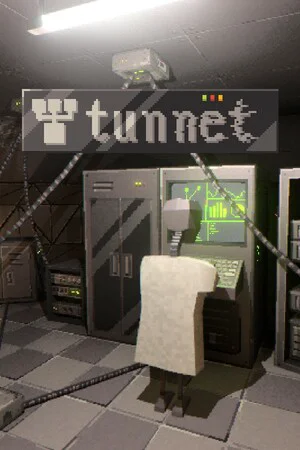
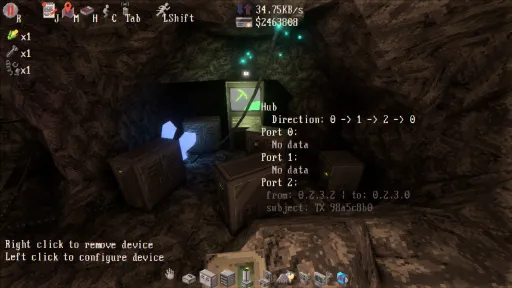
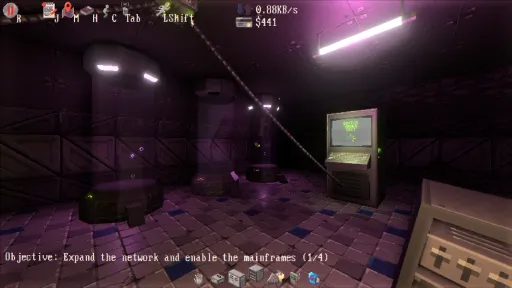
Tunnet is a short game where you wake up as a robot technician in an underground complex.
You quickly meet your supervisor, who tasks you with building a computer network to connect the different bunkers of the facility.
You are equipped with a state-of-the-art drill that allows you to dig tunnels and find new bunkers to connect to the network.
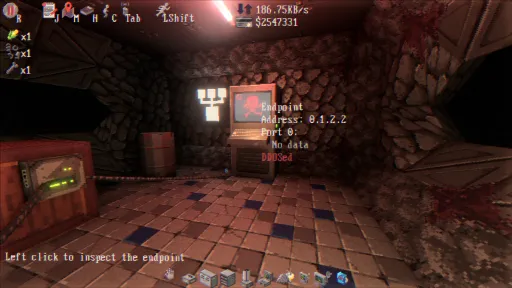
The more endpoints you connect to the network, the more credits you receive.
But who knows what awaits you in this underground world?
As you connect more endpoints, the network topology has to be carefully designed to route the packets efficiently and maintain a decent performance level.
Use the credits you have earned to unlock new devices to better manage and monitor the traffic.
Network incidents can occur at any time: get ready to debug and troubleshoot mysterious issues.
Design and Build a Network
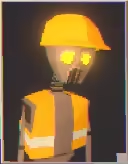
Tunnet is a short game where you wake up as a robot technician in an underground complex.
You quickly meet your supervisor, who tasks you with building a computer network to connect the different bunkers of the facility.
Explore the Bunkers
You are equipped with a state-of-the-art drill that allows you to dig tunnels and find new bunkers to connect to the network.
The more endpoints you connect to the network, the more credits you receive.
But who knows what awaits you in this underground world?
Optimize and Debug
As you connect more endpoints, the network topology has to be carefully designed to route the packets efficiently and maintain a decent performance level.
Use the credits you have earned to unlock new devices to better manage and monitor the traffic.
Network incidents can occur at any time: get ready to debug and troubleshoot mysterious issues.
Features
- Build, optimize and debug a computer network in a first-person 3D environment.
- Dig tunnels to access the different bunkers and connect them to the network.
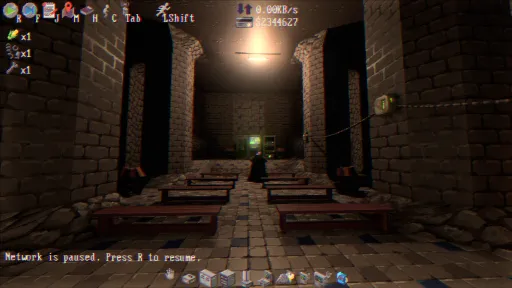
- Explore the facilities and unveil the secrets of the underground complex.
- Find a way to access the computers guarded by the creepy monsters that haunt the bunkers.
Screenshots
12 images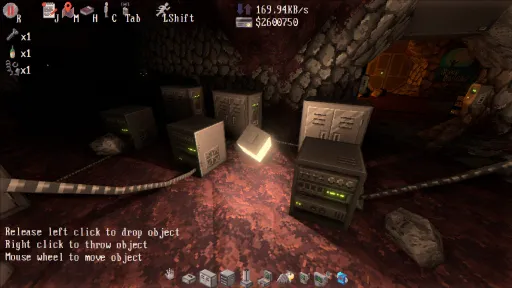
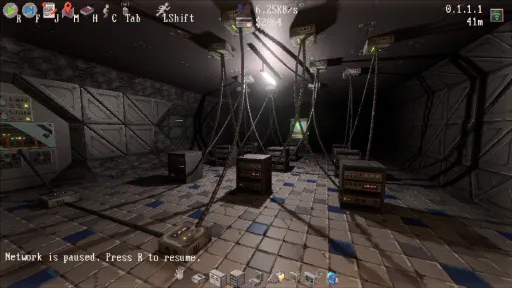
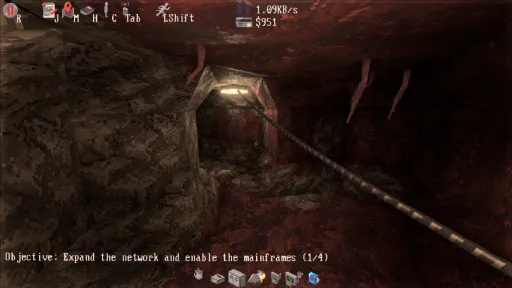
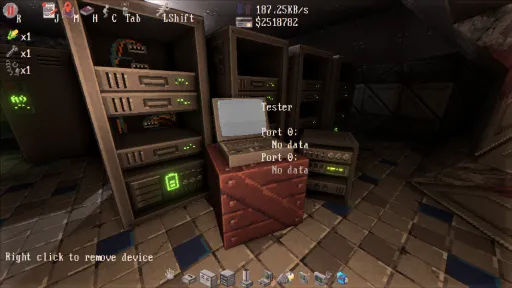
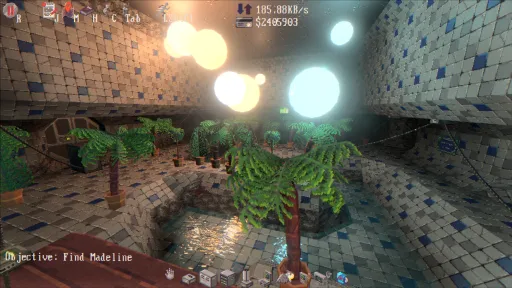
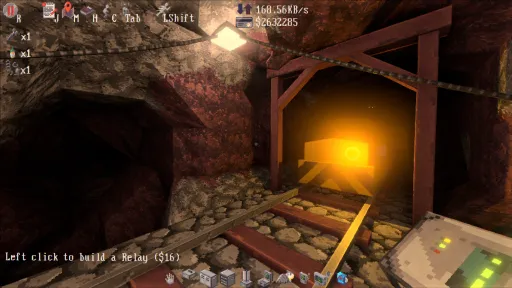
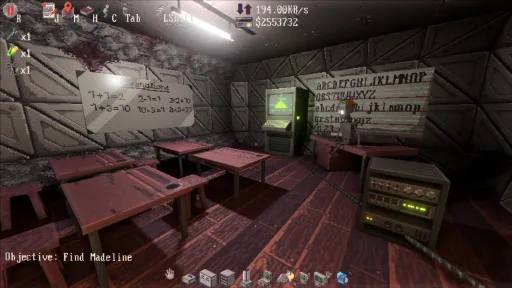
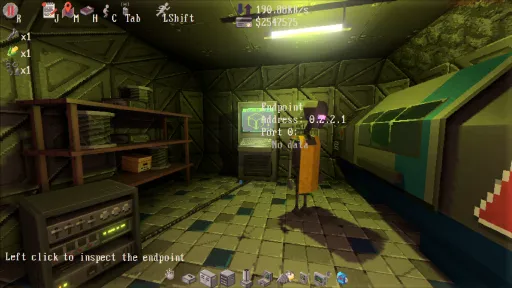
Version Information
Steam Patch Notes
Official update history
On the site: Build 19510641
Up to date
- Added new entrance to the shelter. This will only be reflected on new saves.
- Added option to dig anywhere. It can be useful to fixup the map on saves that include procedural generation bugs (which could happen on previous versions of the game). This can only be enabled by manually editing the settings file (settings.toml):
dig_anywhere = true
Use this option with care. Removed voxels cannot be placed back. - The map is now properly regenerated when starting a new game.
- Fixed mouse wheel event handling when using gamescope.
Tunnet is now Steam Deck verified!
This version includes a few changes that I had to make in order to pass the Steam Deck compatibility check as well as a few minor bug fixes:
View on Steam
This version includes a few changes that I had to make in order to pass the Steam Deck compatibility check as well as a few minor bug fixes:
- Fixed crashes that sometimes happened when entering/exiting sleep mode on the Steam Deck.
- The note at the back of the handbook has been slightly changed to make it more readable on small screens.
- The system settings are now stored in the system_settings.toml file. This file is ignored by the cloud saves.
- The controller glyphs have been updated.
- Fixed a few typos in the dialogues and manual.
- Fixed a bug that prevented the boy scout questline to be completed when the DJ speaker was already replaced.
- Clarify instructions written on the whiteboard in military briefing room.
- Changed color of the light in the military barracks.
- Technician cannot be killed by the spider anymore while holding the light.
- Lowered the speed of the mermaid.
- The mermaid now only attacks the technician when she is out of sight.
- Fixed memory leak in the UI system.
- Going home while driving the train now works as expected.
- Cursor is now always visible when picking up handbook pages.
- Right arrow key does not pause the network anymore by default.
- Fixed a typo in the handbook.
- Monastery mainframe now sends more packets to 0.*.*.*.
- Fixed crash that happened when removing devices while manually wiring them.
- Fixed formatting of the description displayed when inspecting testers in snoop mode.
- The long-range scanner now properly points to the Villa entrance when scanning the 0.3.0.0 mainframe.
- The dialogue hint now displays the key bound to the Talk action instead of LSHIFT.
- Devices can now be disconnected by a key press (instead of Middle-Mouse Button). The key can be assigned in the settings menu.
- Slightly moved the tape in the Shelter #4 to make the endpoint more visible.
- Fixed some typos in dialogue lines and handbook.
- Camps now send packets to each other instead of communicating with the caves.
- Pressing F when the map is open won't trigger a single-step anymore when the network is paused.
- Fixed the issue where the vision was sometimes misaligned with the HUD.
- Fixed typo in the training sequence.
- Fixed typos in the nightclub dialogues.
- Fixed final dialog with Madeline. She will now respond when giving her the batteries bought at the cafeteria/supermarket.
- It is now possible to open doors while holding tools.
- Hackers cannot spawn in the Supermarket #4 anymore.
- Fixed camera bobbing logic. The camera does not 'teleport' anymore when starting to move.
- The packets sent by the testers won't affect the peer lists anymore.
- Fixed a crash in the chunk loader:
Could not insert a bundle (of type `MaterialMeshBundle<StandardMaterial>`) for entity 1337 because it doesn't exist in this World.
- Hackers cannot spawn in the Villa anymore.
- Fixed the dialog line displayed after fixing the CNC machine.
- Fixed description of the light-emitting relay in the vending machine.
- Doors won't open automatically anymore when they are closed manually.
- Fixed frustum culling of the hacker model.
- Added launch option to force the game to use DX12 instead of Vulkan.
Tunnet > Properties > General > Launch options:--dx12
- Fixed the shader used to render placement previews. This should allow the game to run on DX12 without crashing.
- Fixed a few typos in the dialogs.
- Fixed a race condition in the game logic related to the "Permanent" entities:
Could not add a component (of type `Permanent`) to entity 1337 because it doesn't exist in this World
- Pressing J on saves imported from the demo now displays the journal as expected instead of the ending credits.
- Fixed Z-ordering of the manual UI. This should prevent the manual pages to appear blank in some cases.
- Removed the bundle removal. Right click now removes one device at a time.
This patch attempts to fix all the simple issues which have been reported
this weekend:
- To simplify the final puzzle, the monster does not break the network devices anymore.
- The exact location of the player (including the Z-axis) is now displayed in the map.
- Fixed a few typos in the manual.
- The drone will now warn the player about the bandwidth requirement before entering the final level.
- A cursor has been added to the toolbar to improve readability.
- Fixed some crashes that could happen when attempting to load corrupted save files.
- The dialog with Madeline when disinfecting the endpoints won't be repeated anymore.
- The auto save is now automatically triggered every 5 minutes.
- When removing bundles, the amount of credits received now depends on the number of devices removed.
- The 0.0.2.* endpoints won't be selling any pieces of furniture anymore (as they don't exist).
The other issues reported require a little bit more work and testing.
I am planning to address them in future updates.
Stay tuned!
--
Puzzled Squid
View on Steam
this weekend:
- To simplify the final puzzle, the monster does not break the network devices anymore.
- The exact location of the player (including the Z-axis) is now displayed in the map.
- Fixed a few typos in the manual.
- The drone will now warn the player about the bandwidth requirement before entering the final level.
- A cursor has been added to the toolbar to improve readability.
- Fixed some crashes that could happen when attempting to load corrupted save files.
- The dialog with Madeline when disinfecting the endpoints won't be repeated anymore.
- The auto save is now automatically triggered every 5 minutes.
- When removing bundles, the amount of credits received now depends on the number of devices removed.
- The 0.0.2.* endpoints won't be selling any pieces of furniture anymore (as they don't exist).
The other issues reported require a little bit more work and testing.
I am planning to address them in future updates.
Stay tuned!
--
Puzzled Squid
- Fix crashes due to ArrangementLimitReached
- Move school fence to make a second exit
- Remove some debug prints
View on Steam
- Move school fence to make a second exit
- Remove some debug prints
Current Release
Build 19510641
Uploaded Oct 10, 2026
System Requirements
OS
WIndows 10+
CPU
N/A
RAM
2 GB RAM
GPU
Vulkan-capable Nvidia or AMD GPU
How to Install
1
Download all files
2
Extract the .ZIP file to a folder (use WinRAR or 7-Zip)
3
Run tunnet.exe to play
Troubleshooting tips
• Run Redist/_CommonRedist installers if game won't start
• Add folder to Windows Defender exclusions
• Run as administrator
Download
Direct link available
Archive password
Needed when extracting (WinRAR / 7-Zip) — not a site login.
CRC32
41A83185
SHA-256
08c6d7e741f29ce55306d3356a006a4c3e65e1caf4b1e6ab174addde55977a7f
How: Right-click the downloaded file → 7-Zip / WinRAR → CRC SHA → compare with the values above.
You May Also Like
View All









Download Tunnet for PC with a direct link or via torrent. Get the full version of Tunnet for free. Tunnet is a Adventure released by puzzled_squid.