







About the Game
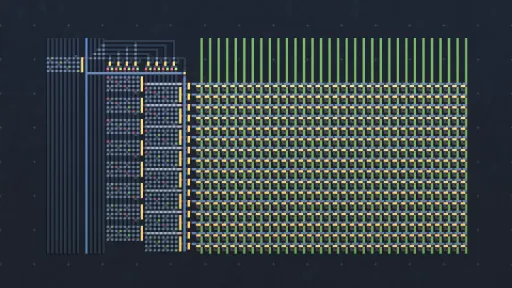
Virtual Circuit Board, or VCB, is a sandbox-only drawing-based logic simulator featuring an assembler and a powerful simulation engine. All of it designed to give you the freedom to build and experiment with logic circuits to your heart’s content.

Set your own goals
In VCB you will set your own goals of what and how you want to build, it does not come with tutorials, levels, or challenges, and it will not teach you digital logic or assembly. VCB's development philosophy is aimed toward delivering a fresh sandbox experience for players who already have some basic knowledge about logic gates and circuits.

Powerful Simulation
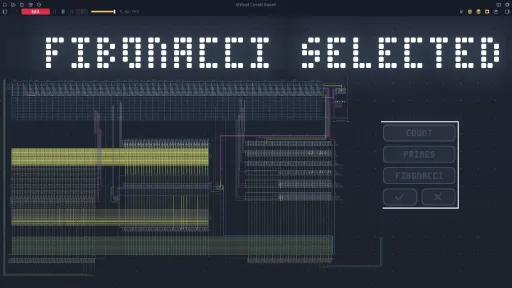
High-performance tick-based simulation, where signals propagate between components one tick at a time. Simulate with a frequency of up to millions of updates per second.
Assembly
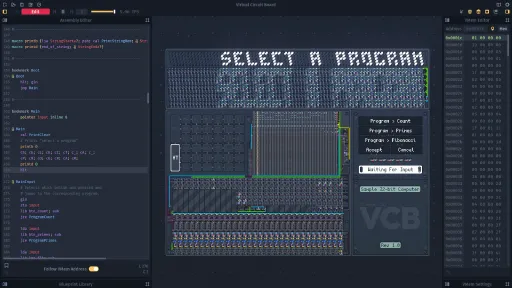
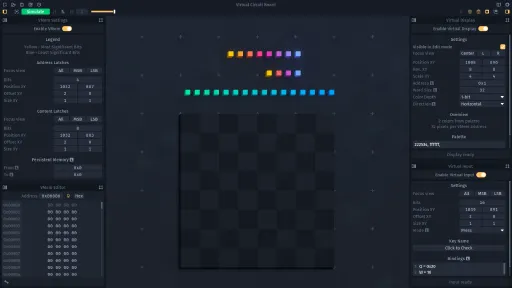
Assembly editor in which you can define your own instructions, allowing you to create a program that will be assembled into a Virtual Memory accessible by your circuits.
Editing and Simulating
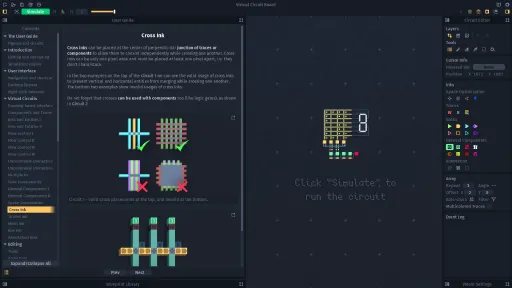
Working in VCB is separated in two modes, while editing you can use the drawing tools to modify your circuit and the assembly editor to write programs, and during simulation you can see your circuit running, interact with it, and watch the assembly instructions being executed.
Drawing-based Interface
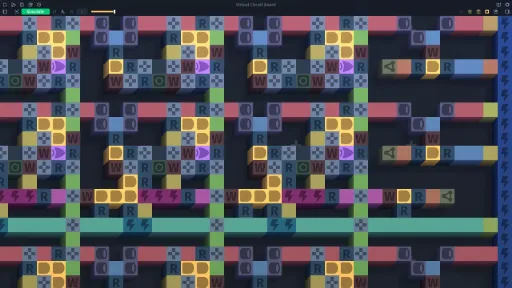
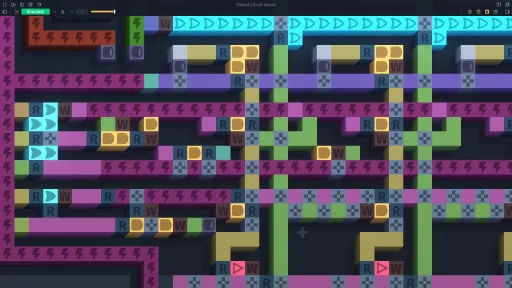
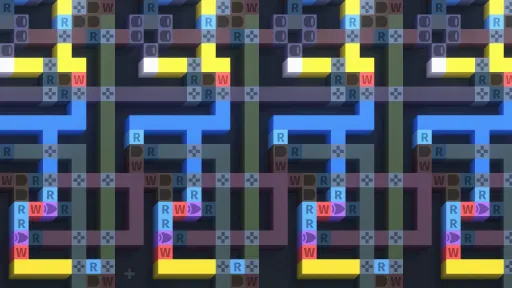
Build circuits by drawing color-coded entities like logic gates and traces, and use the specialized tools such as the Array to optimize your workflow by drawing multiple traces simultaneously. Both the electronic components and the traces support multiple input and output connections.
Decoration
Customize the appearance of circuits by drawing in the decoration layers that override the component's default colors. This allows you to create things such as buttons and labels that change appearance depending on the component's state.
Screenshots
10 images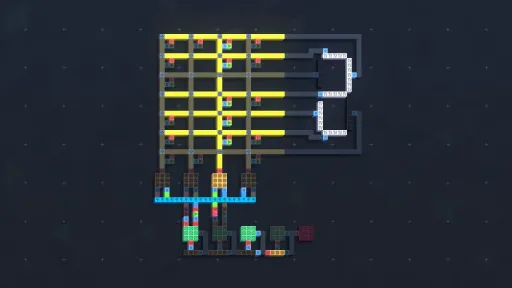

Version Information
Steam Patch Notes
Official update history
- Added a warning that appears when the game has not closed properly in the previous session, advising the player to check the autosaves.
- Autosaves in the Recent Projects list now display how long ago they were created.
- The Ink Switch Menu now also closes when an ink is right-clicked.
- The Mouse Interaction Mode and the Target Simulation Speed are now saved with the project.
Fixes
- Fixed undo history of some text boxes (such as the assembly and notes editors) not being reset when loading a different project. Also, fixed cases where placeholder text was included at the start of the history.
- Fixed File Dialog sometimes having the name of the previously opened/saved project pre-filled in the file name textbox.
- Fixed autosaving system not always initiating the save rotation (when the game has just been opened) from the oldest autosave found.
- Fixed Target Simulation Speed sometimes changing when switching from the spinbox to the slider widget.
Current Release
Build 13251452
Uploaded Feb 06, 2026
System Requirements
How to Install
vcb.exe to play
Troubleshooting tips
• Run Redist/_CommonRedist installers if game won't start
• Add folder to Windows Defender exclusions
• Run as administrator
Download
Direct link available
Needed when extracting (WinRAR / 7-Zip) — not a site login.
You May Also Like
View All








Download Virtual Circuit Board for PC with a direct link or via torrent. Get the full version of Virtual Circuit Board for free. Virtual Circuit Board is a Simulation released by Reverie Foundry.