







FPV Kamikaze Drone
by HFM Games · 15 Dec, 2023
293 downloads
About the Game
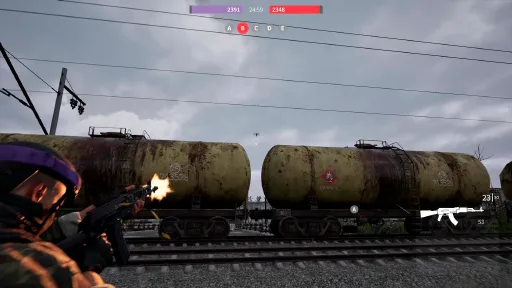
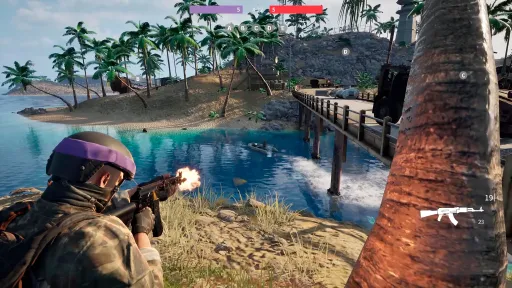
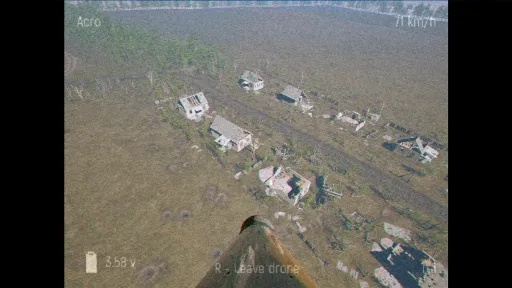
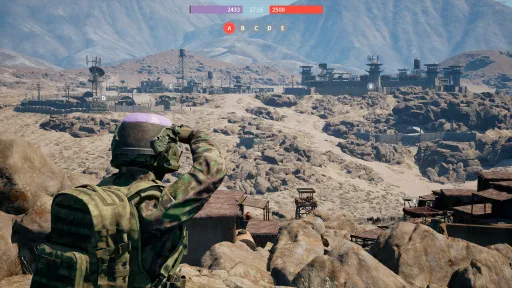
Screenshots
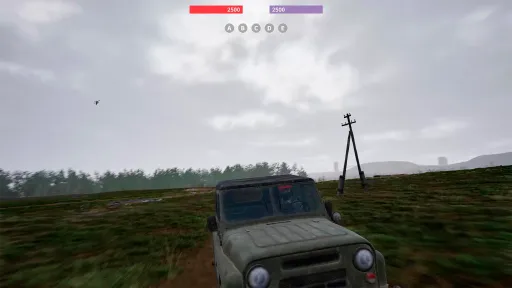
34 images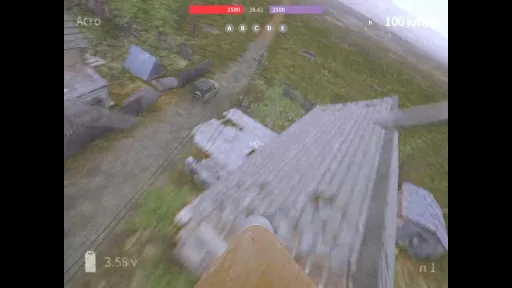
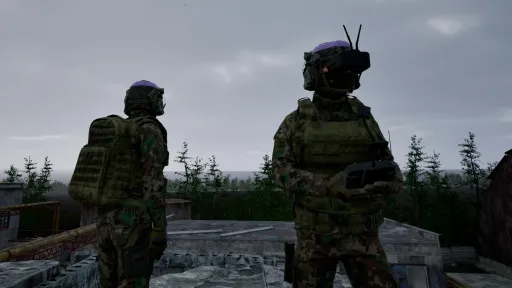
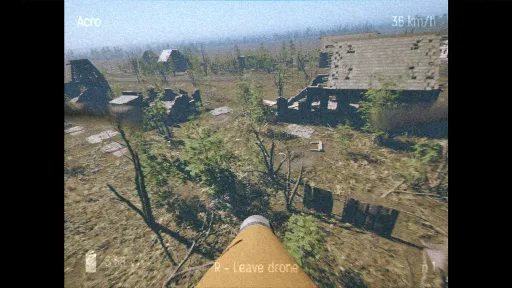
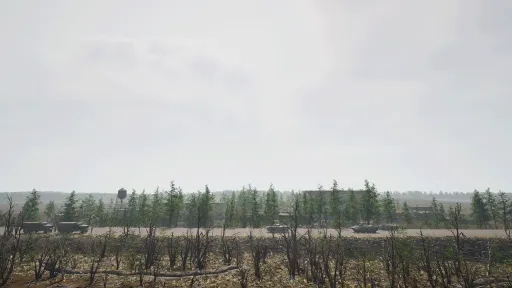
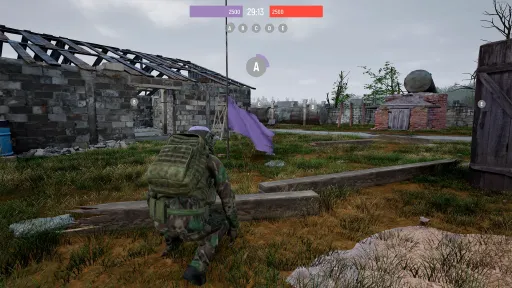
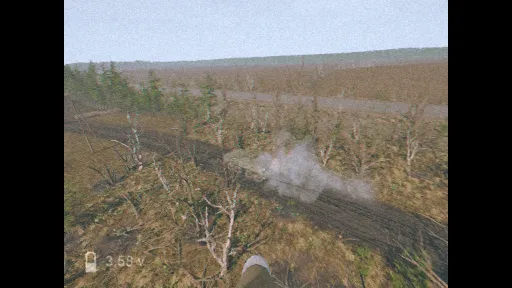
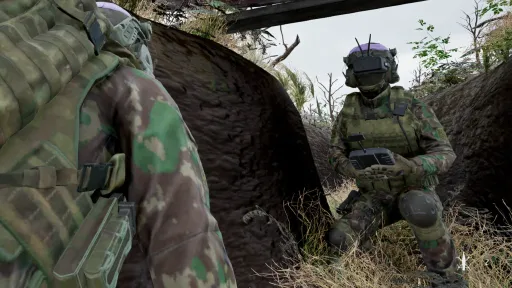
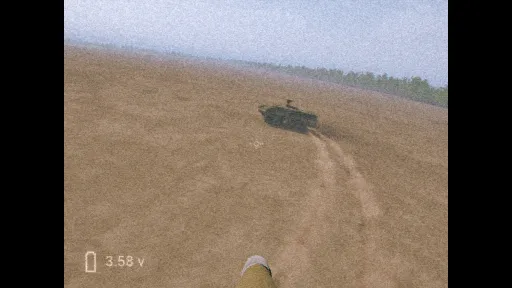
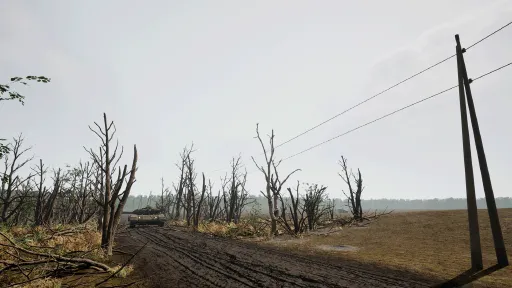
Version Information
Steam Patch Notes
Official update history
Fixes & Changes
Fixed a bug that caused drones to randomly disappear during flight.
Fixed shooting through walls while in third-person view.
Reduced how often characters get stuck on spawn.
Fixed a bug where dropping a VOG could disconnect you from the Stryker.
All maps once again receive purely artistic names.
The score table can now be opened while in a vehicle or in flight.
Fixed vehicle collisions so the driver no longer dies on exit.
Increased zoom when aiming in third-person view.
Various minor improvements and fixes.
- Now you can scroll through the server list
- The drone is now destroyed with a single bullet
- The soldier’s camera angle no longer resets when exiting a vehicle
- Fixed a bug where players would get stuck in mid-air after a vehicle explosion
- Bot soldiers no longer disappear after death
- The boat can now move backward
- Fixed a bug that allowed looting two drones with a fast click if only one remained in the crate
- When spawning a Stryker, its camera now always faces forward regardless of the operator’s view
- Fixed a vehicle sound issue where it was audible everywhere regardless of distance
- The item pickup animation works again. Added a new animation when holding a rifle
- Fixed a bug where the drone remained in the inventory when switching items during a throw
- Upon detonation, the drone no longer knocks players back but instead creates interference
- Soldiers no longer fly into the sky or teleport upon colliding with a drone
- When quickly switching network types in the server list, results now display correctly
- Adjusted the volume of the Stryker – it is now easier to hear
- Reduced the push force of soldiers – they can no longer move trucks or other vehicles
- Fixed the "Team Deathmatch" text that extended beyond the UI boundaries
- Removed repeated damage triggers for vehicles – now the engine sound simply turns off
- Bot soldiers and vehicles now appear in the kill feed with a neutral white color
- On the "Trench Wasteland" map, thermal vision now works correctly
- Fixed a bug where the mission with the APC would not end
Changes:
- Added a check for getting stuck when exiting a vehicle
- Soldiers can now be run over and killed by vehicles
- Improved hit registration for weapons
- Added quick drone launch (activates regardless of inventory selection) on a separate Q key to prevent conflicts with weapon reloading
- Vehicles now respawn at their designated locations at the start of each round
- A loading screen is now displayed when creating or joining a server to prevent double clicks
- The interface is now adapted for different screen formats
- Vehicles now get destroyed if left unused for more than 90 seconds
- The kill feed now shows who destroyed a vehicle and all passengers inside when it explodes
We received the DJI FPV Remote Controller 3 and TBS Tango 2 V4 for testing. Initially, flying drones with these controllers was almost impossible — the button and axis mappings were so mixed up that it made gameplay extremely difficult. The main issue, however, was the lack of an option to remove button and axis bindings from actions in the game.
{STEAM_CLAN_IMAGE}/44787011/eaa79e6b415d3b7950ef4a7063c12ed02d918413.jpg
We've now added this functionality, along with a convenient feature to remove all bindings in bulk. As a result, configuring these controllers has become much easier, making flying a much more enjoyable experience.
{STEAM_CLAN_IMAGE}/44787011/aedddaa0f2e2c98e994e351631514abf0145435f.jpg
Important: Resetting and removing bindings applies only to the currently selected drone or operator and does not affect other configurations.
The latest update to "FPV Kamikaze Drone" significantly enhances control using the keyboard and mouse. It also addresses issues related to axis auto-calibration. Control settings are now conveniently separated for keyboards and controllers. Furthermore, the extended input option has been abolished, and support for all possible controllers is now enabled by default.
In the advanced input settings, we've added extra axis control options, including inversion, sensitivity adjustment, and dead zone configuration. Reminder: if you're using a non-standard controller, including Playstation, please enable Advanced Input and apply the settings accordingly.
Now, the 'Reset and Auto-Calibration' button is available in settings. If you have axis problems, use this button to reset all axes and buttons and to perform auto-calibration. Have a pleasant flight!
Current Release
Build 23452483
Uploaded Jul 13, 2026
System Requirements
How to Install
FPVKamikazeDrone.exe to play
Troubleshooting tips
• Run Redist/_CommonRedist installers if game won't start
• Add folder to Windows Defender exclusions
• Run as administrator
Download
Direct link available
Needed when extracting (WinRAR / 7-Zip) — not a site login.
BDD11706
4423b66618605825a68497c67acbc2685a265414dd83633871a770aa13054681
You May Also Like
View All








Download FPV Kamikaze Drone for PC with a direct link or via torrent. Get the full version of FPV Kamikaze Drone for free. FPV Kamikaze Drone is a Action released by HFM Games.