







Heavy Cargo - The Truck Simulator
by tox² interactive GmbH · 9 Oct, 2024
139 downloads
About the Game
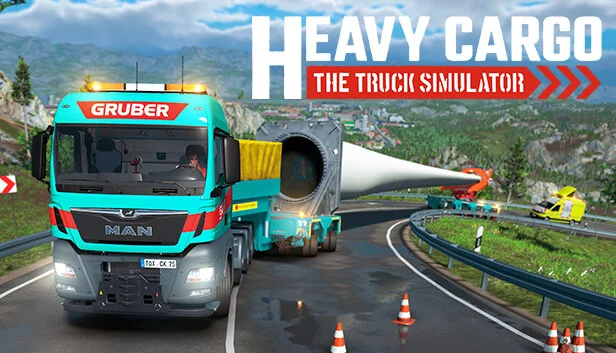
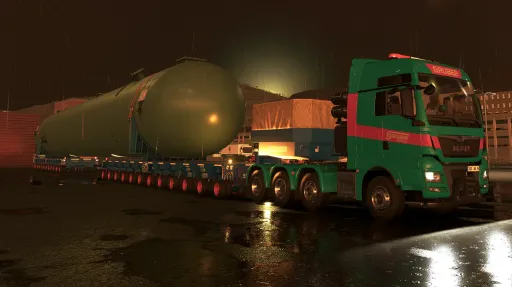
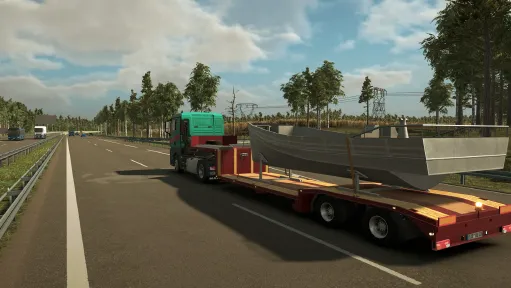
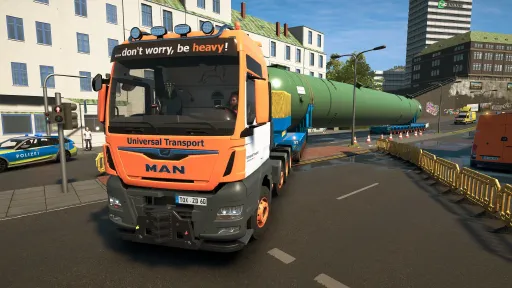
In Heavy Cargo - The Truck Simulator, you transport oversized cargo through an extensive, freely accessible and lively game world, including dynamic weather and day-night cycle.
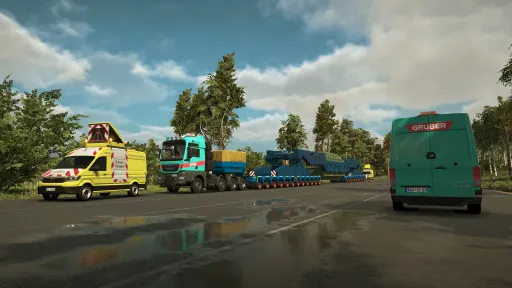
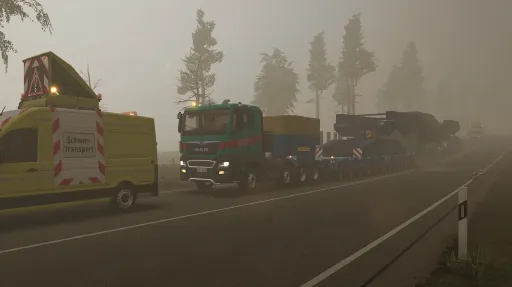
Before you start your journey with your truck and its various trailers and cargo, you often have to explore the route with the spotting vehicle first that you control yourself.
If obstacles prevent you from fulfilling your mission, you will have to dismantle crash barriers, cut off road signs, determine bridge heights or lay out plates using a crane in order to transport your heavy cargo from A to B undamaged.
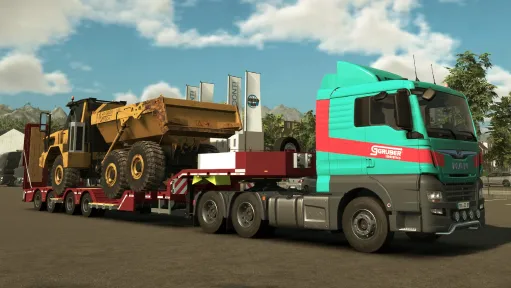
Heavy Cargo - The Truck Simulator was developed in close cooperation with our partner ‘Gruber Logistics’ and presents the work of a company that is specialized in heavy cargo transports in a realistic way.
Everything is in your hands – from planning the challenging missions to performing them.
Unloading large and heavy freight with the help of cranes is also part of your almost 30 orders in different weight and size classes.
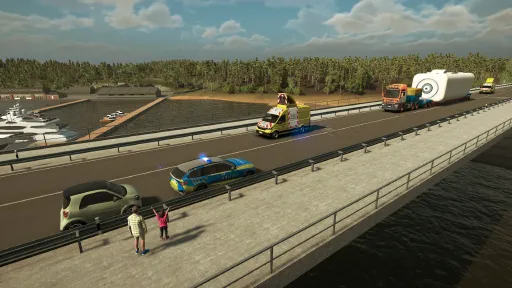
Supported by escort vehicles, you drive on country roads, highways and lovingly designed towns and villages in a huge open-world route network.
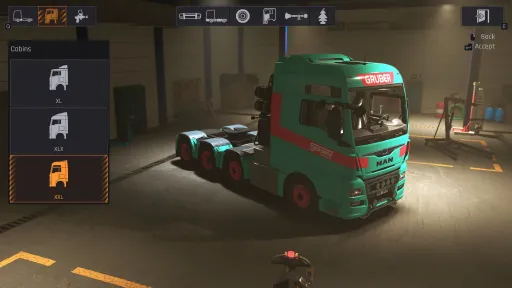
Master motivating missions with a detailed evaluation at the end, to unlock more than 100 add-on parts, over 20 interior decorations, new truck models and new missions.
Transport rides with oversize
Oversize transport journeys accompanied by preceding and following vehicles
Tour preparation (dismantling of guard rails, laying of ground plates and much more)
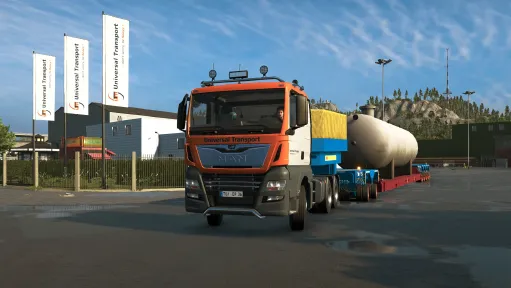
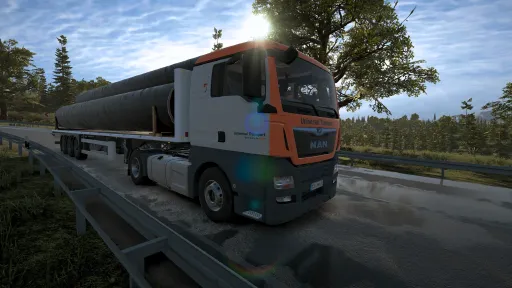
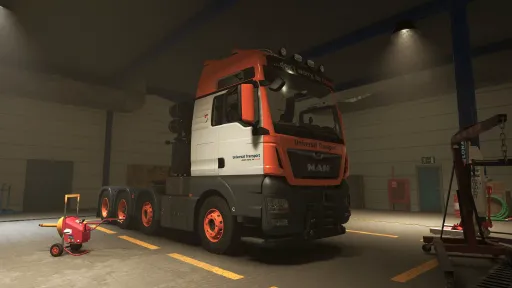
MAN trucks and various trailers/semitrailers based on real-life models (boiler bridges, rotor trailers, low-loaders)
Spotting-vehicle (Sprinter class) MAN TGE
Mobile cranes
Truck loading cranes
Truck features such as a compressed air system and retarder are on board. In addition, all wheels and wheel pairs (as with the modular trailers) are individually physically calculated.
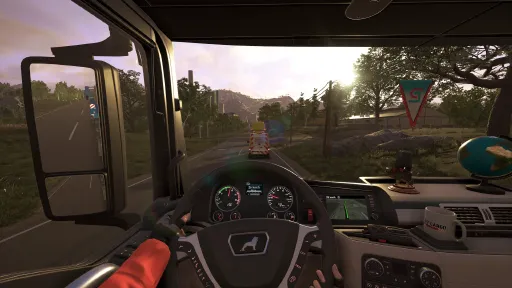
The 175 km² large, lively game world with a European setting invites you to explore and discover. From large cities and freeways to difficult mountain passages to remote villages, many a journey becomes an adventure tour.
Uncover fast travel points and get to the various points on the map more quickly.
Are you ready for an exciting time in the world of heavy goods transportation?

Screenshots
13 images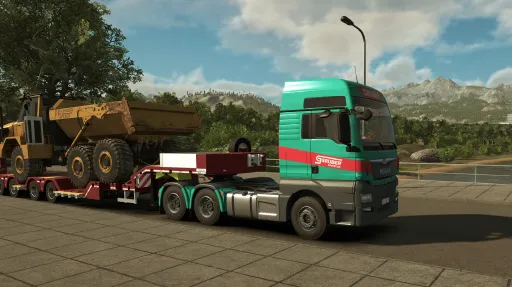
Version Information
Steam Patch Notes
Official update history
We are pleased to announce the release of version 1.0.1 to the default branch. This update focusses mainly on fixing various major and minor bugs and implementing as much of your feedback as possible.
Have a safe ride!
Patch Notes
- Visual improvements to petrol stations at night
- Filters in the map menu now also filter the icons on the map and no longer just the lists
- Various improvements to the ‘Petrol tank for the home’ mission
- Improved adjustment options for steering wheels
- More fast travel points added
- Various improvements to mission ‘The last voyage’
- Improved appearance of the wind turbine blades
- Fast travel points and mission starting points are recognised more precisely by the navigation system and ensure less cumbersome routes
- Crane position in ‘Maximum excavation’ mission changed so that a change of position is no longer necessary
- Lower speed limit in some serpentines for AI vehicles to achieve more comprehensible behaviour
- Paths are now also updated in the map menu in addition to the sat nav when the route is left or travelled along
- Improved display of various icons at different screen resolutions
- Instructions for editing spots are no longer displayed during ongoing missions
- Chinese localisation added
- Combined steering wheel and mouse input significantly improved
- Added more settings in the options that were previously PC exclusive
- Memory leak fixed which could lead to crashes during longer journeys without exiting/entering and/or opening any menu
- Fixed another memory leak which only occurred in the PC version and could lead to a crash
- Flickering sat nav in TGE corrected
- Windscreen wipers only work when the engine is running
- Added missing button display in the controller overlay for ‘Look backwards’ and ‘Look forwards’ in conjunction with toggle and right stick
- Missing unit of measurement added to Mission Info window
- Incorrect asphalt decal at starting point of ‘Custom made’ mission corrected
- Fixed incorrect navigation path in the mission ‘’Custom made‘’
- flickering spot marking of height measurement task in Velslow corrected
- Too short background of radio/song title UI element extended
- Various speed displays in the navigation device corrected
- Route to spots is no longer deleted after closing the map
- Spotting task ‘Follow’ is no longer deactivated when ESC/B/Circle button is pressed in the map menu, but the menu is closed instead
- Bug in the tutorial that could cause ‘Warning: You leaving the area!’ to be displayed permanently until the load is accepted, fixed
- Floating dirt decal near driveway Kooperative site in low mountain range fixed
- Missing delineators added to a section of country road in the low mountain range
- Broken flag in the cockpit decoration fixed
- Engine sound is no longer damped as in the cockpit after exiting the vehicle when the orbit camera is activated
- Bug that could cause the indicator relay sound to be played outside instead of inside has been fixed
- Defective ground collider at Kooperative location in low mountain range corrected
- Various internal error messages intercepted and rectified
- Opening the tool menu no longer deactivates the game sound
- Various problems (clipping in the floor, hanging at an angle) when unloading in mission ‘How the nacelle came to the yacht’ fixed
- Fixed a bug that could lead to a displaced 3rd person character camera when switching between characters with the orbit camera activated
- Missions can no longer be started randomly by running with the character into the actually deactivated trigger
- After cancelling the tracking of a mission, the icons of the current filter setting are shown again in the map menu and no longer all of them
- Player icon is no longer hidden on the map by the map icons
- Button assignments when using a Logitech G29 steering wheel are no longer displayed as question marks
- MAN TGE windscreen wipers can now also be activated/deactivated via the Action menu
- Back button no longer causes characters to jump after exiting any menu
- Angular grinder sound no longer briefly revs up after discarding
- Closing various menus no longer leads to unwanted honking when you are in a vehicle
- Navigation device no longer always shows the distance to the end of the mission, but only correctly to the end of the current route section
- When switching from smartphone tool to 3rd person camera, the camera no longer sits briefly in the avatar's head
- Frontal crashes with MAN TGE trigger corresponding sound
- Bug that could lead to rain sounds not being played at the start of a mission until you leave the lorry and get back in, fixed
- Various vehicles and other mission assets are no longer visible in the background of the map in the menu/navigation system
- Various missing water areas on the coast are now displayed correctly
- All guardrail elements in the tutorial are now displayed correctly after the unscrewing task has been restarted
- Partially missing spray markings on the carriageway are now displayed correctly
- Button for cancelling the crash barrier is no longer displayed if it is still screwed in place.
- Broken trailer materials in mission ‘Petrol tank for the home’ corrected
- Navigation to height spot near Stedhain corrected
- Removed spawning AI vehicles at the beginning of the mission ‘Maximum Excavation’.
- Fixed inconsistent behaviour when selecting fast travel points via controller
- Simultaneously accelerating and activating the retarder no longer results in a permanent switch click sound
- Fixed various places where the AI unintentionally despawned
- Incorrect cargo in mission ‘Pipe Transport’ corrected
- Fixed briefly flashing notifications while driving
- Incorrectly coloured icons of spots on map fixed
- Various errors in driving style analysis and evaluation fixed (more to follow)
- Start trigger of the mission ‘With an empty shell’ is no longer partially in the fence
- Various empty car parks filled with parked vehicles
- Fixed various errors when adding vehicle parts, such as objects that could be built in the wrong categories or lists and icons that were not updated
- Fixed a bug that could cause the handbrake to no longer release on controllers
- Train in mission ‘Tower construction’ has elongated and shortened considerably when accelerating and braking and is now rigid
- Filing on passenger seat no longer blocks and removes the styling elements on the front stacker
- Quick look to the left in Orbit camera no longer switches off the engine sound
- "locked" and “blocked” in the Garage menu are now translated correctly.
- Various icons in the map menu were not filtered correctly and could still be triggered by mouse/keyboard
- Buttons that are no longer active in the keyboard layout menu are no longer displayed as active if a steering wheel is connected but the menu is navigated via mouse+keyboard
- Graphics settings are now also applied in the main menu and no longer only ingame
- Simultaneous input with mouse and keyboard could lead to strong flickering of the tutorial displays.
- Camera error when receiving a Trophy while driving corrected
- Performance mode temporarily deactivated
- No infinite loading screen after selecting an unlocked super-heavy mission, closing the map, saving and loading the savegame.
- Button assignment is now saved
Hey everyone,
this Hotfix resets the Keybindings for all players one single time upon launch, so we can eliminate the possibility, that old Keybindings from an earlier demo causes problems.
Sorry to those players, who already adjusted their Controls once.
You can reset them after launch.
Thanks for understanding!
Current Release
Build 24589646
Uploaded Aug 15, 2026
Update already requested
Uploaders have been notified
A newer version is available but not yet uploaded
Help keep this updated
Login Required
You need to be logged in to request game updates. Would you like to go to the login page?
Request Update
Request an update for Heavy Cargo - The Truck Simulator? This will notify uploaders that this game has an available update.
Request Submitted
Your update request has been submitted successfully! Uploaders will be notified.
Request Failed
Failed to submit update request:
System Requirements
How to Install
Heavy Cargo.exe to play
Troubleshooting tips
• Run Redist/_CommonRedist installers if game won't start
• Add folder to Windows Defender exclusions
• Run as administrator
Download
Direct link available
Needed when extracting (WinRAR / 7-Zip) — not a site login.
6306E803
bfe074d505ffbe582149ead72f3644e07381d47e7f4159f1119892497c491a63
You May Also Like
View All




Download Heavy Cargo - The Truck Simulator for PC with a direct link or via torrent. Get the full version of Heavy Cargo - The Truck Simulator for free. Heavy Cargo - The Truck Simulator is a Simulation released by tox² interactive GmbH.