









Plant Nursery Simulator
by Robot Assembly · 22 Jun, 2026
44 downloads
About the Game
Run a relaxing plant nursery, manage inventory, and turn a small shop into a thriving business at your own pace.

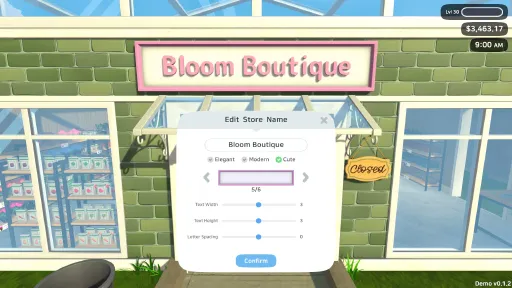
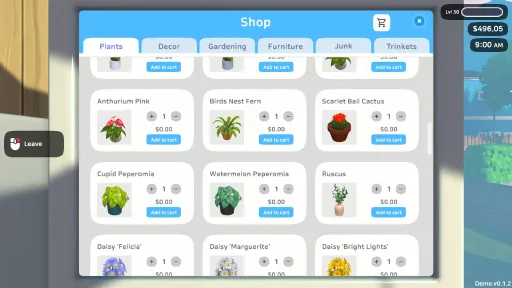
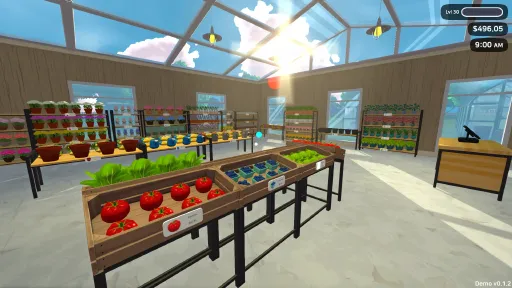
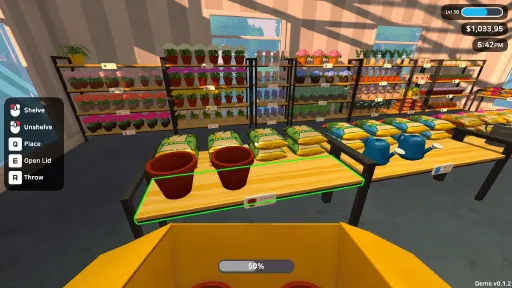
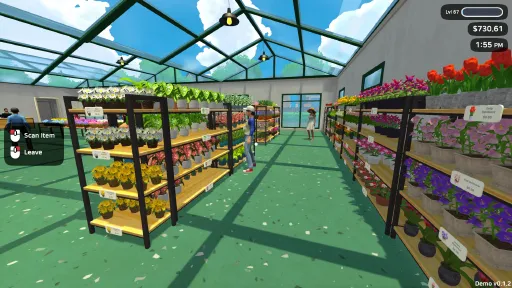
Run your own cozy plant shop! Order plants, seeds, tools, and decorations from your computer. Stock the shelves, set up displays, and keep your nursery looking its best for customers.

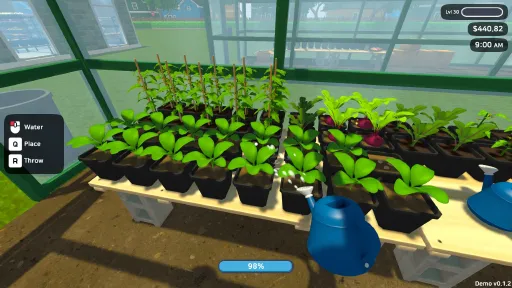
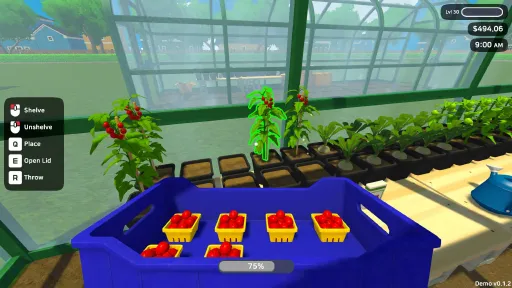
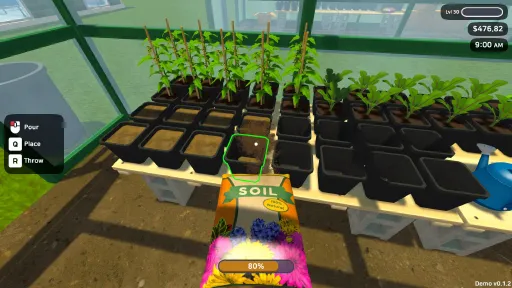
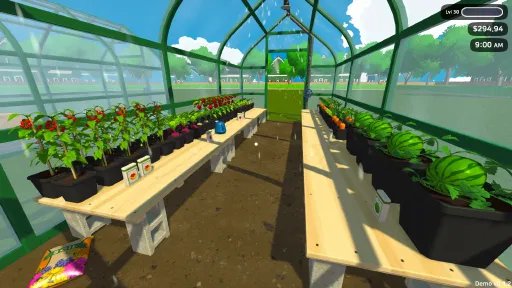
Take a break from the shop floor to get your hands dirty. Tend to your greenhouses, grow a wide variety of crops, and nurture your plants from seedlings to beautiful blooms.

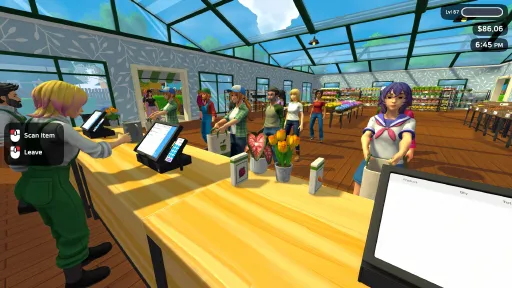
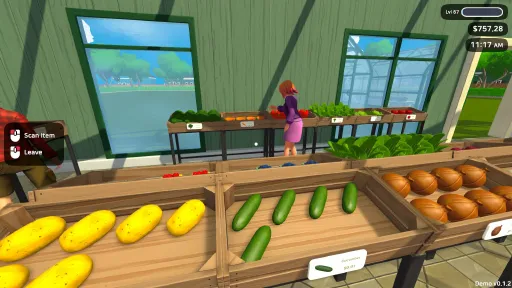
Help customers find the perfect plants and supplies. Work the register, manage rushes, and keep your customers happy to grow your profits.

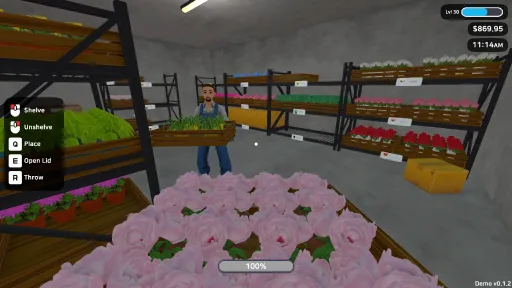
Reinvest your hard-earned money back into the business. Expand your shop, add new greenhouses and storage rooms, hire cashiers and stockers, and decorate to make your nursery truly your own. Unlock special trinkets that grant powerful bonuses as your business blossoms.
Screenshots
13 images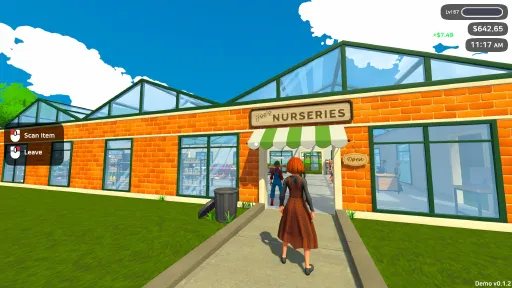
Version Information
Steam Patch Notes
Official update history
Changes:
Added toggles to control Florist behaviour:
Harvest Flowers toggle
Craft Bouquets toggle
Gardening items can now be returned to compatible boxes, including:
Watering cans
Soil bags
Fertilizer bags
Seed boxes
Flower bulb bags
Improvements
Added $0.25 of price tolerance when customers evaluate an item’s retail price, making it easier to use rounded prices.
Added a placement grid when positioning furniture.
The grid can be disabled in the settings.
Bug Fixes
Fixed an issue where Gardeners could not reach certain gardening benches placed near the corners or edges of the Large Greenhouse.
Patch Notes
Fixed an issue where customers could stop spawning if the tutorial or goals were hidden/skipped during the first-day onboarding flow.
Changed the tutorial skip option into a one-time skip action instead of a toggle.
Skipping the tutorial now properly marks it as skipped and resumes normal customer spawning.
Existing players should no longer get stuck with an open store but no customers because of tutorial visibility settings.
Graphics
To anyone dealing with invisible objects, I apologize for the inconvenience. I've been trying to track it down but still can't reproduce it on my end, which makes it tricky to fix.
In the meantime, I've added a potential workaround: a new GPU Resident Drawer toggle in the advanced graphics settings.
If you've been affected, give this a shot:
From the main menu, head to Settings → Graphics → Advanced, and try turning OFF "GPU Resident Drawer."
Then load into your game as normal.
Let me know if it helps or not. It'll really help me figure out what's going on. Thank you for your patience!
Invisible Object Bug (Investigation Update)
Some players reported rare cases where certain objects appeared invisible/missing. Although we were unable to reliably reproduce the issue, this update includes engine and rendering improvements that may help prevent it from happening in the future.
Engine & Graphics Improvements
Updated the Unity engine to the latest version for improved stability and rendering behavior.
Added new Advanced Graphics Settings to give players more control over GPU-side performance features.
New Advanced Graphics Options
Small Mesh Screen Percentage: Allows the GPU to skip drawing small meshes, reducing overdraw.
GPU Occlusion Culling: Enables GPU-accelerated occlusion testing to avoid rendering hidden objects and improve performance.
If you still run into any issues, feel free to reach out on the forums, join us on Discord, or email us directly at [email protected].
Changes:
Keybindings now allow overwriting conflicting bindings, enabling numpad and alphanumeric keys (previously reserved for the cash register) to be rebound freely.
Changes
Fixed key bindings for Tablet and Exit Day not registering
Fixed Guava seed boxes appearing invisible
Fixed modifier keys and mouse buttons not being detected in key binding settings
Fixes
Fixed incorrect key binding labels in settings: "Tablet" was showing as "Rotate Left" and "End Day" was showing as "Rotate Right"
Input prompts now properly display your custom key bindings
Adjusted LOD settings so plants and items won't disappear or show visual artifacts when you're standing somewhat close to them
Neem Oil and Lime Sulphur can now be clicked (added missing colliders)
Fixed Metal Trellis pricing
Fixed input prompts when holding the Gardening Book
- Fixed a security vulnerability in the Unity engine (CVE-2025-59489).
- Updated the game to the latest Unity version with official security patches.
- No gameplay changes, just keeping things safe and stable.
- Fixed an issue where Stockers could get stuck while refilling shelves.
- Fixed Gardeners getting stuck while harvesting plants.
- UI: toggle for disabling gardeners now displays the correct label.
- Corrected “All Stockers” text to “All Gardeners.”
- Bugfix: Gardener daily wage now deducts properly.
- Fixed translation for dolly.
- Resolved various errors and warnings for improved stability.
Current Release
Build 24191598
Uploaded Jul 20, 2026
Update already requested
Uploaders have been notified
A newer version is available but not yet uploaded
Help keep this updated
Login Required
You need to be logged in to request game updates. Would you like to go to the login page?
Request Update
Request an update for Plant Nursery Simulator? This will notify uploaders that this game has an available update.
Request Submitted
Your update request has been submitted successfully! Uploaders will be notified.
Request Failed
Failed to submit update request:
System Requirements
How to Install
PlantNurserySimulator.exe to play
Troubleshooting tips
• Run Redist/_CommonRedist installers if game won't start
• Add folder to Windows Defender exclusions
• Run as administrator
Download
Direct link available
Needed when extracting (WinRAR / 7-Zip) — not a site login.
You May Also Like
View All









Download Plant Nursery Simulator for PC with a direct link or via torrent. Get the full version of Plant Nursery Simulator for free. Plant Nursery Simulator is a Casual released by Robot Assembly.