








About the Game
Deleted Wiki: Clean Up the Lost Files is a cozy incremental sorting game. A vandal has wiped every item page from a 2007 fan wiki, and you're the new Moderator putting all 10,324 of them back, one drag at a time.
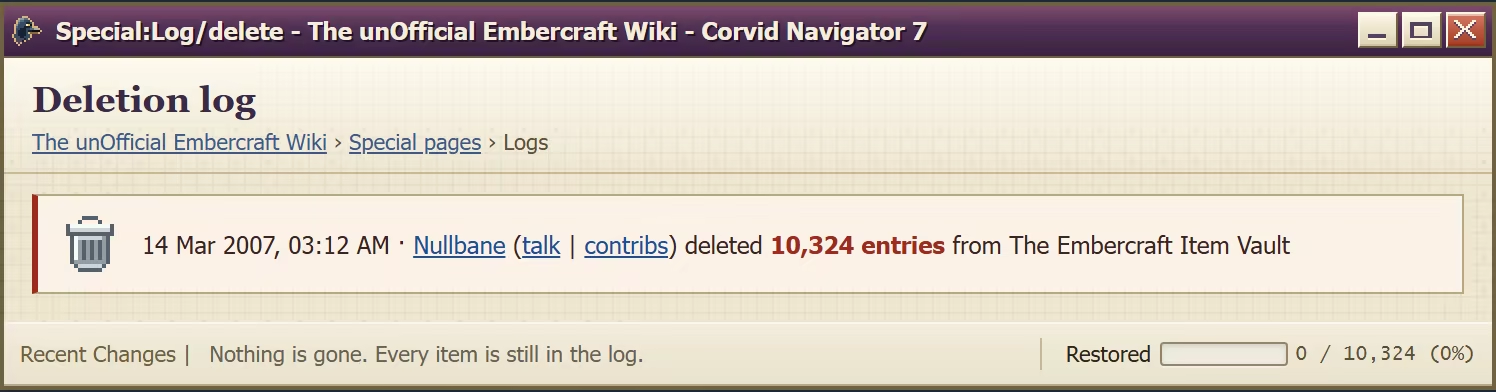
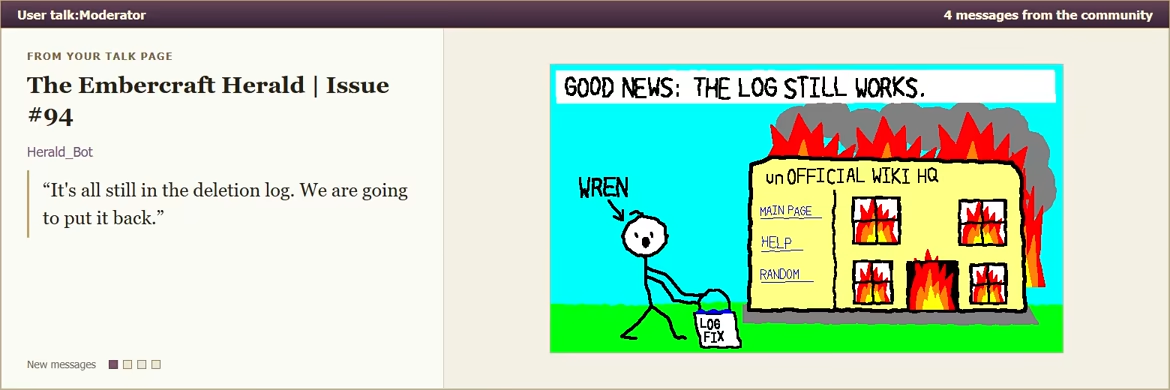
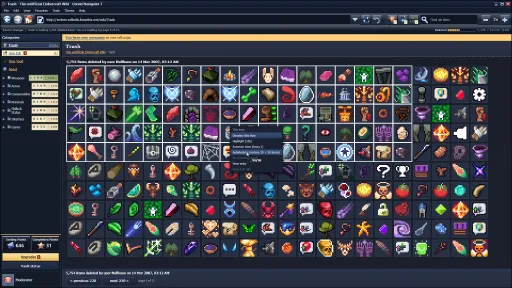
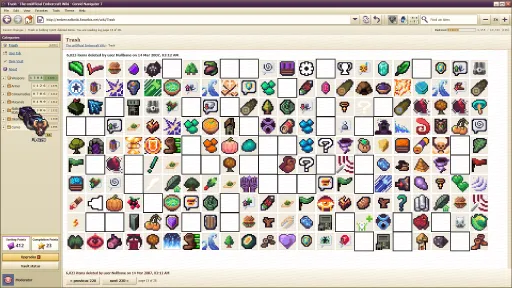
At 3:12 AM on 14 March 2007, a user called Nullbane emptied the Item Vault of The unOfficial Embercraft Wiki: two years of fan work cataloguing every item in the 2004 MMO Plains of Embercraft: Online. All 10,324 items, deleted in one pass.
Nothing is actually gone. Every item is still in the deletion log, waiting for someone patient enough to put them back.
That someone is you. Congratulations on the promotion! You are the wiki's new Moderator.



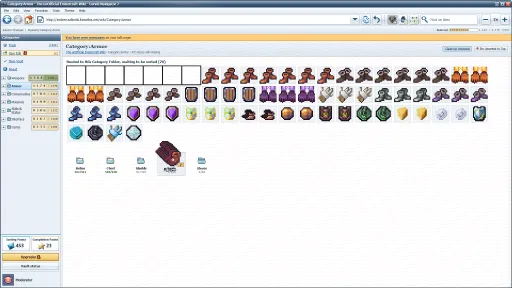
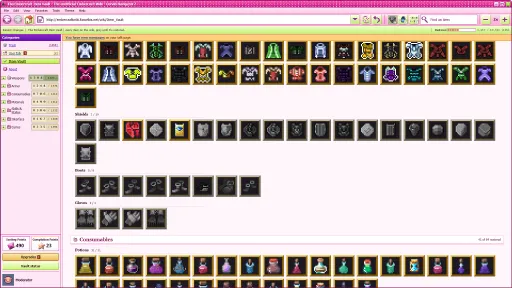
Drag items out of the Trash onto the seven Category folders: Weapons, Armor, Consumables, Materials, Skills & Status, Interface and Curios. Work out where each one belongs yourself, until scripts start showing you exactly where everything goes.

On each Category page, drag the unsorted pile into the right Sub-Category. Swords onto Swords, Debuffs onto Debuffs. Every item you sort earns Sorting Points.

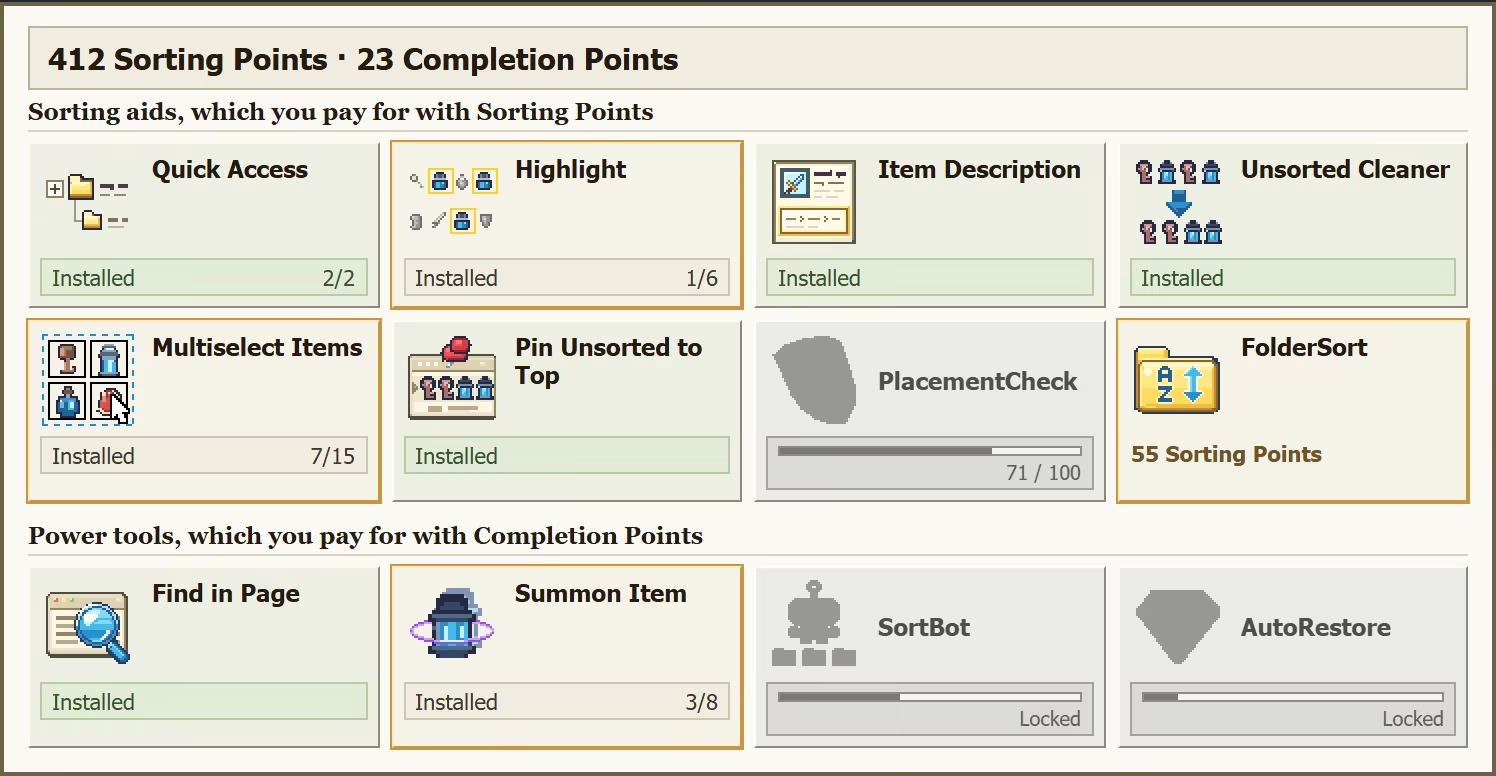
Open a Sub-Category and drop each item onto its exact row. Fill a whole row to earn a Completion Point, which buys the strongest scripts on the wiki.

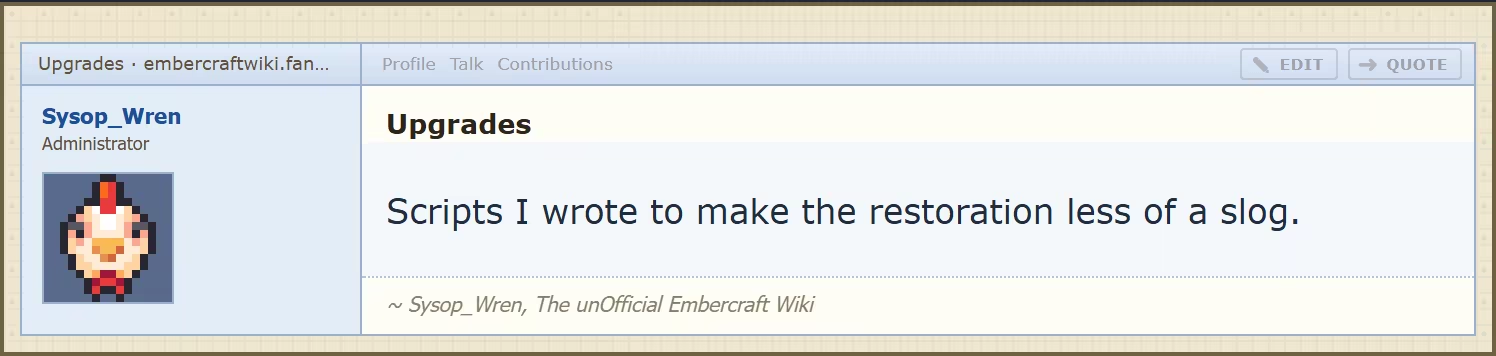
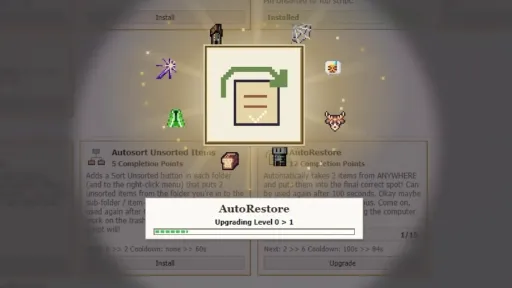
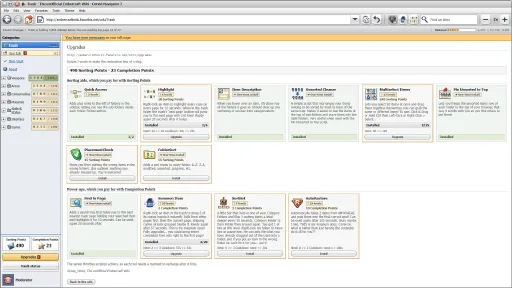
Wren runs the wiki and has no intention of sorting any of this himself. He writes userscripts instead. Spend your points on them to multiselect whole stacks, pull scattered copies together, and eventually hand the heavy lifting to SortBot and AutoRestore.
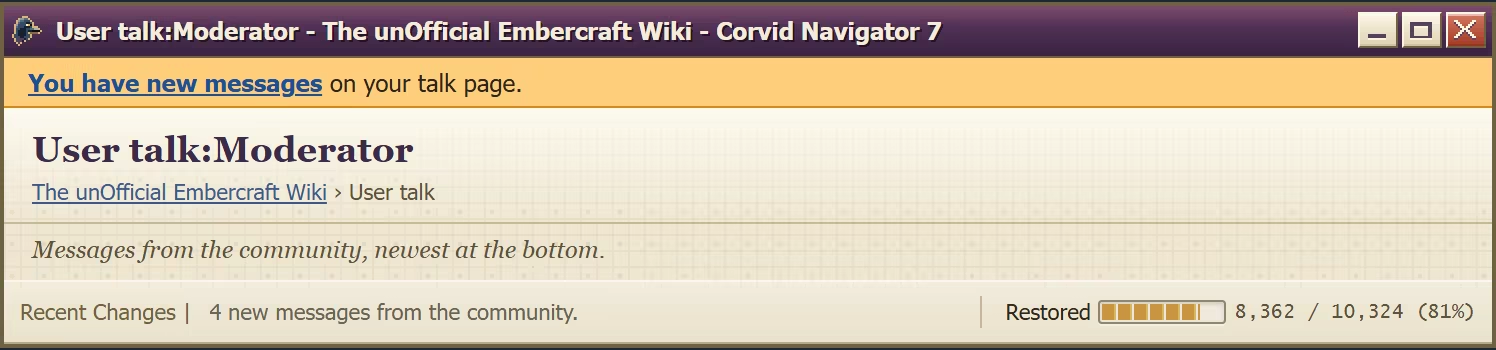
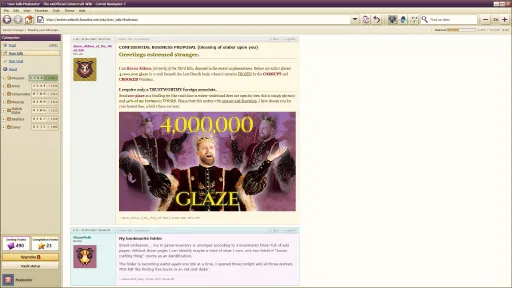
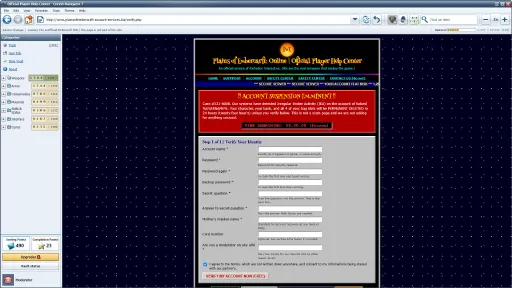
Keep an eye on your talk page: news from The Embercraft Herald, updates from Wren, guild drama you weren't invited to, extremely legitimate offers from extremely legitimate companies… and maybe some people you weren't expecting to hear from.
10,324 items to restore across 7 categories
12 userscripts to earn, from Multiselect to AutoRestore
3 challenge modes, and one secret mode
10 music tracks and 3 save profiles

10,324 items are waiting in the log, Moderator.
Screenshots
12 images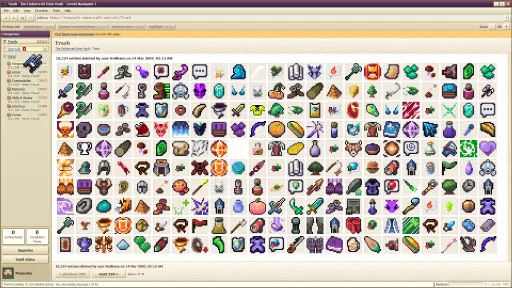
Version Information
Steam Patch Notes
Official update history
- Fewer stutters when Steam servers are slow/down. If Steam takes a long time to answer, the game now backs off its background Steam traffic for a minute instead of asking again 30 times a second. Achievements, stats and Cloud saves still go through right away of course.
- Talk page achievements now catch up. When you sign in, the game rechecks the talk-page messages you've already read in Casual and Nullbane, so the read everything achievements can unlock without replaying. If Steam wasn't ready when you started, your achievements now should sync once it is.
- Fixed Report Bug sometimes refusing to send if you cancelled it and opened it again really quickly.
- If something goes wrong starting a run, the error now shows on the menu instead of hiding behind the game's main menu scene. Also made saving a little sturdier.
- Still getting a freeze on New Game? Send a Report Bug from this version right after it happens. It now records much more about where it got stuck.
Thanks for all the reports as usual.
P.S. New Steam Community items are coming soon! Got some awesome profile stuff for you all.
- New: Report Bug Button! There's a bug button next to Exit on the main menu and the Esc menu. Pick what went wrong, describe it, tick the box, and it sends me your description plus the game's log and your PC basics (never your Steam name, Windows user name or saves). You also get a report ID you can quote on Discord or here in the Steam Discussions.
- Fixed the item grid sometimes not updating until you reopened the menu.
- Cursor drifting with a controller plugged in? Right-click Deleted Wiki in Steam > Properties > Controller > Disable Steam Input. I added some checks in the game as well to help catch this.
Thanks for all the reports!
Text size & Main Menu Themes
A few of you told me the text is just too small to read comfortably, so I added an experimental feature to resize it. There's a new Text size setting under Options > Display (it's there on the sign-in too, in the Settings cog menu). Many people also said the main menu would flashbang them since it didn't match their themes especially when using Night Shift.
- Normal is exactly what you have today. Larger makes every word in the game 25% bigger, and Largest 50% bigger.
- Fair warning like I said, it's new and the game was built around the small text, so some text may still overlap or wrap oddly at the bigger sizes. If you spot a place that breaks, a screenshot in the discussions helps a lot.
- Your picked web browser theme now carries over to the main menu! Who knew such power could exist??
- The settings menu now has an option to change your theme from there as well.
Less CPU while you sit idle
It turns out the game was still redrawing the whole item grid many times a second even when nothing on it was happening.
- The item grid now only redraws when something actually changes: a drag, a drop, a scroll, a page turn. I found out my last attempt to do this fix sort of worked but there were tons of instances where the game started redrawing constantly.
- Mac: the biggest drop is here, especially on 120 Hz screens like before, where an idle Trash page was using about a third of a processor core??? It now uses next to nothing, so you won't have such a rough battery life on Mac. On a side note coincidentally, and completely unrelated to overusing thousands of computer's resources, I'm mining a lot less Bitcoin than before, weird!
- Windows and Steam Deck: the Steam overlay keeps working while the game is idle. Shift+Tab, F12 screenshots and Steam notifications all now work while idle.
- Dragging and dropping should feel exactly the same as before but with no more misses or issues.
If the grid ever looks stuck or stops updating after this patch, please tell me in the discussions.
Steam Cloud saves
- Steam Cloud saves are now written in the background and grouped together, instead of once for every single change.
- Everything still goes to Steam Cloud when you switch away from the game, minimize it or quit out.
Also fixed
- Folder pages left a big blank gap after the "waiting to be filed" list at the top got shorter (for example after dragging a pile of items back to Trash). The Item Folders below it now move up to meet it, and they move down instead of being drawn over when the list grows a row.
- Dragging a big selection onto Trash (hundreds of items at once) could freeze the game for several seconds, and with Placement Check installed it then left red frames all over on empty spaces until you changed folders.
- Added stars beside the Leaderboard heading on the main menu, gave it a new font, and leaderboards are opened by default instead of needing to click the drop down arrow to see them.
Way too many people to thank this time for all the reports, but thank you everyone!! You all are the best!
Settings and controls
- Settings are now shared by every in-game account, and can be opened straight from the sign-in screen with the new Settings cog.
- Interface scale (from 1.0.2) now lives under Settings > Display, so the sign-in's separate Display button is gone.
- Every control can be remapped under Options > Controls: keys, mouse buttons and modifier clicks. Each row has Rebind, Reset and Clear, and there is a Reset all bindings button in case of emergen-keys... get it?
- Letter shortcuts follow the key printed on your keyboard, so Ctrl+Z and Ctrl+A work on AZERTY and QWERTZ layouts.
Drag and drop bug fixes
- Fixed: after clicking onto another monitor and coming back, a drop could fail and fly home or cause placement issues. Thanks to everyone in the "Drag and Drop Sorting Issue" thread, hopefully this helps!
- Throwing an item fast past the edge of the sidebar now lands it in the folder at that height, on one monitor or several. Dragging out of a normal-sized window still cancels the drop tough.
- Clicking another monitor no longer makes the deletion log reshuffle on occasion.
- If drops ever start to feel finicky after a long session, please tell me in that community discussion thread. I'm still looking into one report of that.
Launching and windows
- The game now opens straight into fullscreen, with no windowed flash first. This also should fix the Windows 10 reports where the game opened minimized and clicks went through it.
- Minimizing the game now pauses your run's clock, recharges and SortBots, sorta like a hidden browser tab. Clicking onto another monitor does not pause anything though.
- Mac: fullscreen (the green button and Ctrl+Cmd+F) stays consistent with your Options settings, and Ctrl+click opens the right-click menus on items and folders. Still working through some issues with multiselect keybinding on mac, so bear with me!
- The game uses less CPU while you are just sitting on a page. I, uh, sorta, kinda, messed up some stuff on mac and had the game's notification checker running 1 time per Hz refresh rate of your screen... So it doesn't do that any more!
Portal and wiki
- Challenges now have leaderboards on the main menu, with your own rank and time even if you are not on the first page.
- New Play statistics wording under Continue: items in the Trash, items and Categories restored, your restoration percentage and when you last played.
- The menu's bottom row (Switch Profile, Settings, Mute, Exit) got some better assigned seating so they don't move around on different display sizes.
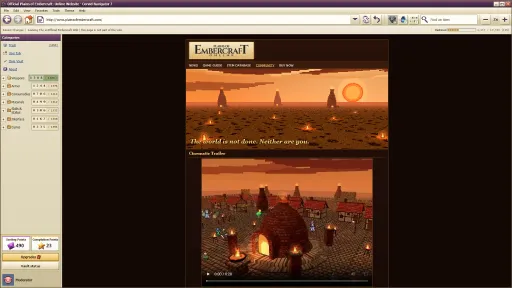
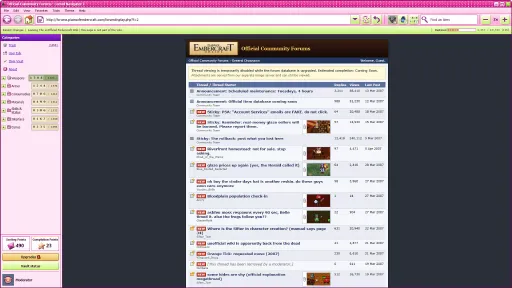
- New sidebar shortcut icons: About, Item Vault, the official POE game site, and the Forums. The Forums icon shows a badge when there are new posts.
- Pin Unsorted to Top and FolderSort switch on the moment you buy them now.
- Highlight, AutoRestore, Summon Item and Find in Page recharges now pause while the menu is open.
- SortBot got a rebalance to move bigger batches at higher levels: 4, 8, 12, 16, 20, 30 and finally 40 items. The little guy needed some love.
- The music rotates through every track without an immediate repeat, and opening the menu no longer restarts it.
- Some late-game pages were hard to read on the dark skins (Vandalised and Night Shift). They now have proper contrast.
New end credits
- The end credits now play after beating A̶̲͝ ̴̟̀L̵Ọ̷́C̶̼̏̅͜Ķ̶͔̍̃Ẻ̵͎̣̤͈́̑D̸̩̰̋ ̵̼̦̏̓̉̚M̴̲͈̈́̈́̿̍Ǫ̶̹͉͂͘D̴͇̣͇͇͂͘Ĕ̴̟̣̊̍ and are now something you play! It's a desktop of picture files where you file everyone who helped made the game, by dragging them to their correct folder. Don't worry, if you hate hard work and giving props to creators, there is a juicy ol' Skip credits button so you can stick it to the man! (the man being passionate indie developers who are, like, really cool.)
Behind the scenes
- The game now keeps a small diagnostics log and local crash reports on your computer, to help us chase down crashes you report. Nothing is uploaded automatically so there should be no concern that I would steal your delicious log data without asking or yoink it while you weren't looking. Windows: %APPDATA%\Deleted Wiki\logs. Mac: ~/Library/Application Support/Deleted Wiki/logs. If you would rather not have crash reports, add --no-crash-reporter to the game's launch options.
- An achievement that fails to reach Steam is now retried while you play, not only at the next launch.
Thanks for the reports from:
- Inari
- SirWalterCoins
- Caffeinated Kuro
- Prefight Donut
- angeleaps
- Steven_koffeeeeeee
Thank you all for such an incredible week of support and may the Kilnwrights watch over you Janitors!
- AutoRestore now earns Sorting Points for every item it files, the same as sorting by hand. Before, a run that used AutoRestore heavily could not afford every script, so Hackerman was impossible.
- Minor Edit now counts every item that leaves the deletion log, including items dropped straight onto a Sub-Folder or Item Folder and items filed by AutoRestore.
- One hidden achievement now unlocks even when AutoRestore files the item. If your save already has it filed, it unlocks the next time you boot up that save.
Big thanks to Volcano-Themed Bathroom and Lavender Mudd for the detailed report in the discussions that tracked these down!
4K screens: the game is no longer tiny
On a 4K screen the whole game was half the size it should be, my bad!
- The game now scales itself up on those screens automatically.
- New setting: Interface scale, under Options > Display. Leave it on Auto, or pick a size yourself from 100% up to 400% (only the sizes that fit your screen are offered).
- The same setting is also on the sign-in screen, behind a new Display button, so you can fix the size before you choose an account!
Achievement Rework: Recognized on Sight
This achievement was poorly described and didn't work as expected so I fixed it up.
The achievement's description now reads: "Fifty items in a row dragged to the right Sub-Folder or Item Folder without hovering to read one." And it should work how you think it should based off that description. If it doesn't.... maybe I'm just really bad at achievements :/
Also fixed
- The arrow button on dropdown menus (Sort this folder, and the dropdowns in Options) stuck out past the right edge of its box. I shoved the arrows back into the boxes through sheer force of will, no code needed.
Thanks to community members Eurypan & /^(flag)*$/gm for their feedback and helping me catch these!
Fixed
- Hovering an item showed its full folder path (Weapons › Swords › item name) even if you had not installed the Item Description script. The path is now hidden until you install it, as intended. If you already own Item Description, nothing should change for you. Sorry to anyone who got used to the free preview but you can no longer freeload from the Kilnwright's mistakes!
- Two typos in one of Wren's later talk-page messages.
AutoRestore explained like, way like more like, clearly and stuff
A lot of players thought AutoRestore only works on one item at a time, but it can work on multiple item types at a time. Clarified the wording on the upgrade page to make that more clear!
- AutoRestore can restore several different items in one use. Levels 1 to 5 raise how many copies it takes per item (up to 20). Levels 6 to 15 raise how many different items it takes per use (up to 20).
- To use it on several items: select them, right-click one of them, and choose AutoRestore. You need the Multiselect Items script to select more than one item, and its level caps how many you can select.
- The Upgrades page now shows all three numbers for every AutoRestore level: copies per item, different items per use, and cooldown.
- The right-click menu now shows how many items AutoRestore will take, and tells you when Multiselect Items is what is holding you back.
- Wren's talk-page message announcing AutoRestore now better describes what the script actually does.
If you spot anything else odd, tell us in the Steam discussions or on the discord. Thank you again!
Current Release
Build 25992989
Uploaded Oct 16, 2026
Update already requested
Uploaders have been notified
A newer version is available but not yet uploaded
Help keep this updated
Login Required
You need to be logged in to request game updates. Would you like to go to the login page?
Request Update
Request an update for Deleted Wiki: Clean Up the Lost Files? This will notify uploaders that this game has an available update.
Request Submitted
Your update request has been submitted successfully! Uploaders will be notified.
Request Failed
Failed to submit update request:
System Requirements
How to Install
Deleted Wiki.exe to play
Troubleshooting tips
• Run Redist/_CommonRedist installers if game won't start
• Add folder to Windows Defender exclusions
• Run as administrator
Download
Direct link available
Needed when extracting (WinRAR / 7-Zip) — not a site login.
9FF1A182
aa401b6acab02ede0132593d2be87295527435d28f6a9fcfcd71832be888e80e
You May Also Like
View All






Download Deleted Wiki: Clean Up the Lost Files for PC with a direct link or via torrent. Get the full version of Deleted Wiki: Clean Up the Lost Files for free. Deleted Wiki: Clean Up the Lost Files is a Casual released by Clique Games.