







About the Game
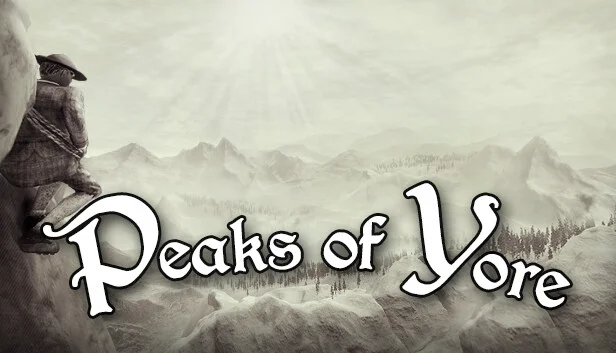
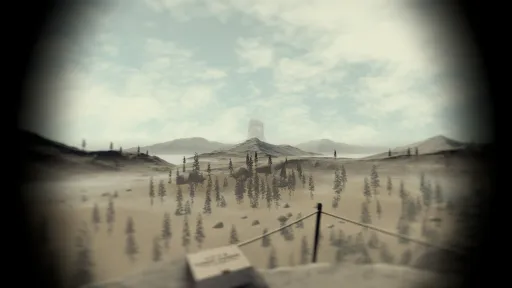
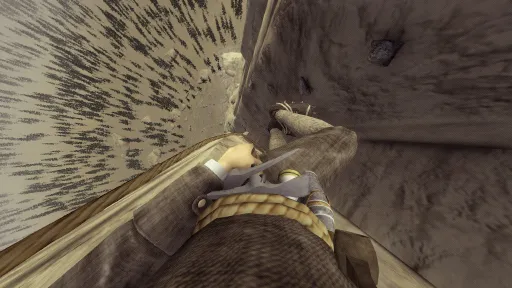
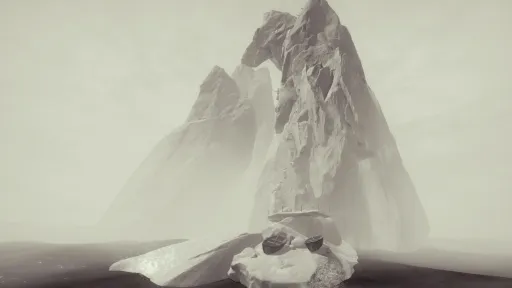
Peaks of Yore is a first-person physics-based "climb-em-up" adventure set in 1887.
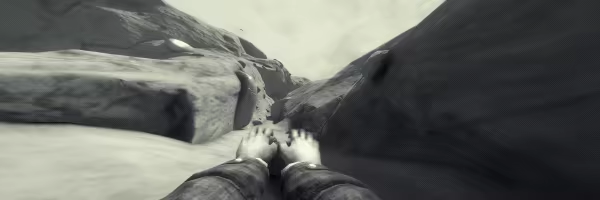
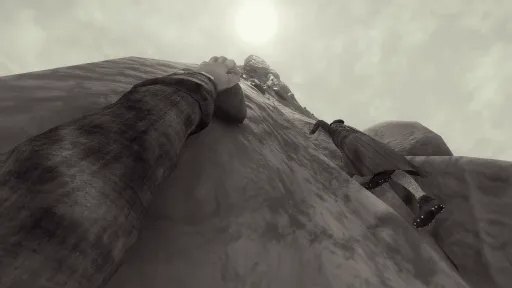
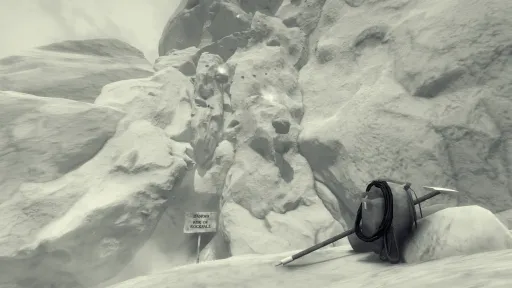
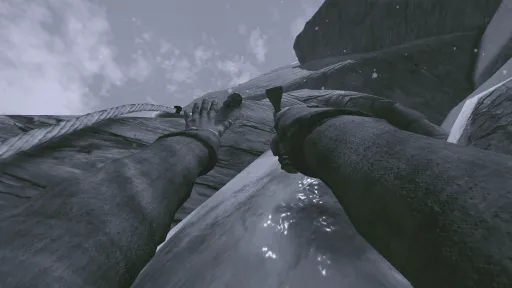
Steel your nerves and perfect your climbing skills as you ascend the rock wall, traverse difficult routes, and encounter many challenges and obstacles.
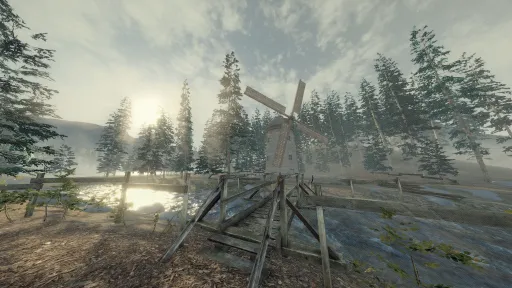
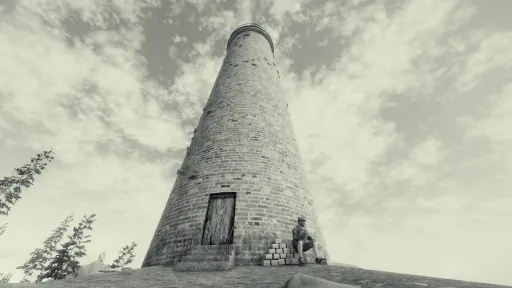
As you venture out, you will meet like-minded mountaineers and discover the serene and picturesque nature of The Great Gales.
The esteemed Official Ascension Society will be monitoring your progress and determine your potential for participation in further categories of mountaineering.
A Peak-bagging Adventure
Embark on an adventure to summit every boulder, peak, and mountain in The Great Gales.
Ascending the mountains will be treacherous. You will make many attempts, and you will fall many times. Small mistakes lead to greater falls.
Mountains are not fair or unfair, they are just dangerous.
Each peak presents a new challenge as well as new routes to discover.
Master every hold by trial and error. Not every hold is the same.
Unlock climbing gear to help you summit the most treacherous peaks.
Meet a charming cast of like-minded mountaineers.
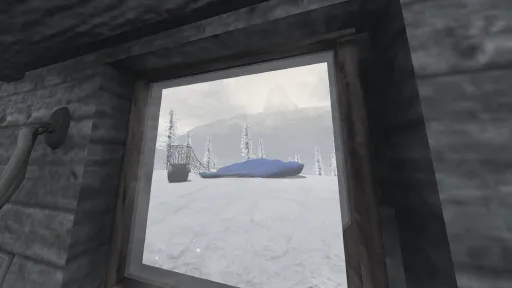
Find comfort in your cabin as your base of operations and fill it with trinkets found on your journey.
Enjoy the fresh mountain air and quietudes of the mountains, rendered in a picturesque style harking back to the 19th century, or in a dash of color using the Colorful Mode.
Develop your skills as a budding mountaineer to be the first to conquer the unconquerable mountains.
Test your expertise in the unlockable modes You Fall You Die and Free Solo.
Create, Edit, and Play Custom Levels through the Peak Level Editor, with full Steam Workshop support.
Hours of palm-sweat inducing content.
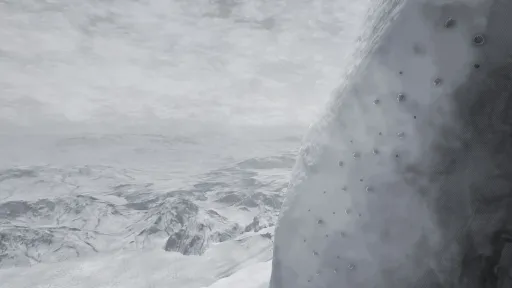
Screenshots
17 images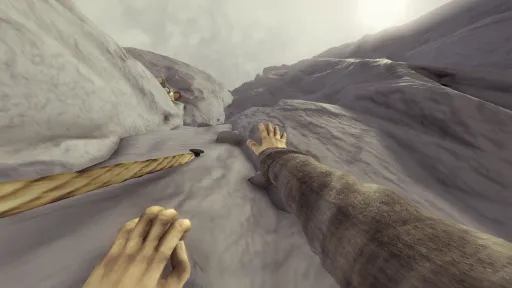
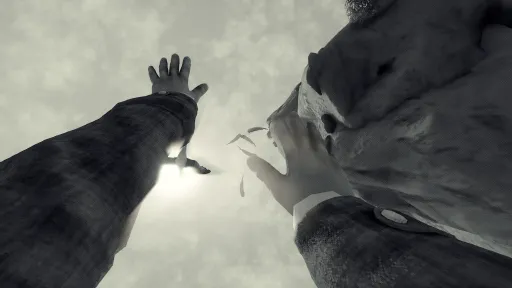
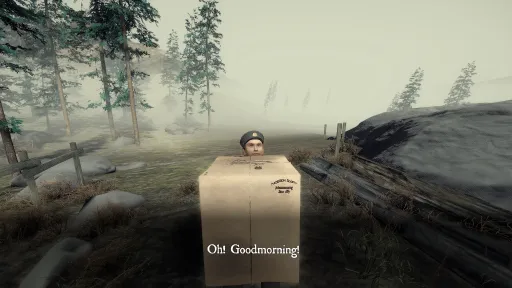
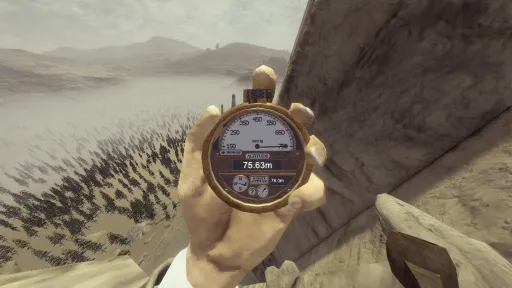
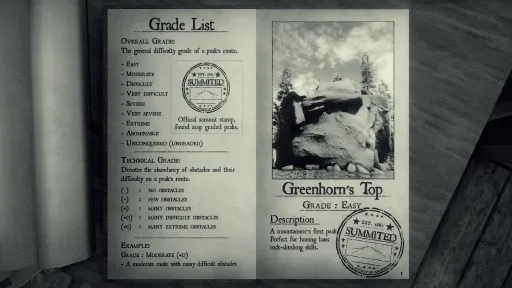
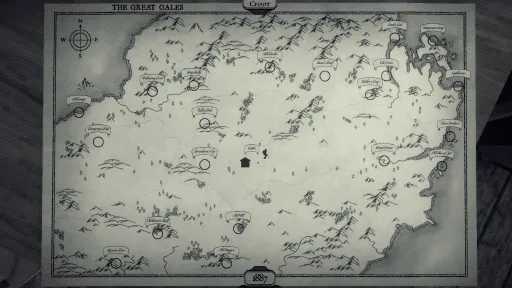
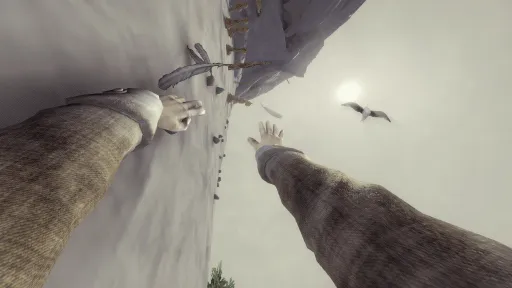
Version Information
Steam Patch Notes
Official update history
Updates
Added Force Zones. You can set these to push the player when entering the zone once, or constantly while they're in the zone. For things like jump pads and whatnot, you're best off enabling the Reset Velocity toggle, so the Force Zone won't have to work against your existing velocity. You can find Force Zones under Tools > World.
Added Invincibility Zones. When the player is inside this zone, they cannot be knocked out / fall to death. Can be found under Tools > World.
Added Opaque water. You'll find these under Environment > Water.
Ice Climbables can now be set as slippery friction type.
The Art Contest Painting will now show previous artworks. You can cycle through them with Left and Right when interacting with the painting. Also added the Art Contest painting to the Workshop Outpost.
Bugfixes
Fixed an issue with some runtime objects not getting culled by the Distance Activator in custom levels.
Fixed some bugs with Summit Stamps in a custom level and showing the correct stamps.
Fixed a bug with Collectible Removal Zones visible in the peak page camera.
Fixed some UI input field where it wouldn't automatically set decimal values if you started with a full-stop.
Fixed a bug with Climbable Ledges (for real this time).
Fixed a camera position issue when switching between Quick Playtest mode at large distances.
Fixed a bug with the Lantern not enabling and having collision while used as a tool pickup.
Fixed some issues with the Object Friction toggle not applying to Duplicates.
Fixed some issues with visible UI and certain Zones in the Peak Page Camera.
2.1.2a Hotfix
Fixed some Input Field issues.
2.1.2b Hotfix
Reversion of some input changes.
Updates
Added a Duplicate Offsets options to the Grid Snap menu to offset duplicated objects in X, Y, and Z, based on either Camera Relative or World Relative space.
In Grid Snap options, Scale will now use the defined value as scale increments.
The Pocket Watch will now always show the prompt "interact to use" when open.
Toggling Keep Placing Objects will no longer auto-deselect objects when toggled.
Bugfixes
Fixed a bug where you would get locked out of saving if you deselected while transforming an object.
Fixed a bug with Individual Transformations and navigating them using Tab.
Fixed a bug with reach force not adding proper force until after being grounded atleast once. - Thanks Kaden!
Fixed a bug with Climbable Ledges.
Fixed a bug with the Lantern.
Fixed a bug where the Top Texture of a material wouldn't set properly.
Fixed a bug with Hex color input not applying to selected objects.
Fixed a bug where you could enter the Browse and Edit peaks while holding a Compendium.
Other minor fixes.
Update to Hotkeys
You now have the option to toggle the Keep Placing Objects feature, which replaces Keep Selection (Single/Multi)
With this On, you'll place objects as normal where it keeps the button selected after you place an object.
With it Off, you'll place an object and immediately select it as well as clearing the button.
You can hold Shift to keep the selection of placed objects, regardless of this toggle.
Keep Placing Objects is toggleable with Tab by default. If it doesn't work, you might need to check your Editor Keybinding.
Removed Keep Selection (Single) and (Multi) since this new update streamlines their original purpose.
There was an issue where the Snap, Align Rotation, and Random Rotation conflicted with the hotkeys for the base game, so the defaults for these have been changed to the defaults found below. If Snap, Align Rotation, and Random Rotation do not match the hotkeys below in your Level Editor Keybindings, please restore them to avoid binding conflicts.
Snap : V
Align Rotation : Shift + R
Random Rotation : Alt + R
Bugfixes
Made the Workshop Outpost's workbench triggerable from the entrance.
Made the Rope, Chalk, and Coffee tool tips refresh when used in quick succession.
Fixed a bug with the body rotating incorrectly in Full Playtest mode.
Fixed a bug where undoing objects and switching between quick play mode and editor would re-enable them.
Fixed a bug with the player camera rotation in Quick Playtest.
Fixxed a bug with the Route showing up in quick playtest.
Fixed a bug with Wind, Snow, and Rain not being saved and loaded properly.
Fixed a bug with Lightning triggers not working.
Fixed a bug causing a hardlock when switching between Quick Play mode and Editor mode if falling to death was triggered.
Fixed a bug when picking up Ice Axes in quick play test.
Fixed a bug with the Smoking Pipe particle.
Fixed a few bugs with Cruxes.
Fixed a host of issues in general with climbing tool collectibles in custom levels.
Fixed a bug with the camera focusing during inputs.
Fixed a few bugs with Crampons, 6pt / 10pt Crampon Collectibles and their Removal Zones.
Fixed a bug with the Generated Terrain as well as Terrain Templates not getting properly deleted.
Fixed a bug with the player being enabled when editing a level.
Fixed a bug with Falling Rock and Falling Ice not being properly deleted.
Fixed an issue with Time Attack when doing a "Full Playtest".
Fixed some bugs with the Pipe and Rope Collectibles.
Fixed some bugs with the Idols UI not updating.
Other minor fixes.
Hey peakbaggers ːporterHeyː
This patch brings some much needed fixes. In particular, this remedies the issue with levels overwriting certain physics objects and other special objects that would get wiped from custom levels.
There's also a few quality of life updates, so be sure to check out the patch below.
Updates
You can now keep selection on placed objects by toggling Keep Selection Single or Keep Selection Multi in the Tool Context Menu.
Single will keep the selection on the immmediately placed object, and Multi will keep the selection on every consecutively placed object. If you prefer the usual way of placement, just keep both of these disabled.
Fixed a bug with the Peak Page saving inconsistently with the rest of the editor. The Peak Page settings will require you to place an object before being able to save a page.
The Peak Page button will no longer be interactible unless everything required has been set up in a custom level.
Added options under Tools to disable and enable the Distance Activator, as well as set its values individually for Activate and Deactivate distances.
Added options to reset the Player Spawn, Summit Box.
Reverted the right-click to deselect for now. You can now press Alt+ D or the usual Escape to deselect.
New Hotkeys
NOTE: You might need to set these manually in the Peak Editor Keybindings. If you don't care about your keybindings being reset, you can just press "Restore Defaults".
Alpha 1 : Keep Selection (Single) - Immediately selects the object after placing.
Shift + Alpha 1 : Keep Selection (Multi) - Keep selection on consecutive placements selects the object after placing.
Alpha 2 : Toggle Snap
Alpha 3 : Toggle Align Rotation
Alpha 4 : Toggle Align Rotation
Alt + D : Deselect
You can find a list of these hotkeys in the Peak Editor Settings as well.
PSA about Mods
If you have any previous mods installed (not workshop items), please be aware that not all are compatible with the editor.
I'd suggest uninstalling any mods and verifying the file integrity afterwards to make sure mods aren't affecting the Peak Editor and Custom Levels in any way.
Major Bugfixes
Fixed a Major bug with physics objects and other misc objects getting deleted from Saved Levels due to Auto-Save overwriting editor objects as "non-existing" during Quick Playtest.
Other Bugfixes
Fixed a Time Attack issue where it would set a record regardless of the default values.
Fixed some Pocket Watch issues.
Fixed an issue with climbing tools and idols not restoring to their original state if they were removed by removal zones doing Quick Play test.
Fixed a bug with Ice Axes not getting removed properly in the Remove Ice Axe trigger zone.
Fixed a snapping and surface offset issue going beyond the offset limits.
Fixed a bug with not being able to rest on walls using crampons in custom levels.
Fixed a bug with idols not changing materials if in use in custom levels. (They will only change in Full Playtest mode)
Fixed a bug with the selection on hanging bodies.
Fixed a bug with the Large stalactite having context for the breakable ones when not supposed to.
Added a missing "Very Severe" grade to the Grade list for Peak Pages.
Fixed an issue with text alignment not being saved;
Other misc fixes.
Hey everyone, here's the second round of bugfixes for the Peak Editor.
Just wanna say it's super cool to see all your creative peaks popping up both on the Steam Workshop and the Discord server!
It's been really fun to try some of your peaks, so thanks for giving it a spin. And thanks for your patience as I iron out bugs as much as I can.
I will try to add some QOL in between, but for now I'm focusing on bugfixing.
Updates
- Added deselecting via Right Click.
- Fixed the Peak Editor Browsing UI so you can now scroll all local levels properly if they go beyond the UI elements.
- Updated the Flythrough Mode's acceleration scroll speed increments.
- Updated collision to be more accurate for primitive shapes.
- Time Attack Scores for holds and ropes can now both be set to 0.
- Updated the object loading system when playing a full level.
Bugfixes
- Fixed a bug with 1-handed volumes not working as intended.
- Fixed a bug with the crosshair not showing up.
- Fixed a bug with terrain texture scale and bump not being set properly.
- Fixed a bug with Extreme Crimps behaving like normal Crimps.
- Fixed a bug with Cracks moving towards the camera in snapping mode.
- Fixed a bug with not being able to set the time attack rope score to 0.
- Fixed one of the reset points on Seaside Tribune.
- Fixed a bug with Goats not loading in when playing in full playtest mode.
- Fixed a bug with the monocular vision persisting after exiting quick playtest mode.
- Fixed a few visual bugs with being able to see certain zones from the Peak Page camera.
- Other minor fixes.
This patch should hopefully sort out some of the bigger bugs from the initial release.
- Added a confirmation prompt when quitting without having saved.
- Fixed a bug with crampon jumping.
- Fixed some issues with being able to "Full Playtest" after changing terrains, color, and post processing without having saved first.
- Fixed some objects not enabling when switching their type through the context menu.
- Fixed a bug with not being able to summit downloaded peaks.
- Keybindings will be forced (once only) to restore to defaults to account for new Peak Editor keybindings. You'll likely have to set up your previous bindings as before if they deviated from the defaults. Keybindings will only reset upon opening the binding menu inside the editor.
- Fixed a bug with an object loader in playmode.
- Fixed a bug with Reset Triggers not working properly.
Be sure to update the game so these new changes will take effect! Happy peaking ːwalterSaluteː
Patch 1.9.7
Routing Flag Updates
- Can now be placed without needing to grab a hold first.
- Can now be placed up to 50 metres away.
- Coffee can be instantly used when sitting on the routing flag.
Bugfixes
- Fixed some UI issues with the OAS Artist painting. Should properly show the author and artwork name now.
- Fixed a bug with the routing flag not resetting certain values.
- Fixed an issue with rope scores being gray rather than black on peaks with restricted rope usage.
- Other minor fixes.
Patch 1.9.7a
Routing Flag
- You can now place and move to a routing flag while still attached to the routing flag.
Bugfixes
- Fixed an issue where the routing flag could be placed through boundaries.
- Fixed an issue with rope scores not overwriting when setting a record.
- Fixed an issue with routing flag player collision.
- Fixed a visual issue with the OAS Artist painting in the Great Gales Cabin
Patch 1.9.6
Bivouac Updates
- Added Bivouac support for Towering Vísir, Eldris Wall, and Mount Mhòrgorm.
Time Attack Updates
The Pocket Watch will now display the Time Attack Record on the current peak. The score for time, holds, and ropes will be displayed above the pocket watch when it's pulled out.
While Pocket Watch is pulled out, these new features can be toggled:
- Press "Right Click / Right Trigger" to toggle the display of records next to the timer.
- Press "Left Click / Left Trigger" to toggle preventing the scoreboard from being pulled out at the summit if you don't beat any records.
- Press "Interact" to enable or disable Time Attack.
- The Hotkey for the Pocket Watch now only brings it up or puts it away, rather than enabling or disabling Time Attack itself.
Bugfixes
- The rope score will no longer make a "record" sound and effect when it was already 0.
- Adjusted the volumes of the time attack sounds a bit.
- Fixed some stat-related file corruption issues. Stats will automatically be re-created if the file is corrupted.
- Fixed an animation with the legs when setting a time attack score.
- Fixed a bug where the Scoreboard would be visible in the Alpinist's Cabin when the Pocket watch was not unlocked.
- Fixed a bug were completing time attack trials in the DLC didn't reward medals.
Patch 1.9.6a Hotfix
- Fixed a bug with some records not showing up.
- Fixed an issue with toggling Pocket Watch features while inside the menu.
Patch 1.9.6b Hotfix
- Fixed some bugs relating to time attack features implemented Patch 1.9.6.
- Fixed some bugs related to pins.
- Fixed some UI issues.
- Updated the default rope score for Castle of the Swan King and Almáttr Dam.
- Fixed some Time Attack issues from the previous patch which was since reverted. If you had an achievement unlocked erroneously related to Time Attack trials, the progress for it will unfortunately be stored in your save data. Sorry for the inconvenience.
- Adjusted the boundary collision on Cromlech.
- Fixed a bug with the pipe being visible when interacting with the painting in the Great Gales cabin.
- Revised the way peak summit calculation was done on stats, so it should more accurately add them all together to display the Totals.
- Improved the grabbable collision on Cracks a bit.
Updates
- Routing flag will now replenish grip gauge and stamina once you move to the flag.
- Added a painting in the Great Gales Cabin to support contest art.
- Shrubbery can now be removed with ice axes.
- Updated Stougr Boulder, Cromlech, and Sundered Sons in order to fix some large skips along with some minor hold position tweaks.
Bugfixes
- Fixed a major bug with Coffee only giving "coffee high" for 2 seconds rather than 9.
- Fixed a bug in the Alpinist's Cabin where the Safety Harness wouldn't show up on the body.
- Fixed a bug with Coffee only lasting 2 seconds. Also fixed a few edge cases with it not being applied to Volumes.
- Added additional checks to prevent glitches with falling to your death while grounded after movement at high speeds.
- Fixed a bug with the out of bounds reset point on Grainne Spire.
- Fixed a bug with sea birds flying off in a direction when disturbed while using ice axes.
- Other minor bugfixes.
Patch 1.9.5a Hotfix
- Reverted animation speed increase on coffee.
- Fixed a routing flag collision issue.
Patch 1.9.5b
- Adjusted the boundary collision on Cromlech.
- Fixed a bug with the pipe being visible when interacting with the painting in the Great Gales cabin.
- Fixed some bugs related to storing time attack scores and stats.
- Revised the way peak summit calculation was done on stats, so it should more accurately add them all together to display the Totals.
- Improved the grabbable collision on Cracks a bit.
Reverted the build back to 1.9.5a due to some major time attack issues.
Patch 1.9.4
Updates
- Added 2 new cruxes to Mara's Arch.
- Few route tweaks and improvements on Tutor's Tower, Seaside Tribune, Mara's Arch, and Castle of the Swan King.
- Removed the downwards force pull from the roof on Castle of the Swan King and the path crossing the roof a bit more obvious.
- Idol of Cruelty and Idol of Feathers can no longer be used at the same time.
- Free Solo stamps are no longer awarded if Idol of Feathers is in use.
- Nerfed a glitch with the Idol of Feathers where you could fly infinitely by tapping "Pull Up" as the bird was flying upwards. You can still do this, but for a shorter duration depending on how much you pulled yourself up.
Bugfixes
- Fixed a bug where you wouldn't fall to your death when walking or jumping off from high places.
Patch 1.9.4a Hotfix
- Fixed a bug where you could fall to your death while grounded.
- Sound effect fix on Castle of the Swan King.
- Fixed some boundary collision issues on maps in The Great Gales.
Current Release
Not available
System Requirements
How to Install
Peaks of Yore.exe to play
Troubleshooting tips
• Run Redist/_CommonRedist installers if game won't start
• Add folder to Windows Defender exclusions
• Run as administrator
Download
Direct link available
Needed when extracting (WinRAR / 7-Zip) — not a site login.
You May Also Like
View All








Download Peaks of Yore for PC with a direct link or via torrent. Get the full version of Peaks of Yore for free. Peaks of Yore is a Action released by Anders Grube Jensen.