







About the Game
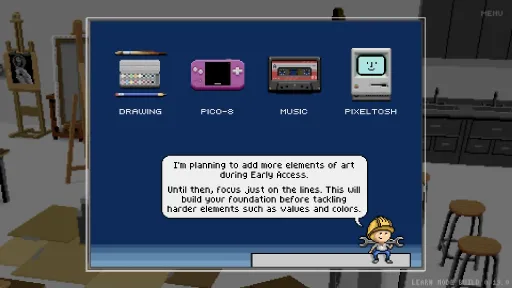
Please note that during Early Access the game does not cover all areas of art yet!
The game's content is organized around the 7 elements of art: line, shape, form, space, value, color, and texture. The current version only covers lines with about 2–3 hours of gameplay for a minimal playthrough (more if you complete all the challenges and put extra effort into game projects). The other 6 elements are planned to be developed during Early Access.
Features
- An immersive user interface with a cozy, relaxing atmosphere.
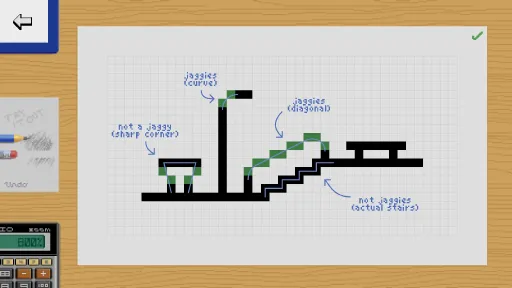
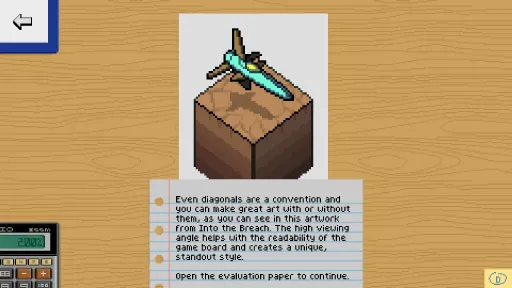
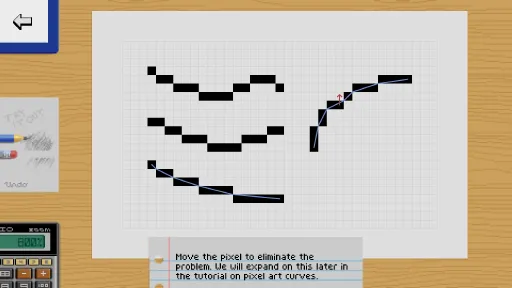
- Carefully designed interactive tutorials teach how to use drawing tools, followed by intermediate lessons covering pixel art fundamentals with a focus on line art and jaggies.
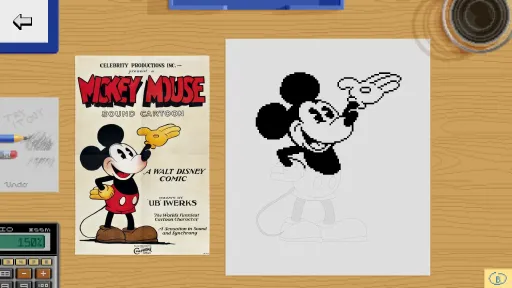
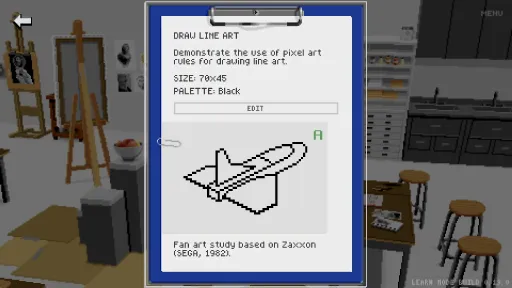
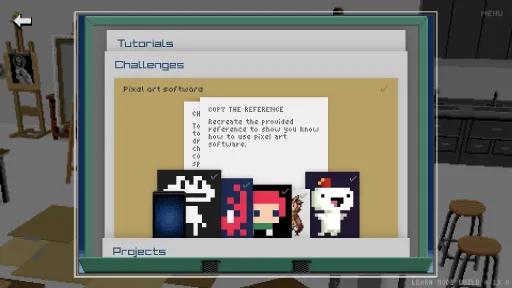
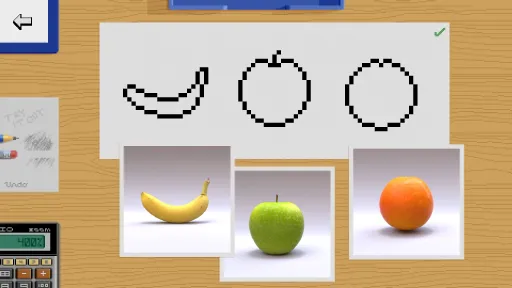
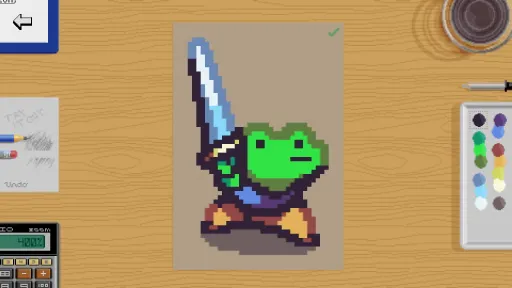
- Put theory into practice with drawing challenges where you copy other indie game sprites or draw fan art from reference.
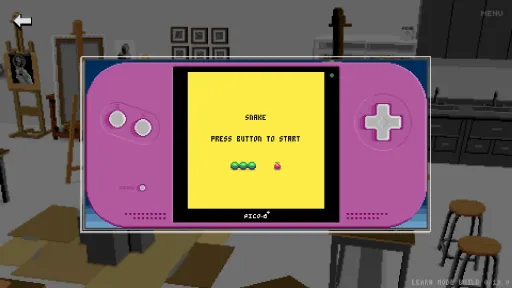
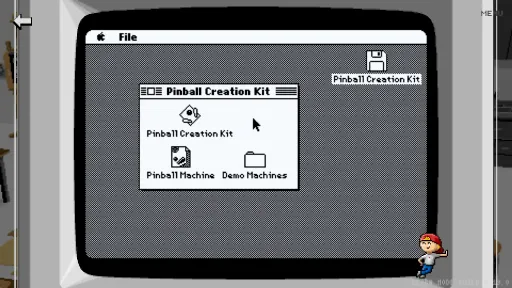
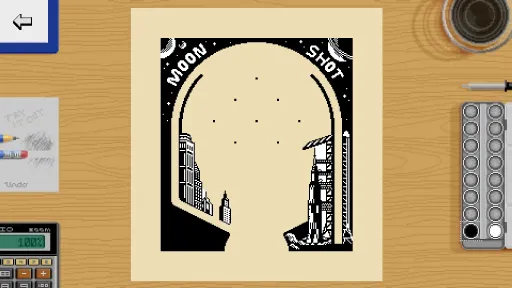
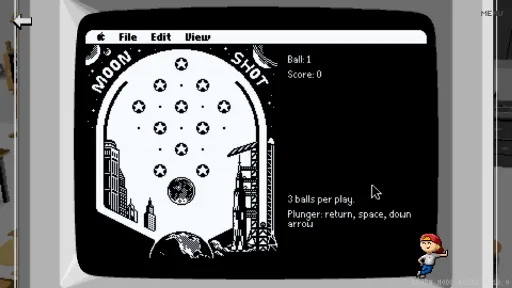
- Design video game sprites as you customize the game Snake and create your very own pinball machine. Of course, you get to play the games as well!
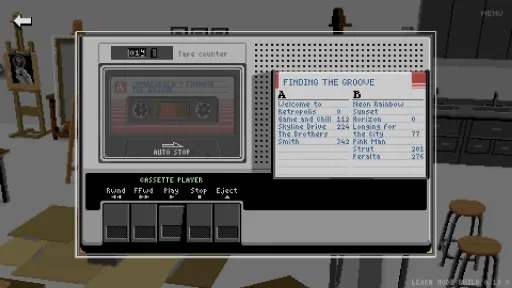
- Get in the groove with more than 6 hours of background music to accompany your drawing sessions.
Future development
Please keep in mind that the game is designed, drawn, and coded by a single person—me! I also have to run the business side of things, do marketing, and organize collaborations with other artists, all of which take time. Expect slow, but steady progress. I have been working on the bigger Pixel Art Academy universe for 9 years now and I don't intend to stop any time soon.I also keep a completely transparent development process. Visit my YouTube channel for frequent devlogs or catch me anywhere on the internet to chat about current progress.
Screenshots
15 images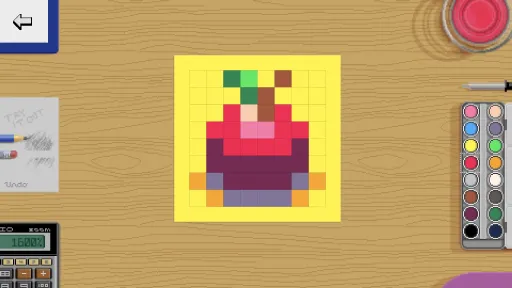
Version Information
Steam Patch Notes
Official update history
I've changed the logic now a bit so that the analysis always computes in the background and it only shows after you first open the paper (so it doesn't distract you when you're initially drawing).
There was a bug in the latest update where the to-do tasks would stop writing out on a new playthrough, so I fixed it.
I also added a list of active goals at the bottom-left of the Study Plan to show which goals are currently being displayed in the Drawing app. When you click on the name of a goal, you also get a window explaining that you can check/uncheck the completed status of a goal to hide/reactivate it.
Additionally, a list of gained interests shows which requirements you already completed so far.
I also noticed while debugging this that the Invasion project unlocked too soon (when you finished the Shape tutorial). I fixed it so it correctly unlocks after the Shape language tutorial.
Otherwise, I'm in the middle of improving the Pinball project, which will be coming in the next content update.
Cheers!
—Retro
Version 0.23 (restart Steam to get the update) brings:
- Better tablet support.
- Right-click erases pixels.
- Brush size shortcuts are now +/- (like Aseprite).
- Change brush size with ctrl + mouse scroll.
- Loading percentage indicator (if loading takes more than a few seconds).
As always, report any bugs in the Steam discussions or on my Discord. Pixel Art Academy is a daunting piece of software to test thoroughly on my own, so I really appreciate your help (and patience) with any bugs that pop up during Early Access.
Cheers!
—Retro
Current Release
Build 24291097
Uploaded Jul 21, 2026
Update already requested
Uploaders have been notified
A newer version is available but not yet uploaded
Help keep this updated
Login Required
You need to be logged in to request game updates. Would you like to go to the login page?
Request Update
Request an update for Pixel Art Academy: Learn Mode? This will notify uploaders that this game has an available update.
Request Submitted
Your update request has been submitted successfully! Uploaders will be notified.
Request Failed
Failed to submit update request:
System Requirements
How to Install
Pixel Art Academy Learn Mode.exe to play
Troubleshooting tips
• Run Redist/_CommonRedist installers if game won't start
• Add folder to Windows Defender exclusions
• Run as administrator
Download
Direct link available
Needed when extracting (WinRAR / 7-Zip) — not a site login.
7F7D490F
0ee0d8cda805be472ed77510b8dfa238d0f919cecc3466e6b05d69f7cc1bbad5
You May Also Like
View All




Download Pixel Art Academy: Learn Mode for PC with a direct link or via torrent. Get the full version of Pixel Art Academy: Learn Mode for free. Pixel Art Academy: Learn Mode is a Simulation released by Matej 'Retro' Jan.